
Best Gaming Desk Accessories
The gear that finishes a gaming desk: a full-desk mat, a monitor light bar, a headset stand, a dual monitor arm, and a keyboard wrist rest.
5 picks · Published
Top picks at a glance
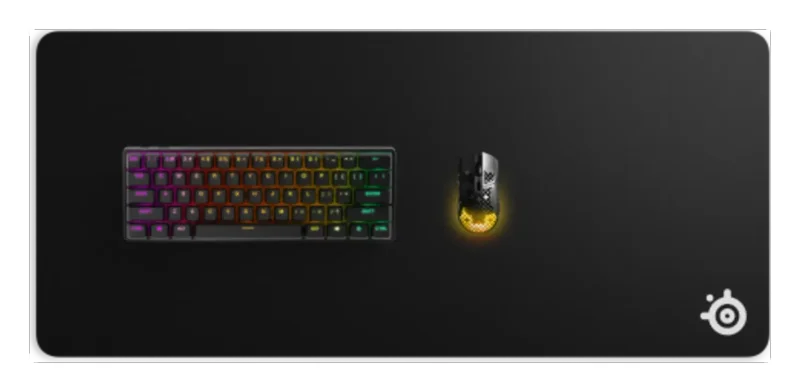
SteelSeries QcK XXL Mouse Pad
Check pricefor SteelSeries QcK XXL Mouse Pad (opens in a new tab)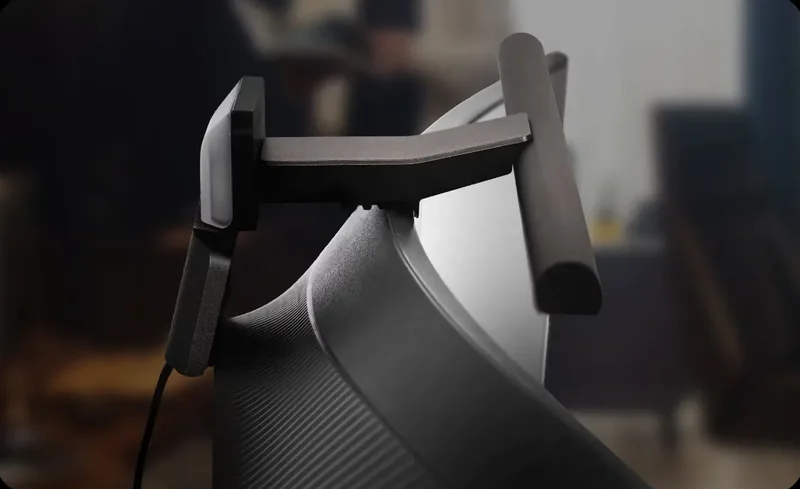
BenQ ScreenBar Halo 2 Monitor Light
Check pricefor BenQ ScreenBar Halo 2 Monitor Light (opens in a new tab)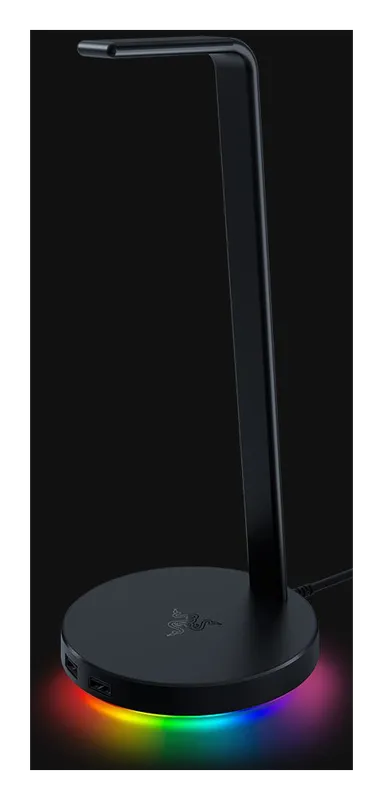
Razer Base Station V2 Chroma Headset Stand
Check pricefor Razer Base Station V2 Chroma Headset Stand (opens in a new tab)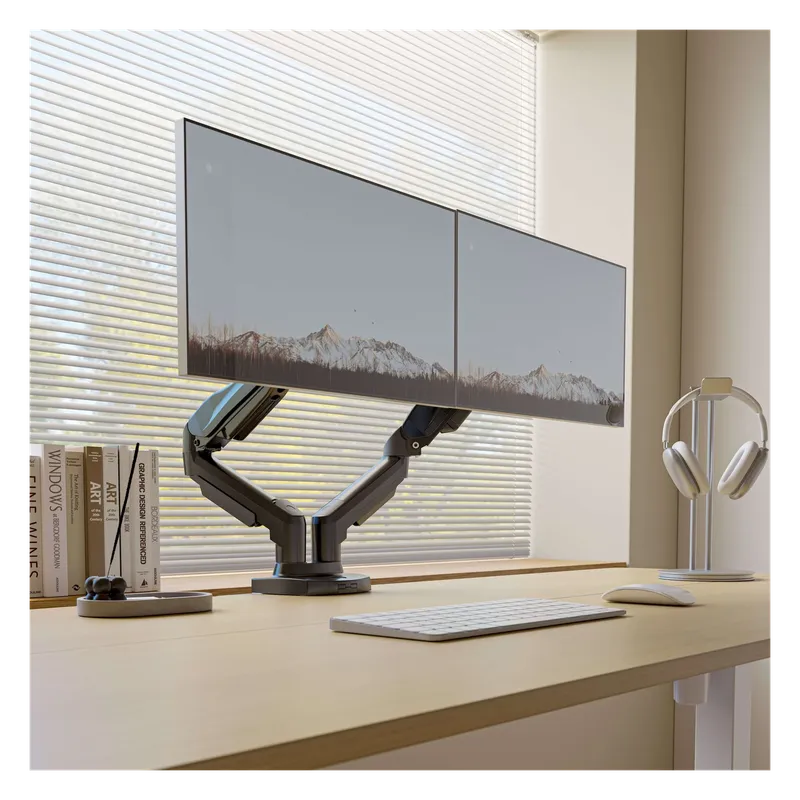
HUANUO Dual Monitor Arm
Check pricefor HUANUO Dual Monitor Arm (opens in a new tab)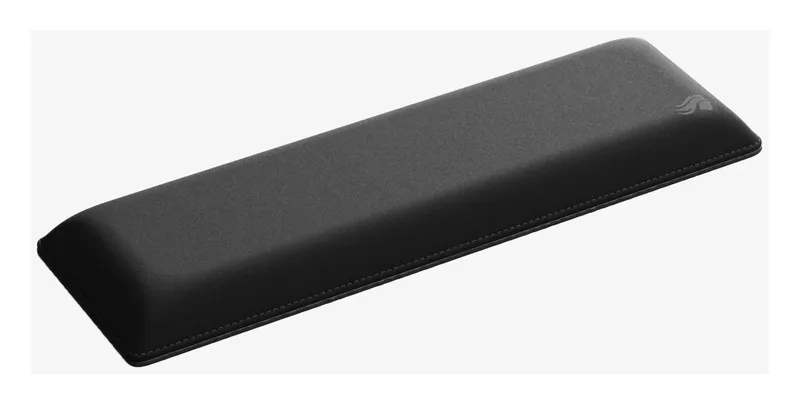
Glorious Keyboard Wrist Rest
Check pricefor Glorious Keyboard Wrist Rest (opens in a new tab)Compare specs
| Product | #1SteelSeries QcK XXL Mouse PadBest desk mat | #2BenQ ScreenBar Halo 2 Monitor LightBest desk light | #3Razer Base Station V2 Chroma Headset StandBest headset stand | #4HUANUO Dual Monitor ArmBest dual monitor arm | #5Glorious Keyboard Wrist RestBest wrist rest |
|---|---|---|---|---|---|
| Price | $ | $$$ | $$ | $$ | $ |
| Type | Desk mat | Monitor light bar | Headset stand | Monitor arm | Wrist rest |
| Best for | Full-desk coverage | Late-night gaming and work | RGB setups needing extra USB ports | Dual-monitor setups | Long typing and gaming sessions |
| Buy | Check pricefor SteelSeries QcK XXL Mouse Pad (opens in a new tab) | Check pricefor BenQ ScreenBar Halo 2 Monitor Light (opens in a new tab) | Check pricefor Razer Base Station V2 Chroma Headset Stand (opens in a new tab) | Check pricefor HUANUO Dual Monitor Arm (opens in a new tab) | Check pricefor Glorious Keyboard Wrist Rest (opens in a new tab) |
The picks in detail
SteelSeriesSteelSeries QcK XXL Mouse Pad
A full-desk 900 x 400 mm cloth mat that fits your keyboard and mouse, with the smooth QcK surface pros have used for years.
Pros
- Covers keyboard and mouse
- Smooth, consistent cloth surface
- Washable, non-slip rubber base
Cons
- Plain black design
- Thin 2 mm cushion
- Type
- Desk mat
- Best for
- Full-desk coverage
BenQBenQ ScreenBar Halo 2 Monitor Light
A light bar that sits on top of your monitor and lights the desk without glare on the screen, with a wireless dial.
Pros
- No screen glare
- Saves desk space
- Ambient backlight reduces eye strain at night
Cons
- Expensive for a lamp
- Type
- Monitor light bar
- Best for
- Late-night gaming and work
RazerRazer Base Station V2 Chroma Headset Stand
A headset stand with RGB lighting and built-in USB hub so your headset has a home and your desk gains ports.
Pros
- USB hub built in
- RGB matches Razer setups
- Stable base
Cons
- Pricier than plain stands
- Type
- Headset stand
- Best for
- RGB setups needing extra USB ports
HUANUOHUANUO Dual Monitor Arm
A gas-spring dual monitor arm that clamps to the desk, frees up the space under your screens and lets you position them anywhere.
Pros
- Frees desk space
- Easy height and angle changes
- Clamp or grommet mount
Cons
- Check your monitors are VESA compatible
- Tension needs setting up
- Type
- Monitor arm
- Best for
- Dual-monitor setups
GloriousGlorious Keyboard Wrist Rest
A soft, stitched-edge wrist rest that supports your wrists during long sessions.
Pros
- Comfortable foam
- Sizes for full, TKL and compact keyboards
- Non-slip base
Cons
- Fabric shows wear over time
- Type
- Wrist rest
- Best for
- Long typing and gaming sessions
Building a better battlestation
Start with surface and lighting: a full-desk mat and a monitor light bar make the biggest difference to comfort. Then get things off the desk: a monitor arm frees the space under your screens, and a stand gives your headset a place to live.
More for your setup
See our gaming monitors, gaming mice, mechanical keyboards and gaming headsets guides, plus RGB lighting, standing desks and gaming chairs.
Related buying guides
Best Gaming Chairs for PC Setups
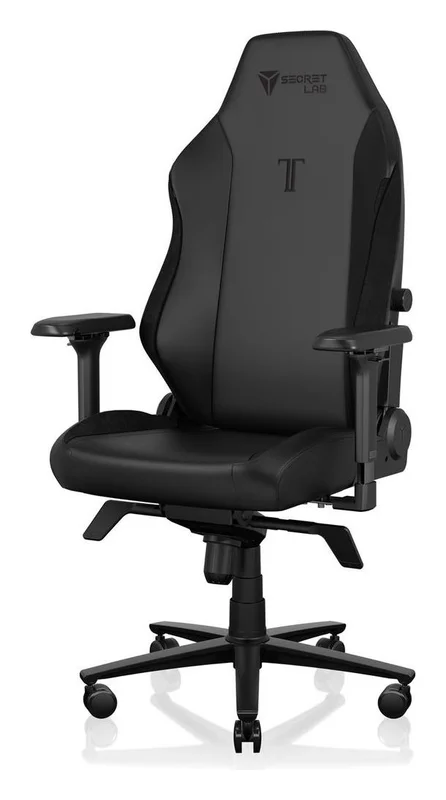
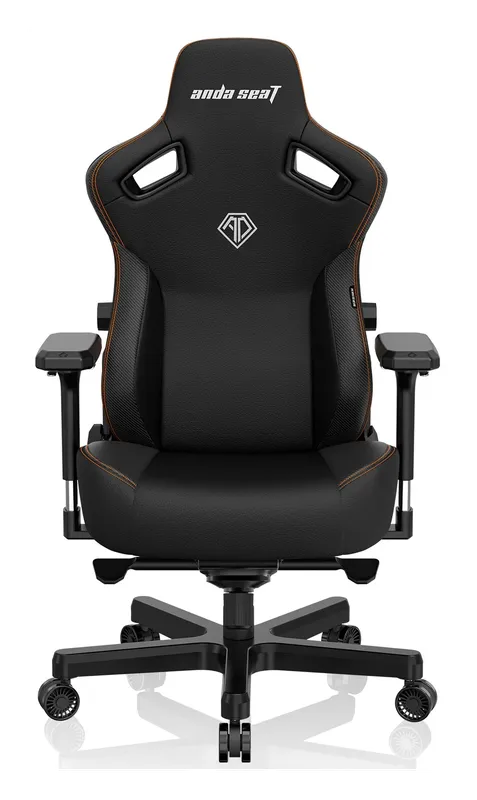
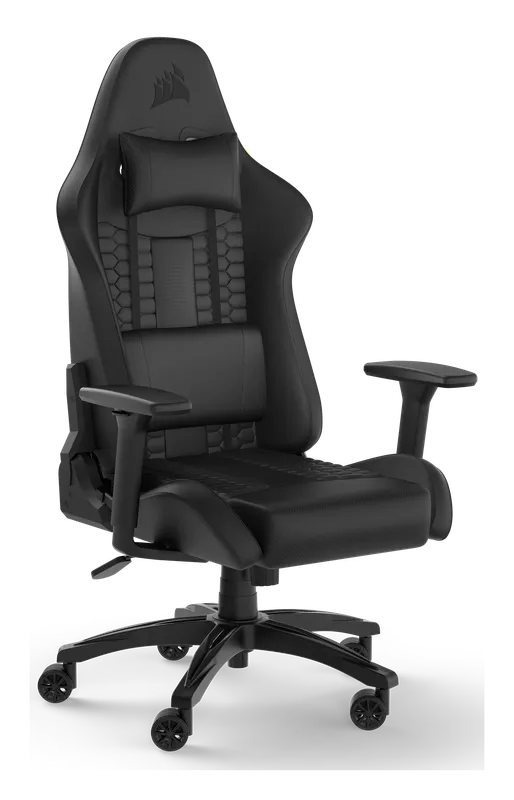
Gaming chairs built for long sessions at a PC desk: the Secretlab Titan Evo, the AndaSeat Kaiser 3, the Corsair TC100 Relaxed, and an ergonomic mesh alternative.
Best Monitor Arms for Single, Dual, and Triple Screens
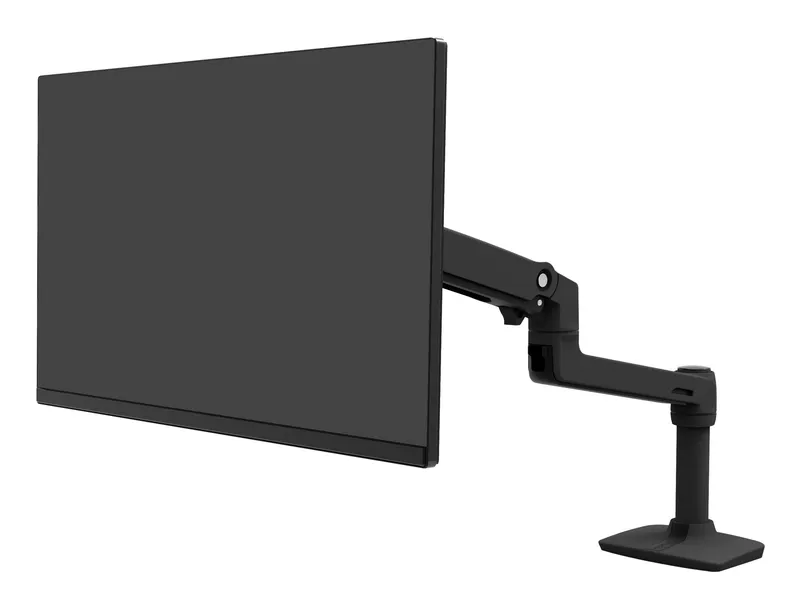
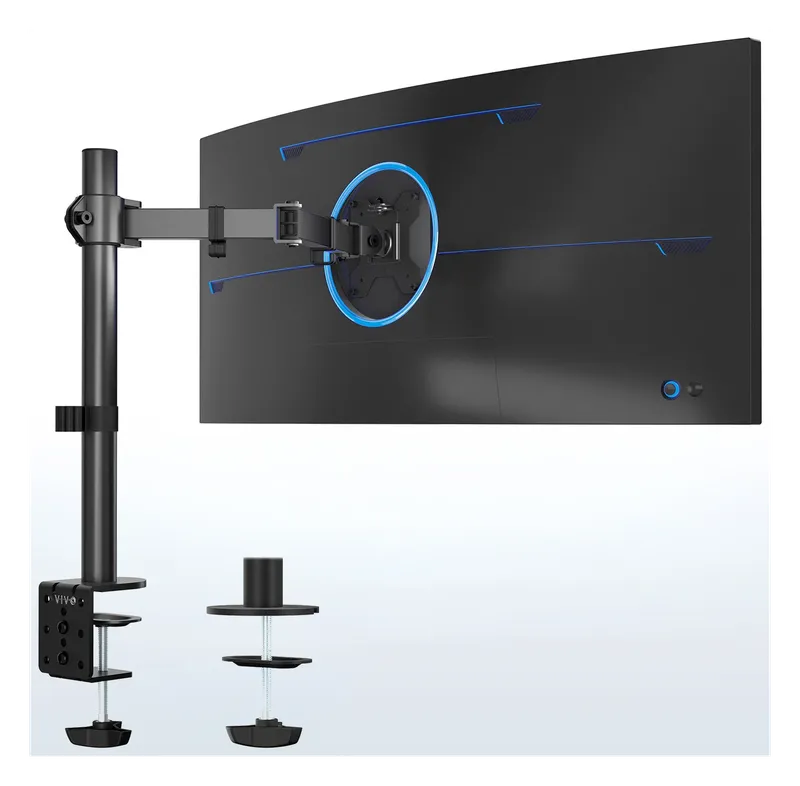
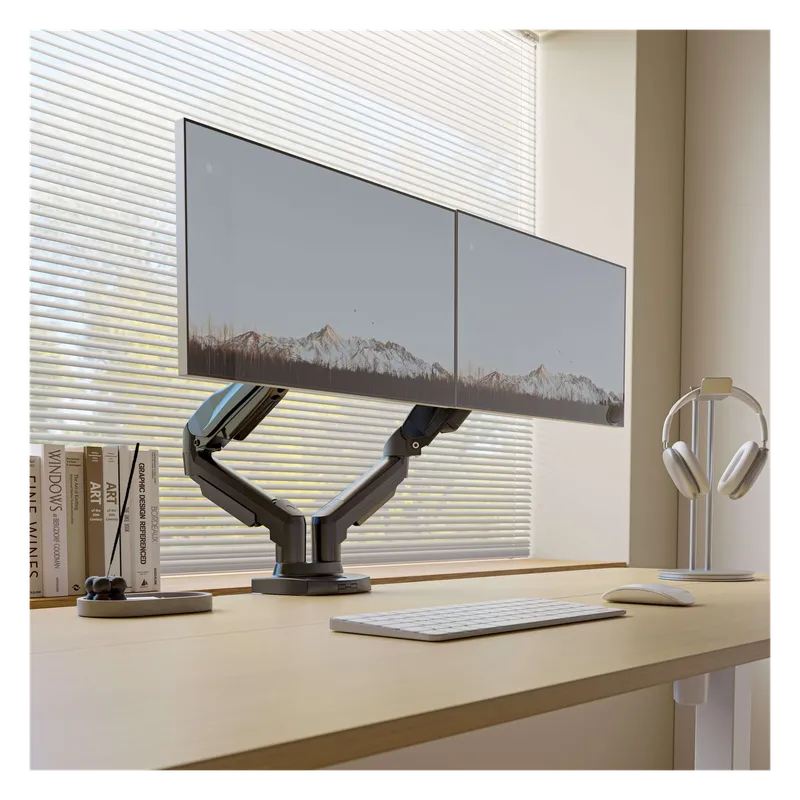
Desk-clamp monitor arms that lift your screens to eye level and clear the desk underneath: a premium Ergotron, budget single arms, and dual and triple mounts for multi-monitor setups.
Best Standing Desks for Home Office and Gaming
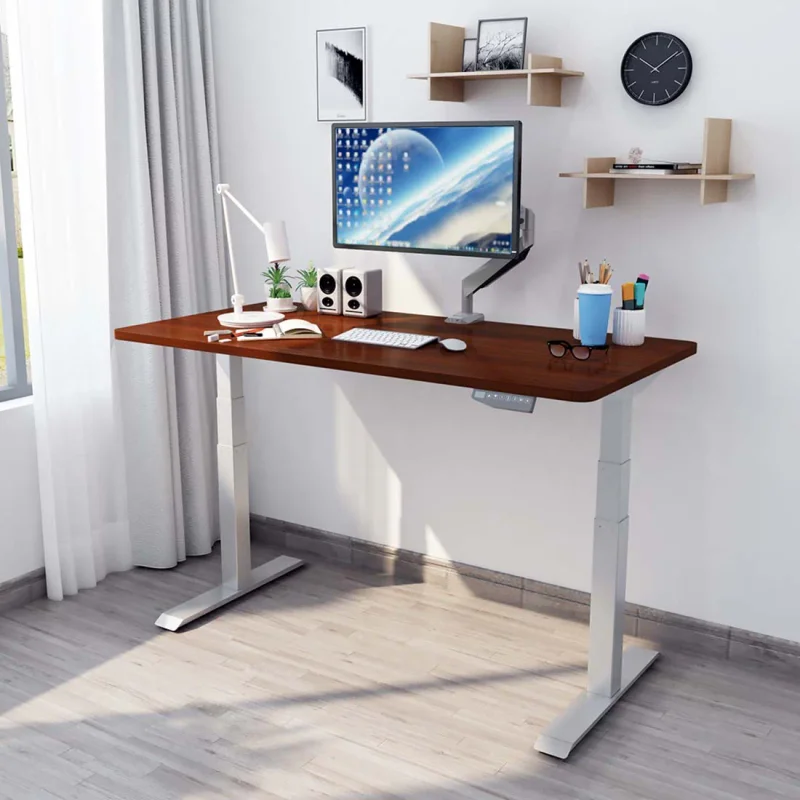
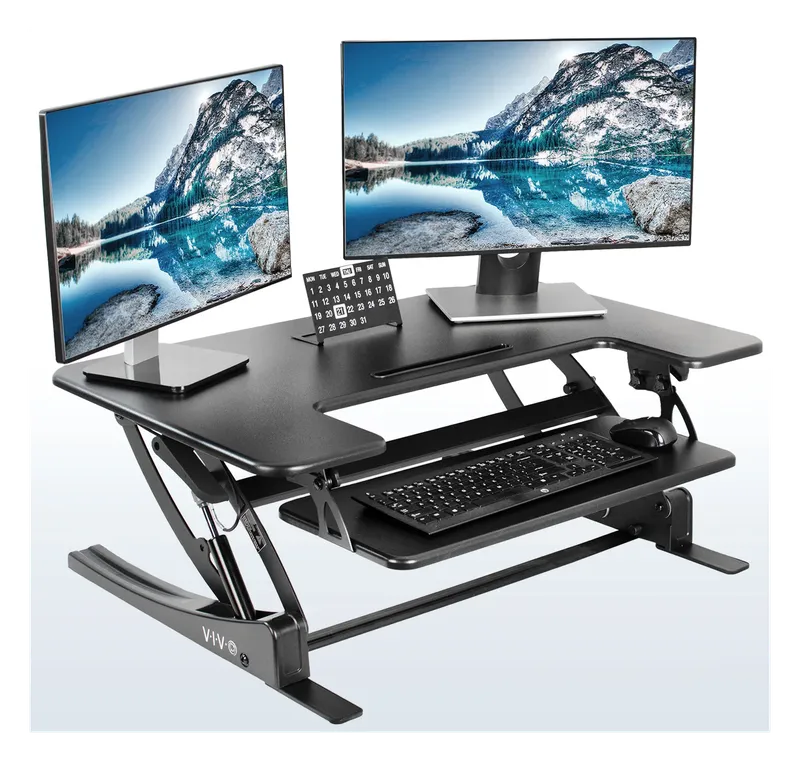
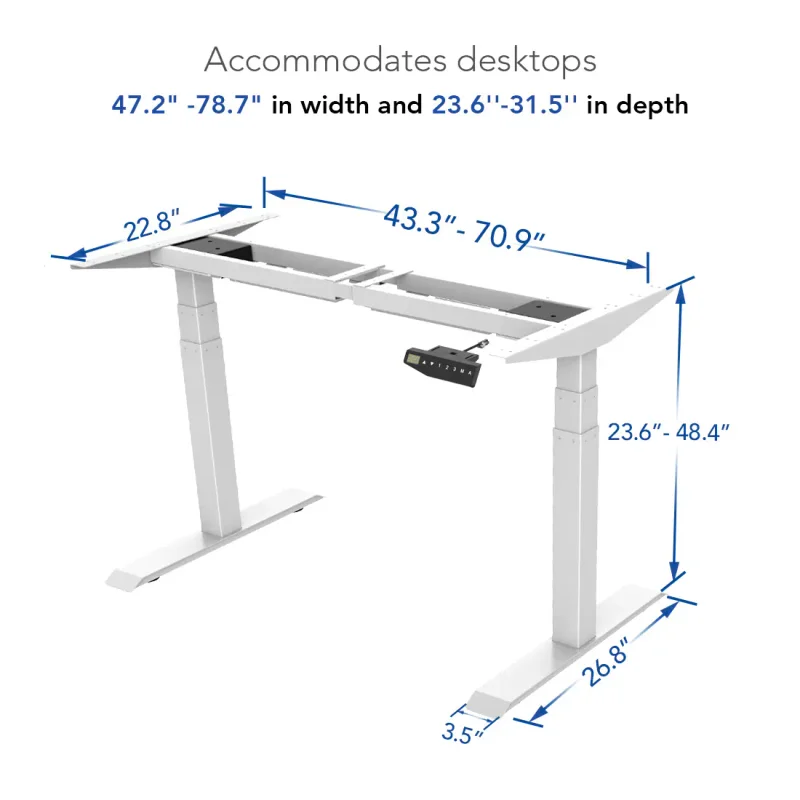
Electric sit-stand desks that go from seated to standing at the push of a button: the dual-motor FlexiSpot E6 and a converter for the desk you already have.

Best Cable Management for Your Desk
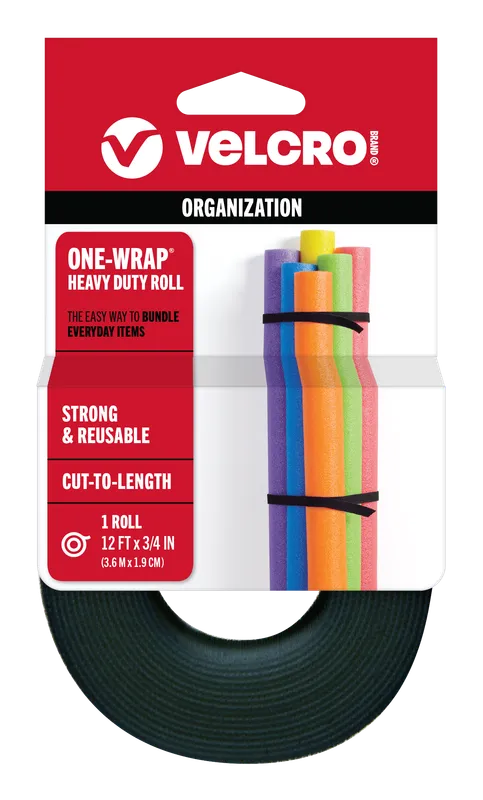
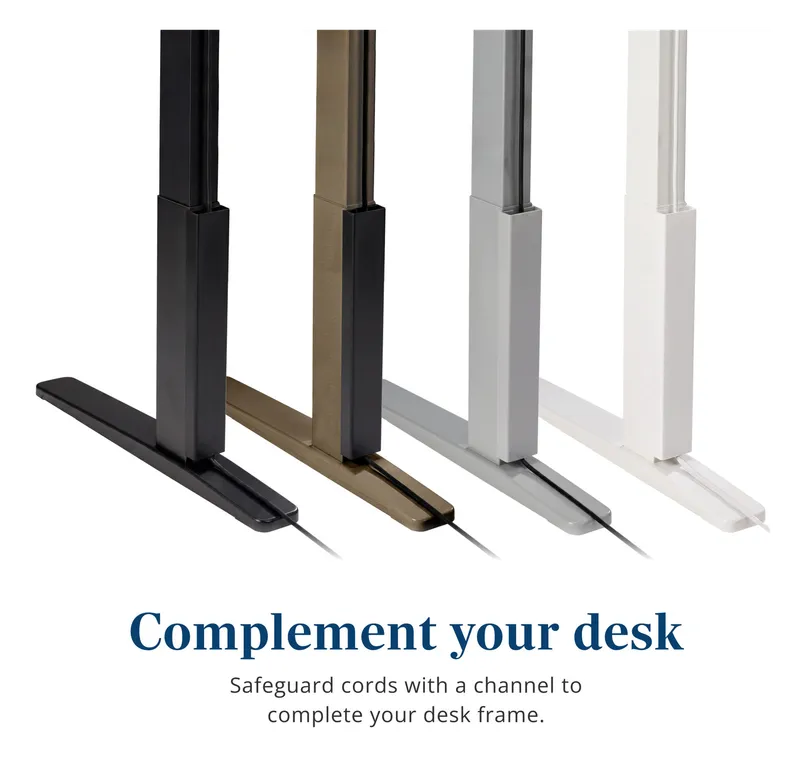
Raceways, cable sleeves, clips, and reusable ties that get the cord spaghetti off the floor and out from under your desk.
PC Building Essentials: Thermal Paste, Tools, and Gear for a Clean Build
Everything you need on the bench before you build or service a PC: the best thermal pastes, anti-static protection, driver kits, cleaning supplies, and cable management gear.
Best Case Fans and RGB Lighting
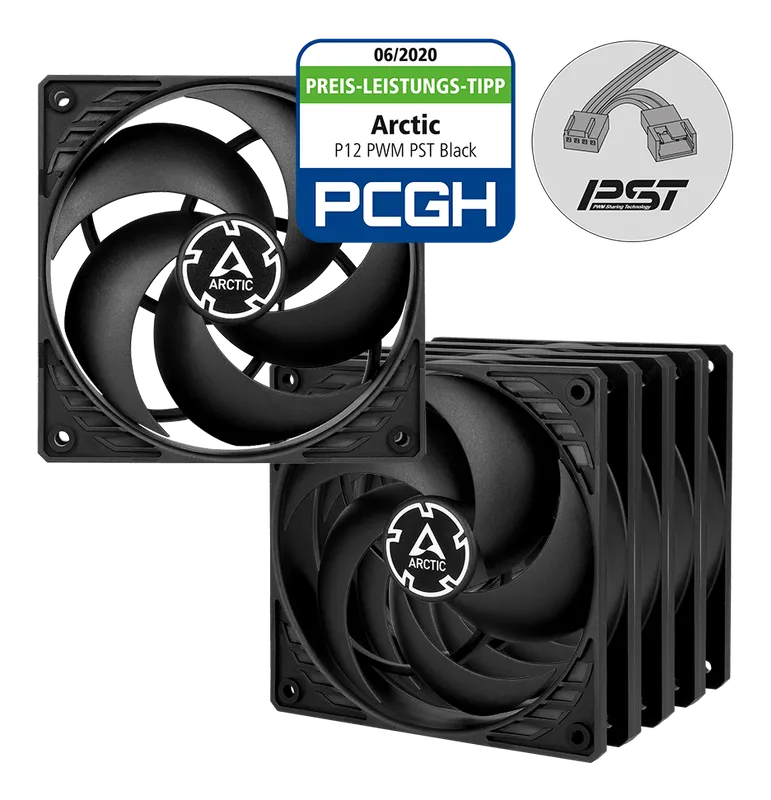
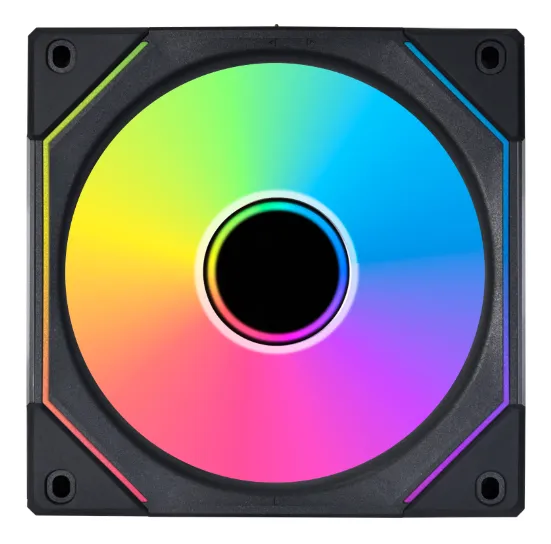
Quiet, high-airflow case fans from Noctua and Arctic, plus RGB fans, controllers, and LED strips to light up your build.