
Best Case Fans and RGB Lighting
Quiet, high-airflow case fans from Noctua and Arctic, plus RGB fans, controllers, and LED strips to light up your build.
7 picks · Published
Top picks at a glance
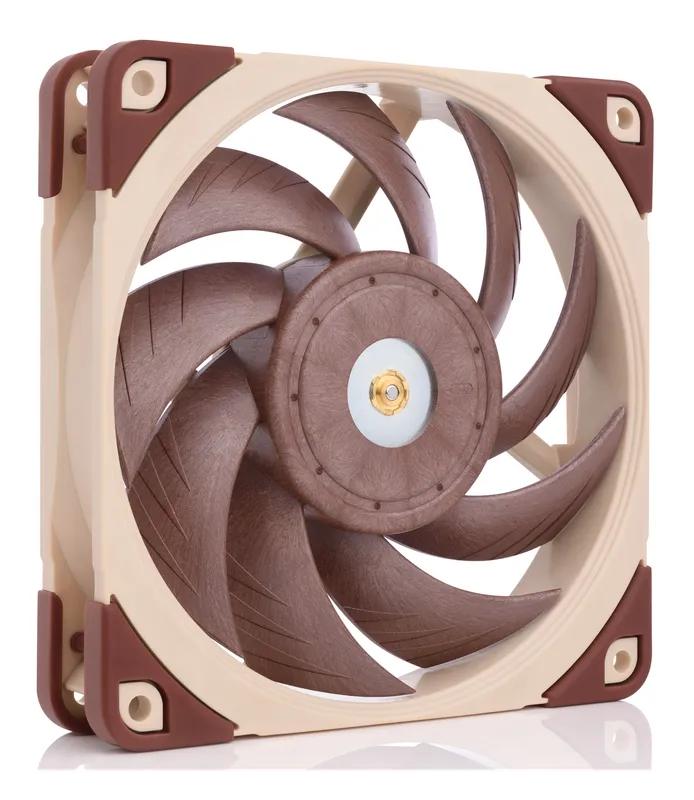
Noctua NF-A12x25 PWM
Check pricefor Noctua NF-A12x25 PWM (opens in a new tab)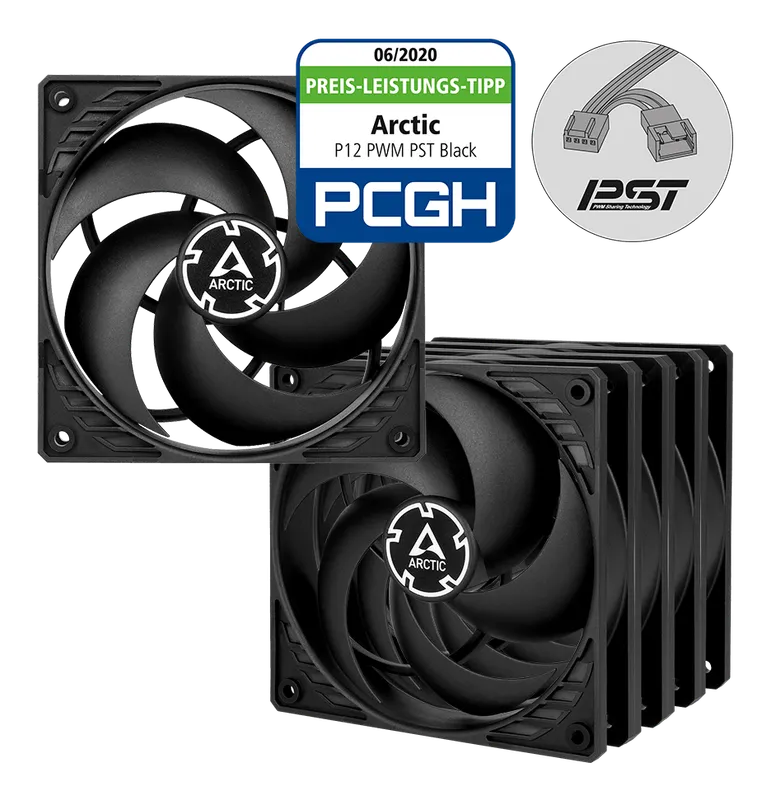
Arctic P12 PWM PST (5-Pack)
Check pricefor Arctic P12 PWM PST (5-Pack) (opens in a new tab)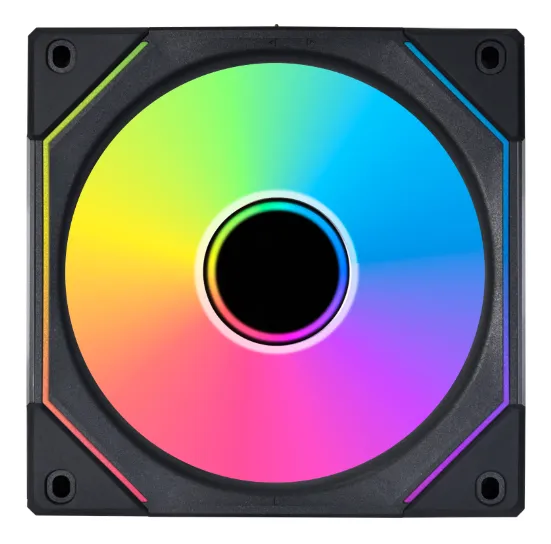
Lian Li UNI FAN SL-INF 120
Check pricefor Lian Li UNI FAN SL-INF 120 (opens in a new tab)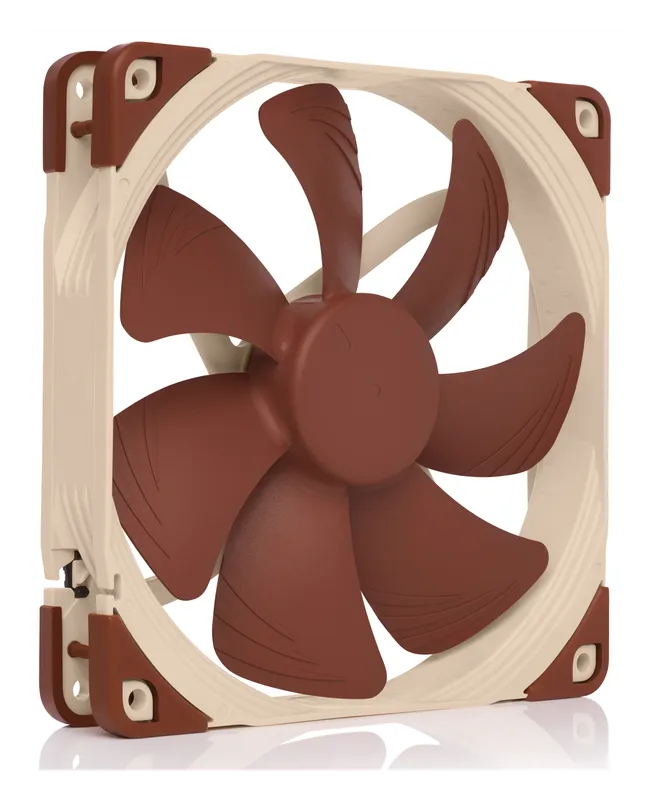
Noctua NF-A14 PWM
Check pricefor Noctua NF-A14 PWM (opens in a new tab)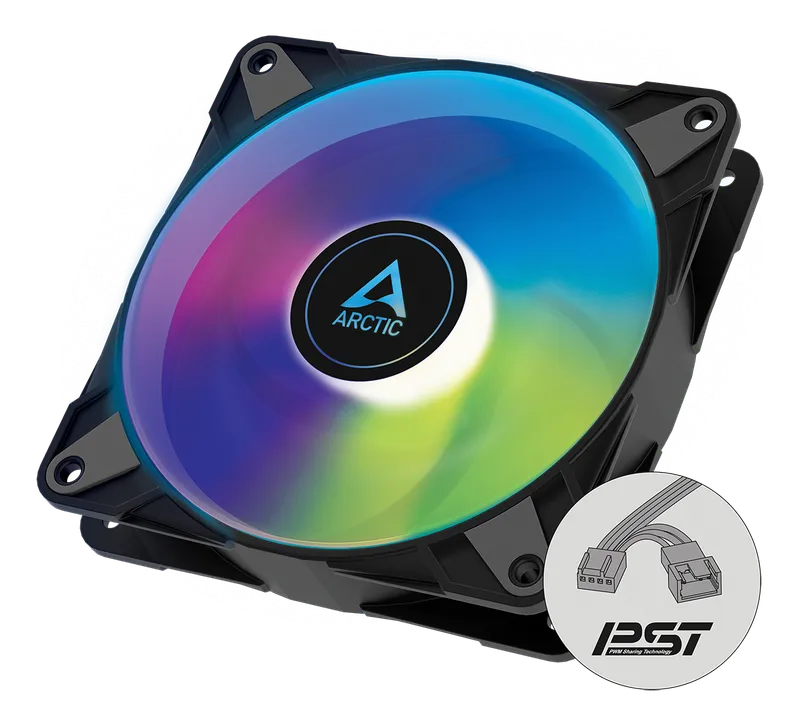
Arctic P12 PWM PST A-RGB
Check pricefor Arctic P12 PWM PST A-RGB (opens in a new tab)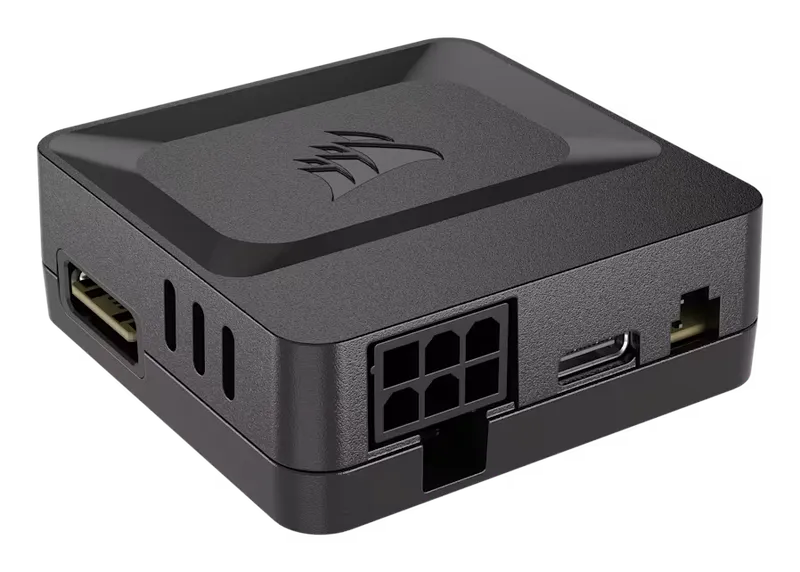
Corsair iCUE LINK System Hub
Check pricefor Corsair iCUE LINK System Hub (opens in a new tab)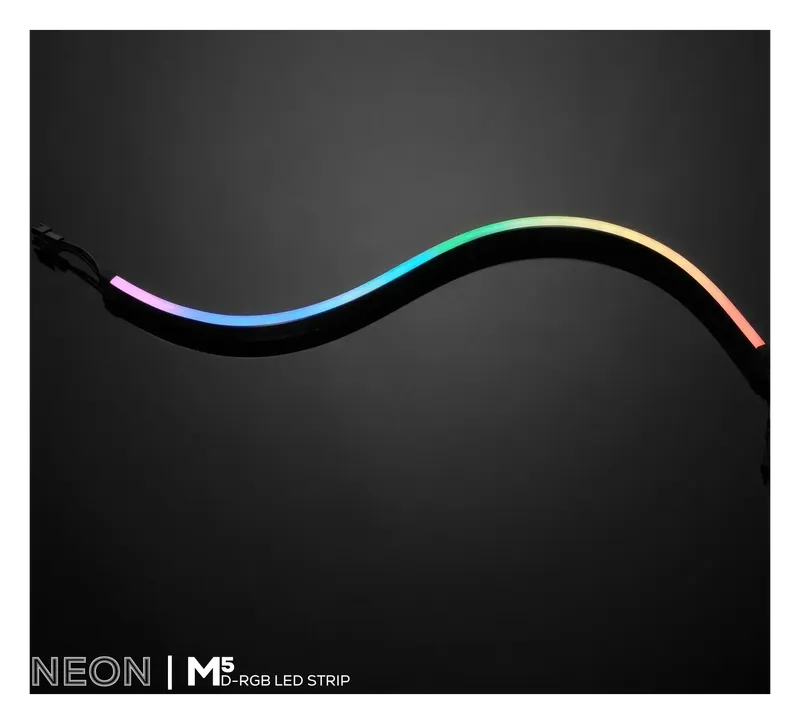
Phanteks NEON Digital-RGB LED Strip M5
Check pricefor Phanteks NEON Digital-RGB LED Strip M5 (opens in a new tab)Compare specs
| Product | #1Noctua NF-A12x25 PWMBest overall 120 mm fan | #2Arctic P12 PWM PST (5-Pack)Best value | #3Lian Li UNI FAN SL-INF 120Best RGB showpiece | #4Noctua NF-A14 PWMBest 140 mm fan | #5Arctic P12 PWM PST A-RGBBest budget RGB fan |
|---|---|---|---|---|---|
| Our rating | |||||
| Price | $$ | $ | $$$ | $$ | $ |
| Size | 120 × 120 × 25 mm | 120 mm | 120 mm | 140 × 140 × 25 mm | 120 mm |
| Max speed | 2000 RPM | 1800 RPM (200–1800 PWM) | — | 1500 RPM | — |
| Airflow | 102.1 m³/h | 95.7 m³/h (56.3 CFM) | 61.3 CFM | 140.2 m³/h | — |
| Noise | 22.6 dB(A) | 0.3 Sone | — | 24.6 dB(A) | — |
| Lighting | None | None | Infinity mirror + side LED strips | None | 12 A-RGB LEDs (5 V, 3-pin) |
| Buy | Check pricefor Noctua NF-A12x25 PWM (opens in a new tab) | Check pricefor Arctic P12 PWM PST (5-Pack) (opens in a new tab) | Check pricefor Lian Li UNI FAN SL-INF 120 (opens in a new tab) | Check pricefor Noctua NF-A14 PWM (opens in a new tab) | Check pricefor Arctic P12 PWM PST A-RGB (opens in a new tab) |
The picks, reviewed
NoctuaNoctua NF-A12x25 PWM
The benchmark premium 120 mm fan: strong airflow and static pressure for radiators and coolers, at very low noise.
Pros
- Excellent airflow and static pressure for its noise level
- Great on radiators and CPU coolers as well as cases
- Low-Noise Adaptor included for even quieter running
Cons
- Expensive per fan
- Classic beige-and-brown look (black chromax versions cost more)
- Size
- 120 × 120 × 25 mm
- Max speed
- 2000 RPM
- Airflow
- 102.1 m³/h
- Noise
- 22.6 dB(A)
ArcticArctic P12 PWM PST (5-Pack)
Five high-pressure 120 mm fans for about the price of one premium fan. PWM Sharing Technology lets you daisy-chain them off a single header.
Pros
- Excellent performance per dollar
- PST daisy-chaining keeps cabling tidy
- 6-year manufacturer’s guarantee
Cons
- Louder than Noctua at full speed
- Size
- 120 mm
- Max speed
- 1800 RPM (200–1800 PWM)
- Airflow
- 95.7 m³/h (56.3 CFM)
- Noise
- 0.3 Sone
Lian LiLian Li UNI FAN SL-INF 120
Infinity-mirror RGB fans that slide together into clusters of up to four, so power and lighting pass through the frames instead of a nest of cables.
Pros
- Striking infinity-mirror lighting with side LED strips
- Daisy-chain up to 4 fans with no cables between them
- Controlled through L-Connect 3
Cons
- Expensive
- Needs Lian Li’s controller and software for full effects
- Size
- 120 mm
- Airflow
- 61.3 CFM
- Lighting
- Infinity mirror + side LED strips
- Control
- L-Connect 3, clusters of up to 4 fans
NoctuaNoctua NF-A14 PWM
Noctua’s 140 mm workhorse moves a lot of air at low speed, which makes it ideal for quiet intake and exhaust in cases that take 140 mm fans.
Pros
- High airflow at a relaxed 1500 RPM
- Very quiet for how much air it moves
Cons
- Expensive per fan
- Only fits 140 mm mounts
- Size
- 140 × 140 × 25 mm
- Max speed
- 1500 RPM
- Airflow
- 140.2 m³/h
- Noise
- 24.6 dB(A)
ArcticArctic P12 PWM PST A-RGB
Arctic’s value 120 mm fan with 12 addressable RGB LEDs in the hub, syncable with standard motherboard A-RGB software.
Pros
- 12 individually addressable A-RGB LEDs
- Works with common motherboard A-RGB software
- PST daisy-chaining
Cons
- Hub-only lighting; less dramatic than infinity-mirror fans
- Size
- 120 mm
- Lighting
- 12 A-RGB LEDs (5 V, 3-pin)
- Control
- PWM with PST daisy-chaining
CorsairCorsair iCUE LINK System Hub
The single-cable controller at the heart of Corsair’s iCUE LINK ecosystem. It runs iCUE LINK fans, coolers, and lighting from one compact hub.
Pros
- Up to 24 iCUE LINK devices across two 12-device channels
- Drastically fewer cables than traditional RGB and fan hubs
- Magnetic back and 3M adhesive for easy placement
Cons
- Only controls Corsair iCUE LINK devices
- Needs a PCIe 6-pin power cable and a motherboard USB header
- Capacity
- 24 iCUE LINK devices (12 per channel)
- Power
- PCIe 6-pin
- Connection
- USB Type-C cable to a motherboard USB header
- Mounting
- Magnetic back + 3M adhesive strips
PhanteksPhanteks NEON Digital-RGB LED Strip M5
A 500 mm diffused digital-RGB strip with 38 LEDs, for smooth, dot-free light along your case, motherboard, or GPU. Chain several together for longer runs.
Pros
- Smooth diffused glow with no visible LED dots
- Works with D-RGB motherboard headers (adapter included)
- Daisy-chain design, with 90° and 180° mounts and 3M adhesive
Cons
- Not controllable from Corsair iCUE
- Half the length of the 1 m M1, so long runs need two
- Length
- 500 mm
- LEDs
- 38 per strip
- Connection
- D-RGB (5 V, 3-pin), daisy-chainable
- Warranty
- 2 years
Airflow vs. static pressure
Case fans mostly need airflow to move air through open space. Radiator and cooler fans need static pressure to push air through dense fins. Noctua’s NF-A12x25 and Arctic’s P12 do both well, which is why they’re popular everywhere in a build.
Quiet builds
Bigger fans spin slower for the same airflow, so 140 mm fans like the NF-A14 are often quieter than 120 mm fans. Set a fan curve in your BIOS so fans stay slow at idle and only ramp up under load.
Mixing RGB ecosystems
Most brands’ RGB software only controls their own hardware. Standard 5 V 3-pin addressable RGB (A-RGB/D-RGB) parts, like Arctic’s A-RGB fans and Phanteks’ NEON strips, can be synced through your motherboard’s software instead. Corsair iCUE LINK and Lian Li L-Connect work best when you stay within the ecosystem.