
Best Gaming Chairs for PC Setups
Gaming chairs built for long sessions at a PC desk: the Secretlab Titan Evo, the AndaSeat Kaiser 3, the Corsair TC100 Relaxed, and an ergonomic mesh alternative.
4 picks · Published
Top picks at a glance
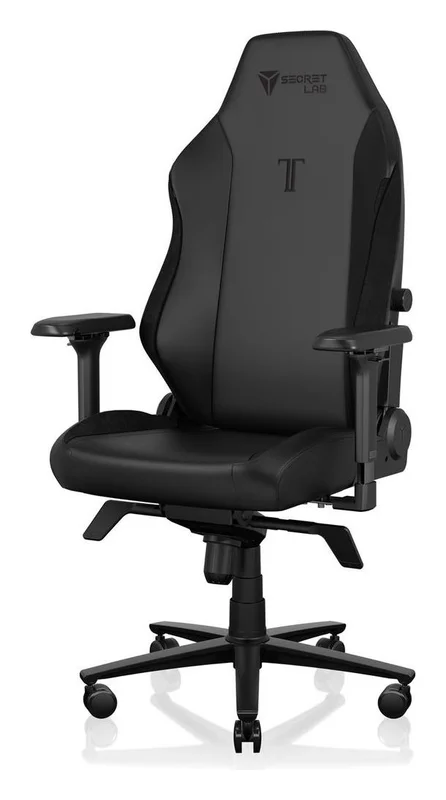
Secretlab Titan Evo Gaming Chair
Check pricefor Secretlab Titan Evo Gaming Chair (opens in a new tab)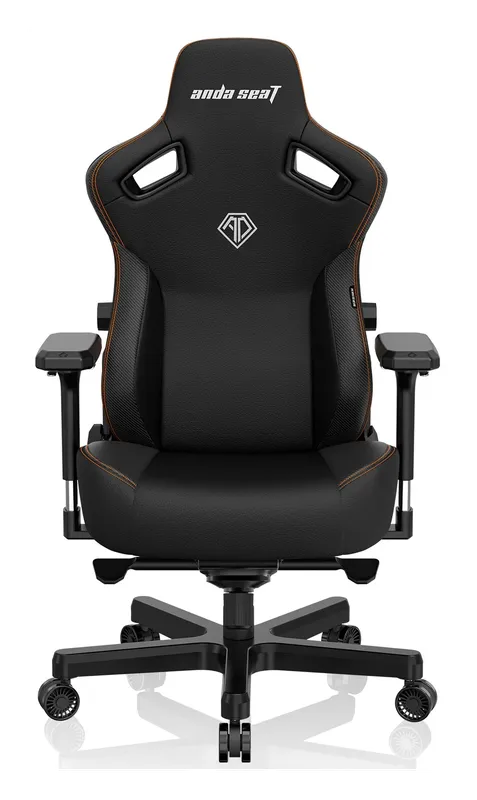
AndaSeat Kaiser 3 Gaming Chair
Check pricefor AndaSeat Kaiser 3 Gaming Chair (opens in a new tab)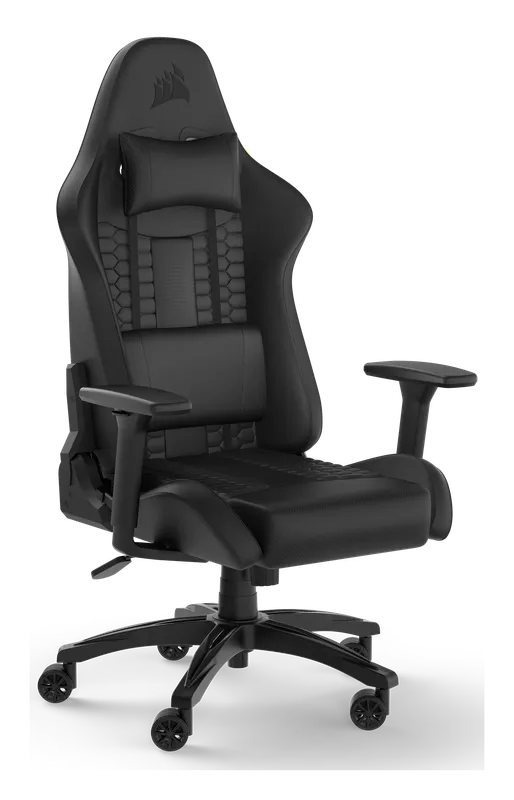
Corsair TC100 Relaxed Gaming Chair
Check pricefor Corsair TC100 Relaxed Gaming Chair (opens in a new tab)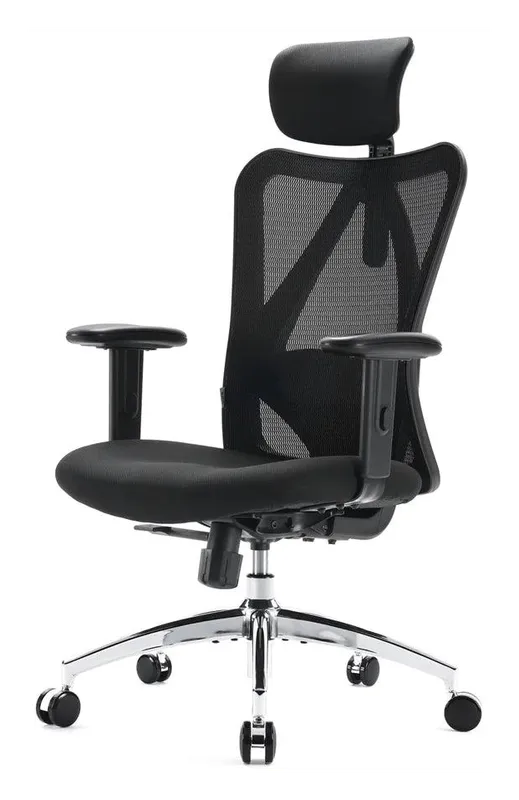
SIHOO M18 Ergonomic Mesh Chair
Check pricefor SIHOO M18 Ergonomic Mesh Chair (opens in a new tab)Compare specs
| Product | #1Secretlab Titan Evo Gaming ChairBest overall | #2AndaSeat Kaiser 3 Gaming ChairBest for big and tall | #3Corsair TC100 Relaxed Gaming ChairBest mid-range gaming chair | #4SIHOO M18 Ergonomic Mesh ChairBest ergonomic alternative |
|---|---|---|---|---|
| Price | $$$ | $$$ | $$ | $ |
| Type | Racing-style gaming chair | Gaming chair | Gaming chair | Mesh ergonomic chair |
| Lumbar support | Built-in, adjustable | Built-in, adjustable | Pillow | Built-in |
| Best for | Long PC sessions | Bigger and taller gamers | Comfort on a mid budget | Hot rooms and tight budgets |
| Buy | Check pricefor Secretlab Titan Evo Gaming Chair (opens in a new tab) | Check pricefor AndaSeat Kaiser 3 Gaming Chair (opens in a new tab) | Check pricefor Corsair TC100 Relaxed Gaming Chair (opens in a new tab) | Check pricefor SIHOO M18 Ergonomic Mesh Chair (opens in a new tab) |
The picks in detail
SecretlabSecretlab Titan Evo Gaming Chair
The benchmark gaming chair: built-in adjustable lumbar support, a magnetic memory-foam head pillow and 4D armrests in a firm, long-lasting seat.
Pros
- Built-in adjustable lumbar support
- Magnetic head pillow and 4D armrests
- Comes in three sizes
Cons
- Expensive
- Firm seat takes a week to break in
- Type
- Racing-style gaming chair
- Lumbar support
- Built-in, adjustable
- Best for
- Long PC sessions
AndaSeatAndaSeat Kaiser 3 Gaming Chair
A roomy, heavy-duty gaming chair with a wide seat and adjustable lumbar, in sizes for bigger and taller gamers.
Pros
- Wide, roomy seat
- Adjustable lumbar
- Sizes for big and tall
Cons
- Heavy
- Pricey
- Type
- Gaming chair
- Lumbar support
- Built-in, adjustable
- Best for
- Bigger and taller gamers
CorsairCorsair TC100 Relaxed Gaming Chair
A comfortable, wide gaming chair from a big PC brand with a relaxed seat shape and lumbar pillow, at a mid-range price.
Pros
- Wide relaxed seat
- Good value
- Matches Corsair setups
Cons
- Pillow lumbar
- Fewer adjustments than premium chairs
- Type
- Gaming chair
- Lumbar support
- Pillow
- Best for
- Comfort on a mid budget
SIHOOSIHOO M18 Ergonomic Mesh Chair
Not a racer, but a breathable mesh chair with built-in lumbar that stays cool on long sessions, for a fraction of gaming-chair prices.
Pros
- Very affordable
- Breathable mesh stays cool
- Built-in lumbar and headrest
Cons
- Office look
- Less recline than gaming chairs
- Type
- Mesh ergonomic chair
- Lumbar support
- Built-in
- Best for
- Hot rooms and tight budgets
What to look for in a gaming chair
Lumbar support that sits in the small of your back matters most for long sessions. Built-in adjustable lumbar, like the Secretlab and AndaSeat chairs have, beats a strap-on pillow.
Size: gaming chairs come in sizes. Check the height and weight range so your feet sit flat and the headrest lines up.
Armrests: at a PC desk, your arms should rest level with the keyboard. 4D armrests (up, down, in, out, angle) make that easy with any desk height, including a standing desk in its seated position.
Leatherette vs fabric vs mesh: leatherette looks sharp and wipes clean but runs warm; fabric breathes better; mesh is coolest of all.
Finish your setup
See our standing desks, gaming desk accessories, and gaming monitors guides.
summary: 'The benchmark gaming chair: built-in adjustable lumbar support, a magnetic memory-foam head pillow and 4D armrests in a firm, long-lasting seat.'
pros:
  - 'Built-in adjustable lumbar support'
  - 'Magnetic head pillow and 4D armrests'
  - 'Comes in three sizes'
cons:
  - 'Expensive'
  - 'Firm seat takes a week to break in'
specs:
  Type: 'Racing-style gaming chair'
  Lumbar support: 'Built-in, adjustable'
Best for: 'Long PC sessions'- name: ‘AndaSeat Kaiser 3 Gaming Chair’
brand: ‘AndaSeat’
images:
- ‘/images/products/best-gaming-chairs/andaseat-kaiser-3-gaming-chair-1.webp’
- ‘/images/products/best-gaming-chairs/andaseat-kaiser-3-gaming-chair-2.webp’
- ‘/images/products/best-gaming-chairs/andaseat-kaiser-3-gaming-chair-3.webp’
- ‘/images/products/best-gaming-chairs/andaseat-kaiser-3-gaming-chair-4.webp’ asin: ‘B0B2TVPMBK’ amazonQuery: ‘AndaSeat Kaiser 3 gaming chair’ badge: ‘Best for big and tall’ rating: 4.4 priceTier: ‘$$$’ summary: ‘A roomy, heavy-duty gaming chair with a wide seat and adjustable lumbar, in sizes for bigger and taller gamers.’ pros:
- ‘Wide, roomy seat’
- ‘Adjustable lumbar’
- ‘Sizes for big and tall’ cons:
- ‘Heavy’
- ‘Pricey’ specs: Type: ‘Gaming chair’ Lumbar support: ‘Built-in, adjustable’ Best for: ‘Bigger and taller gamers’
- name: ‘Corsair TC100 Relaxed Gaming Chair’
brand: ‘Corsair’
images:
- ‘/images/products/best-gaming-chairs/corsair-tc100-relaxed-gaming-chair-1.webp’
- ‘/images/products/best-gaming-chairs/corsair-tc100-relaxed-gaming-chair-2.webp’
- ‘/images/products/best-gaming-chairs/corsair-tc100-relaxed-gaming-chair-3.webp’
- ‘/images/products/best-gaming-chairs/corsair-tc100-relaxed-gaming-chair-4.webp’ asin: ‘B0BN7FDFVP’ amazonQuery: ‘Corsair TC100 Relaxed gaming chair’ badge: ‘Best mid-range gaming chair’ rating: 4.2 priceTier: ‘$$’ summary: ‘A comfortable, wide gaming chair from a big PC brand with a relaxed seat shape and lumbar pillow, at a mid-range price.’ pros:
- ‘Wide relaxed seat’
- ‘Good value’
- ‘Matches Corsair setups’ cons:
- ‘Pillow lumbar’
- ‘Fewer adjustments than premium chairs’ specs: Type: ‘Gaming chair’ Lumbar support: ‘Pillow’ Best for: ‘Comfort on a mid budget’
- name: ‘SIHOO M18 Ergonomic Mesh Chair’
brand: ‘SIHOO’
images:
- ‘/images/products/best-gaming-chairs/sihoo-m18-ergonomic-mesh-chair-1.webp’
- ‘/images/products/best-gaming-chairs/sihoo-m18-ergonomic-mesh-chair-2.webp’
- ‘/images/products/best-gaming-chairs/sihoo-m18-ergonomic-mesh-chair-3.webp’
- ‘/images/products/best-gaming-chairs/sihoo-m18-ergonomic-mesh-chair-4.webp’ asin: ‘B07GNDDNMW’ amazonQuery: ‘SIHOO M18 ergonomic office chair’ badge: ‘Best ergonomic alternative’ rating: 4.2 priceTier: ‘$’ summary: ‘Not a racer, but a breathable mesh chair with built-in lumbar that stays cool on long sessions, for a fraction of gaming-chair prices.’ pros:
- ‘Very affordable’
- ‘Breathable mesh stays cool’
- ‘Built-in lumbar and headrest’ cons:
- ‘Office look’
- ‘Less recline than gaming chairs’ specs: Type: ‘Mesh ergonomic chair’ Lumbar support: ‘Built-in’ Best for: ‘Hot rooms and tight budgets’
What to look for in a gaming chair
Lumbar support that sits in the small of your back matters most for long sessions. Built-in adjustable lumbar, like the AndaSeat Kaiser 3’s, beats a strap-on pillow.
Size: gaming chairs come in sizes. Check the height and weight range so your feet sit flat and the headrest lines up.
Armrests: at a PC desk, your arms should rest level with the keyboard. 4D armrests (up, down, in, out, angle) make that easy with any desk height, including a standing desk in its seated position.
Leatherette vs fabric vs mesh: leatherette looks sharp and wipes clean but runs warm; fabric breathes better; mesh is coolest of all.
Finish your setup
See our standing desks, gaming desk accessories, and gaming monitors guides.
Related buying guides
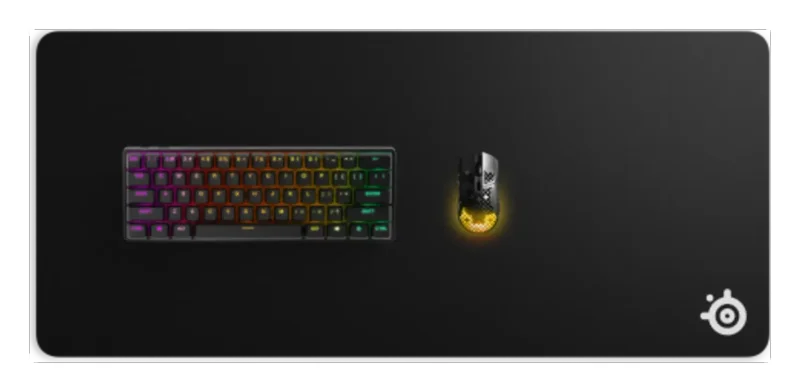
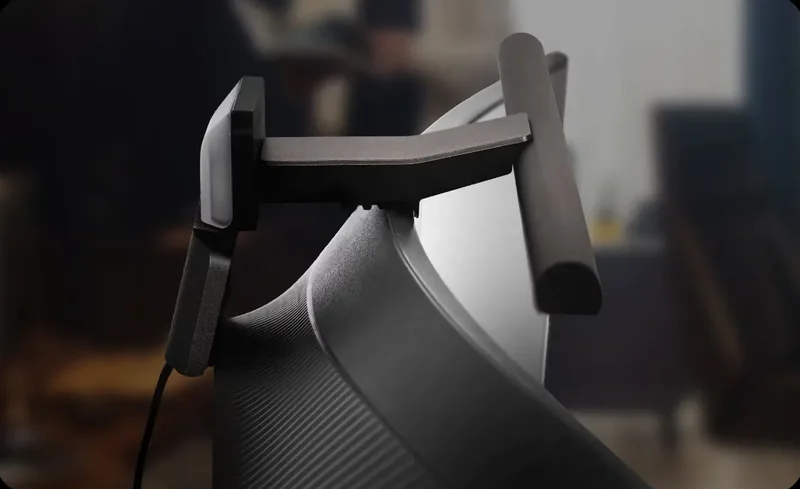
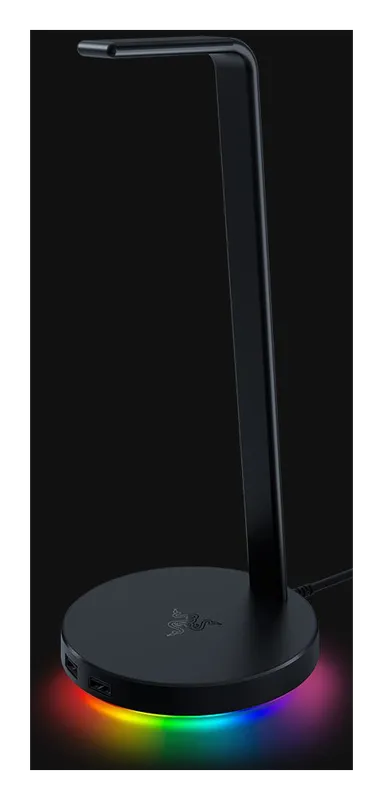
Best Gaming Desk Accessories
The gear that finishes a gaming desk: a full-desk mat, a monitor light bar, a headset stand, a dual monitor arm, and a keyboard wrist rest.
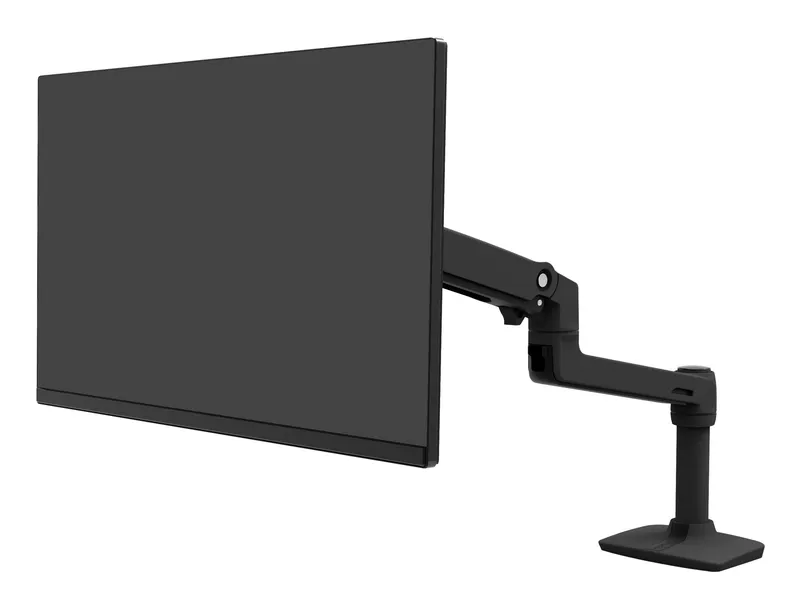
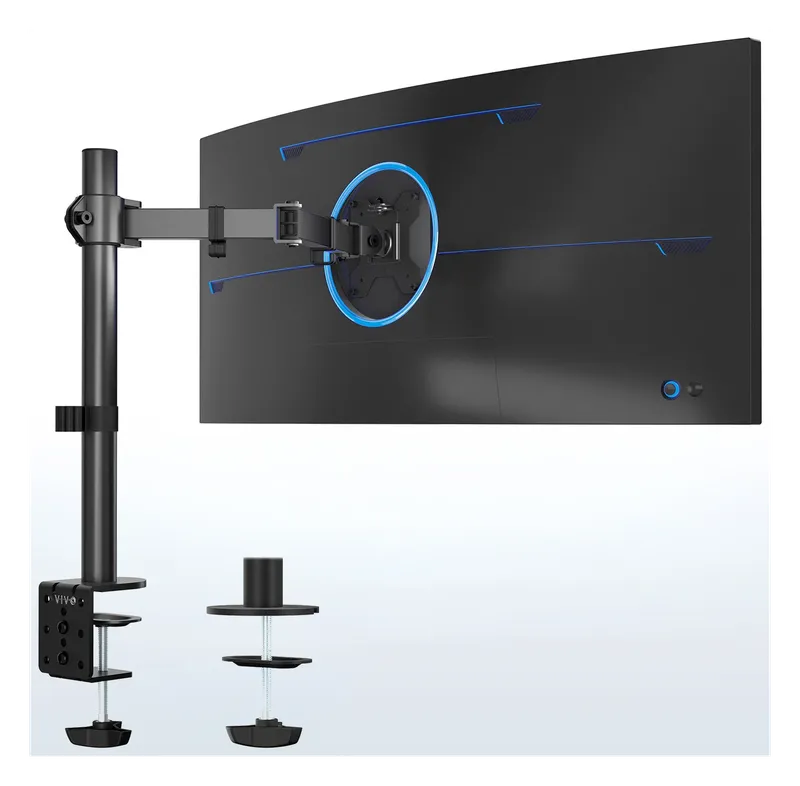
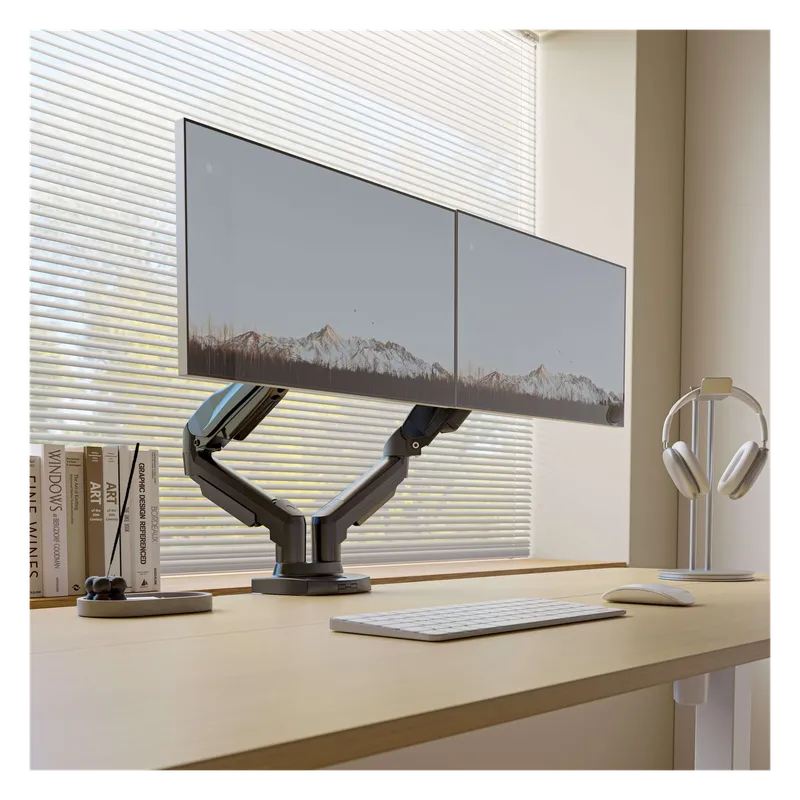
Best Monitor Arms for Single, Dual, and Triple Screens
Desk-clamp monitor arms that lift your screens to eye level and clear the desk underneath: a premium Ergotron, budget single arms, and dual and triple mounts for multi-monitor setups.
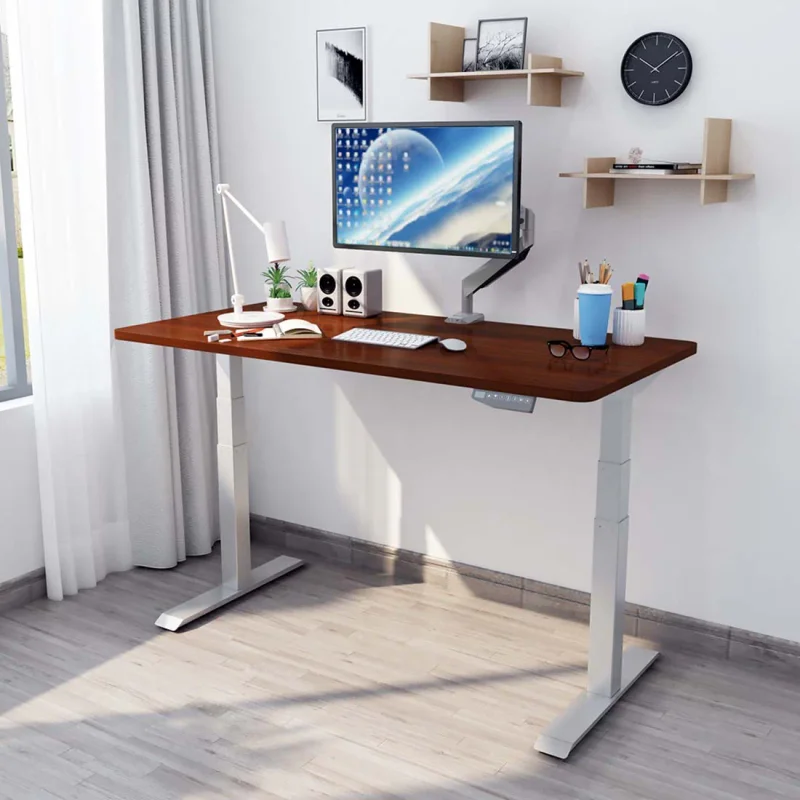
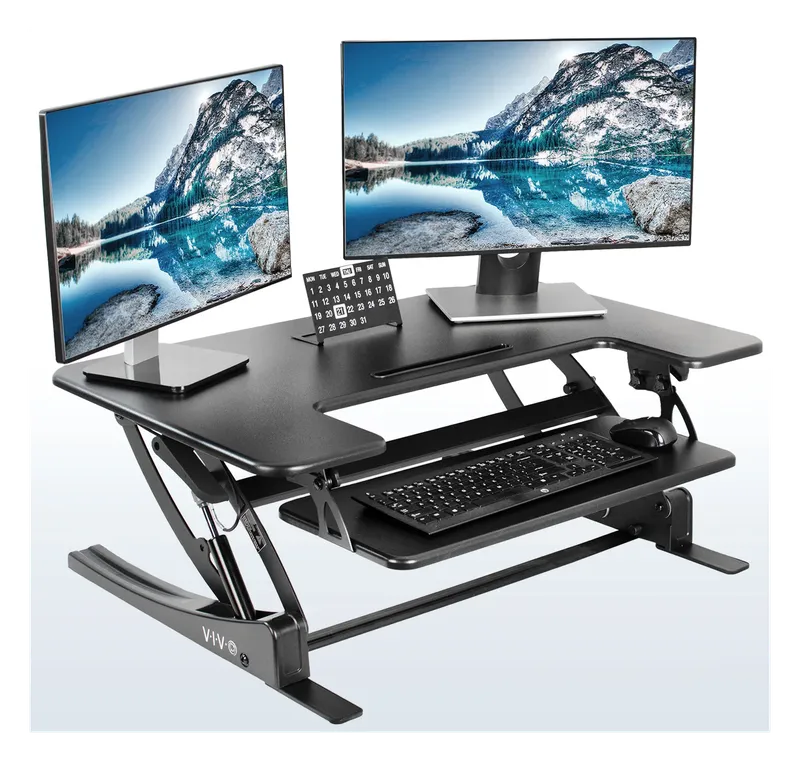
Best Standing Desks for Home Office and Gaming
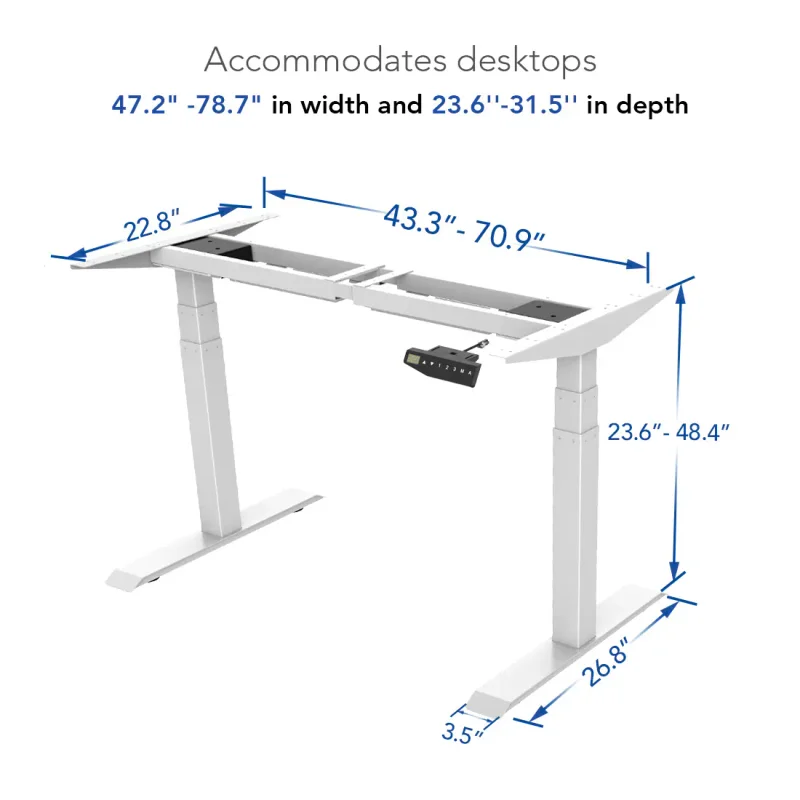
Electric sit-stand desks that go from seated to standing at the push of a button: the dual-motor FlexiSpot E6 and a converter for the desk you already have.

Best Cable Management for Your Desk
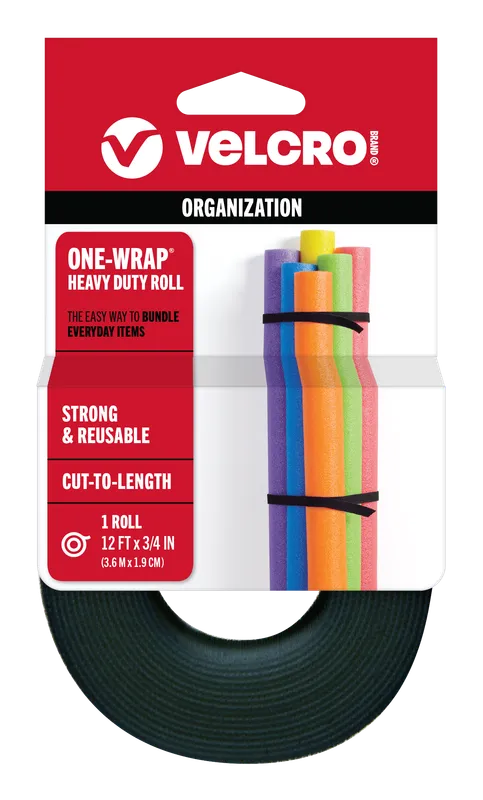
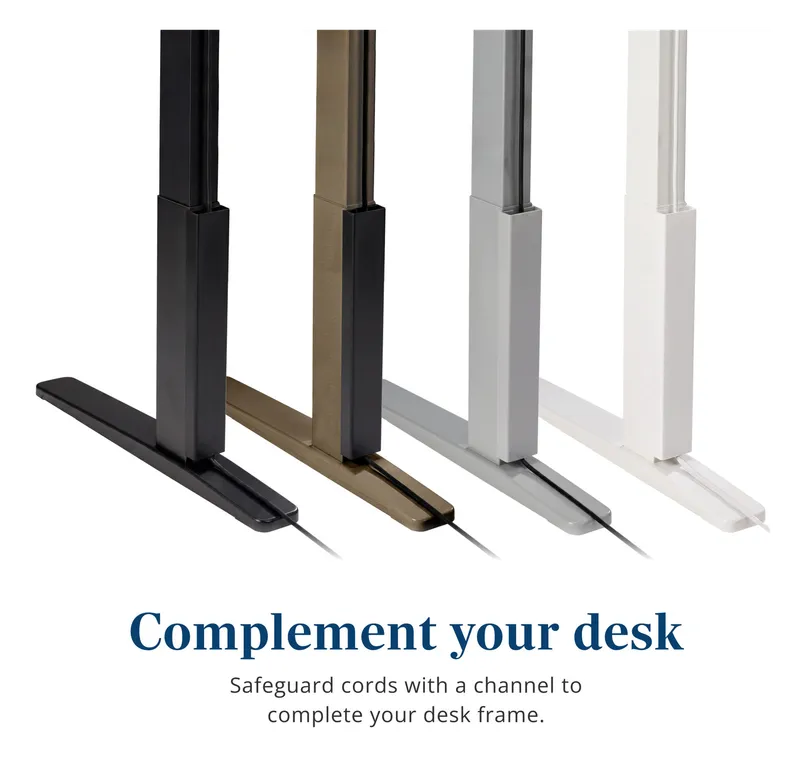
Raceways, cable sleeves, clips, and reusable ties that get the cord spaghetti off the floor and out from under your desk.
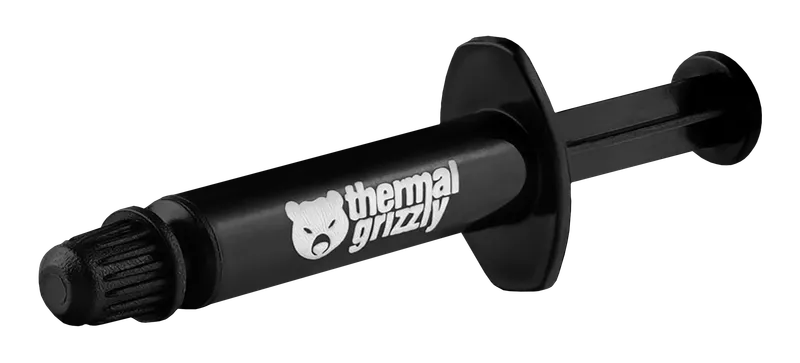

PC Building Essentials: Thermal Paste, Tools, and Gear for a Clean Build
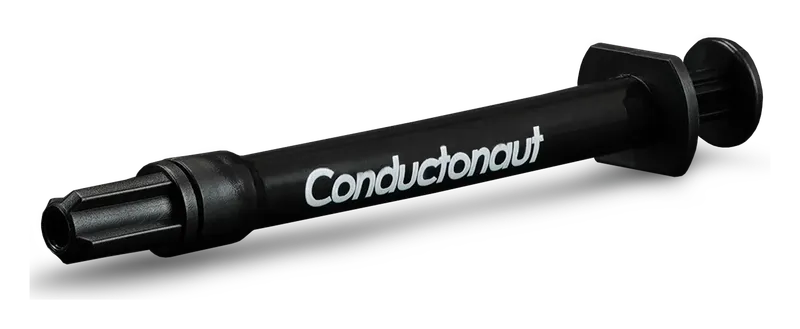
Everything you need on the bench before you build or service a PC: the best thermal pastes, anti-static protection, driver kits, cleaning supplies, and cable management gear.
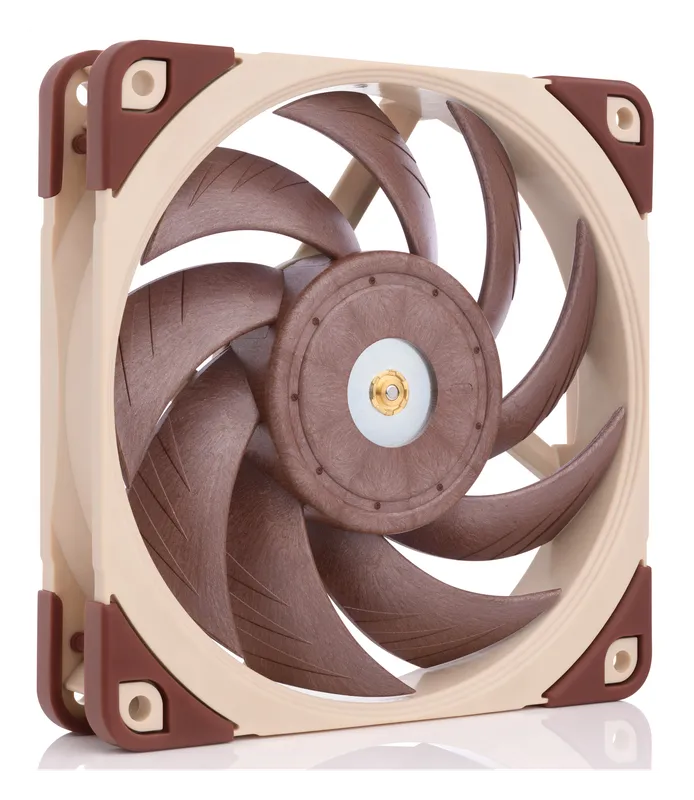
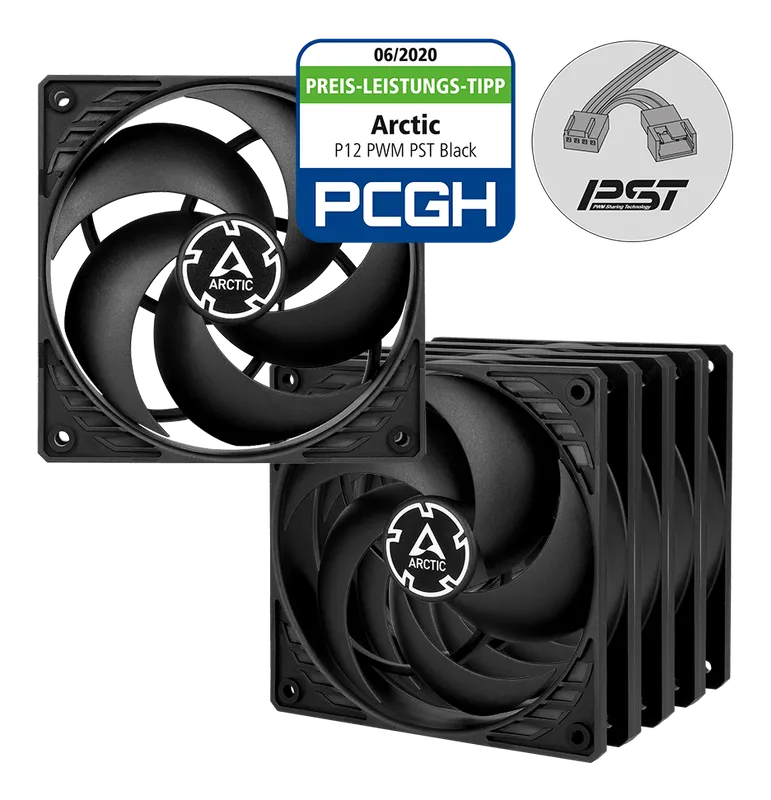
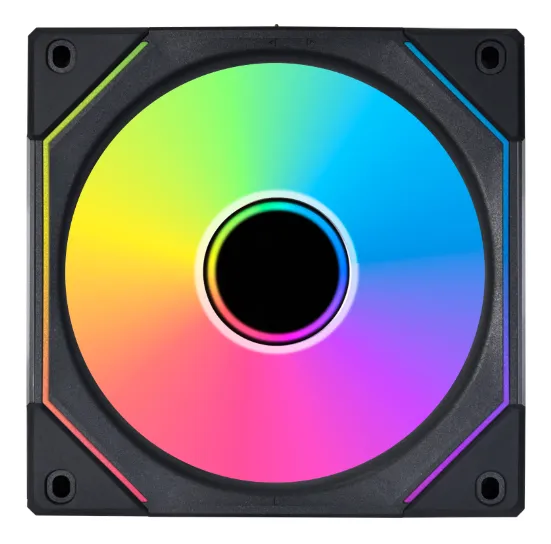
Best Case Fans and RGB Lighting
Quiet, high-airflow case fans from Noctua and Arctic, plus RGB fans, controllers, and LED strips to light up your build.