
Best Gaming Mice
The best gaming mice for every grip and budget: ultralight esports mice, ergonomic shapes, feature-packed all-rounders, MMO mice, and budget picks that punch above their price.
8 picks · Published
Top picks at a glance
Logitech G305 Lightspeed
Check pricefor Logitech G305 Lightspeed (opens in a new tab)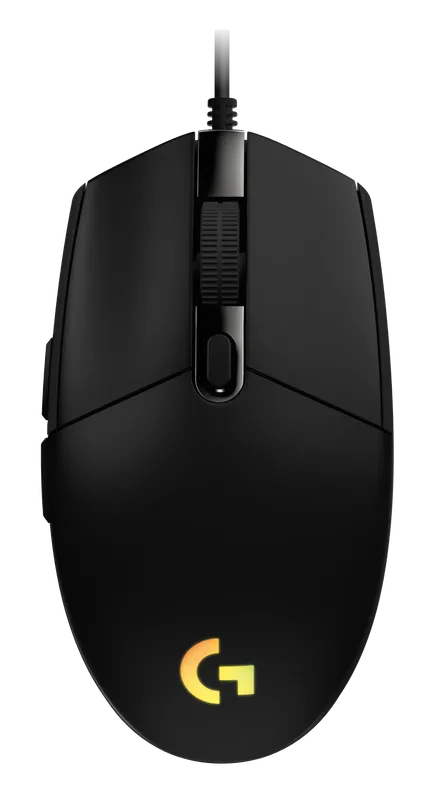
Logitech G203 Lightsync
Check pricefor Logitech G203 Lightsync (opens in a new tab)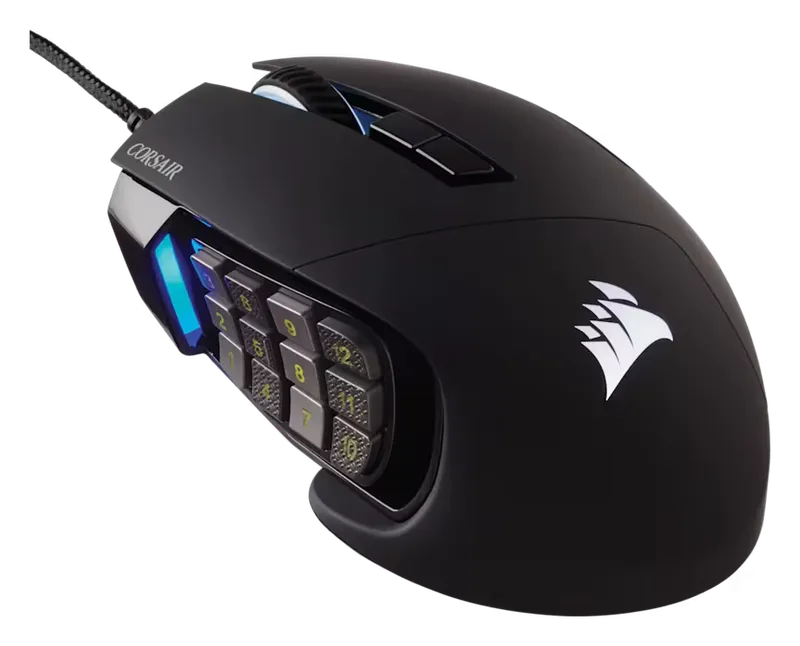
Corsair Scimitar RGB Elite
Check pricefor Corsair Scimitar RGB Elite (opens in a new tab)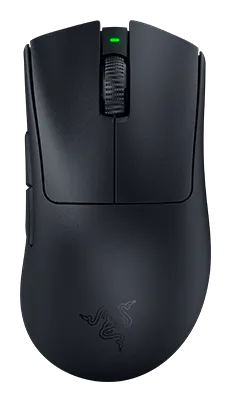
Razer DeathAdder V3 Pro
Check pricefor Razer DeathAdder V3 Pro (opens in a new tab)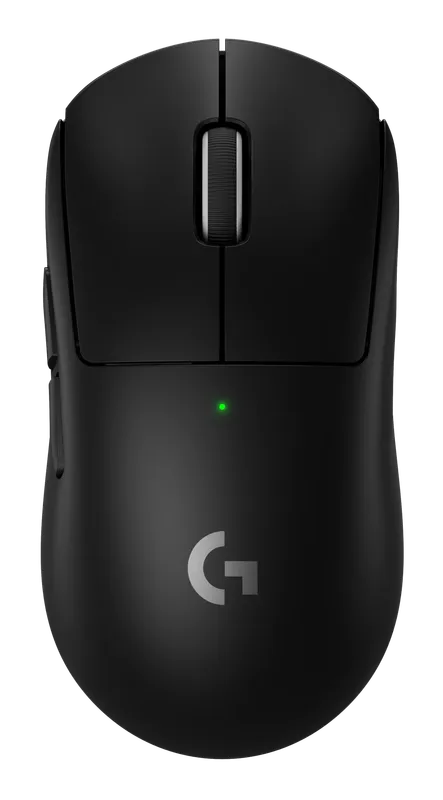
Logitech G Pro X Superlight 2
Check pricefor Logitech G Pro X Superlight 2 (opens in a new tab)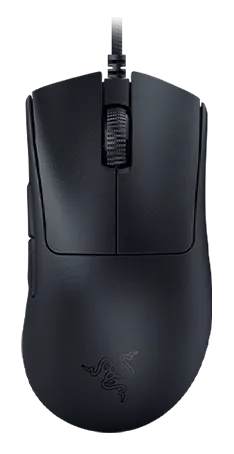
Razer DeathAdder V3
Check pricefor Razer DeathAdder V3 (opens in a new tab)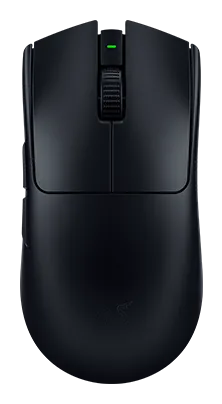
Razer Viper V3 Pro
Check pricefor Razer Viper V3 Pro (opens in a new tab)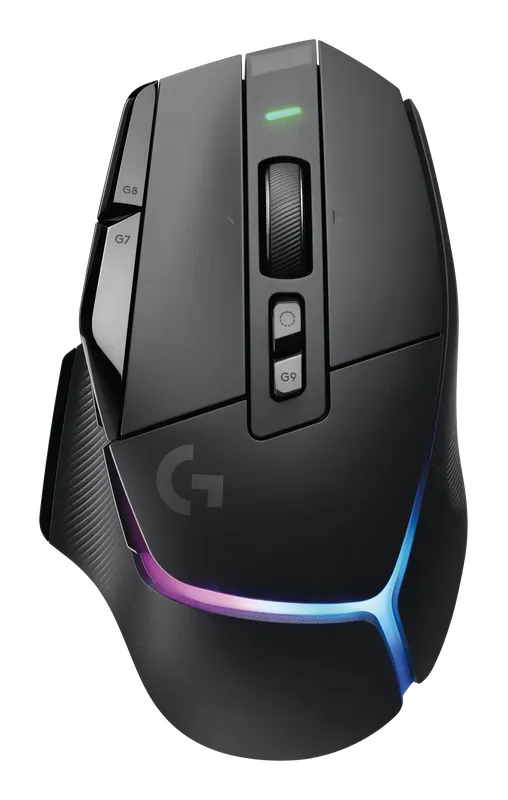
Logitech G502 X Plus
Check pricefor Logitech G502 X Plus (opens in a new tab)Compare specs
| Product | #1Logitech G305 LightspeedBest budget wireless | #2Logitech G203 LightsyncBest budget wired | #3Corsair Scimitar RGB EliteBest for MMOs | #4Razer DeathAdder V3 ProBest ergonomic | #5Logitech G Pro X Superlight 2Best overall | #6Razer DeathAdder V3Best wired ergonomic | #7Razer Viper V3 ProBest for esports | #8Logitech G502 X PlusBest feature-packed |
|---|---|---|---|---|---|---|---|---|
| Our rating | ||||||||
| Price | $ | $ | $$ | $$$ | $$$ | $$ | $$$ | $$$ |
| Weight | ~99 g (with AA battery) | ~85 g | Check listing | ~63 g | ~60 g | ~59 g (without cable) | ~54 g | ~106 g |
| Sensor | Logitech HERO | Logitech gaming sensor (check listing) | PixArt PMW3391 | Razer Focus Pro 30K | Logitech HERO 2 | Razer Focus Pro 30K | Razer Focus Pro 35K (Gen-2) | Logitech HERO 25K |
| Max DPI | 12,000 | 8,000 | 18,000 | 30,000 | 32,000 (check for firmware updates) | 30,000 | 35,000 | 25,600 |
| Polling rate | 1 kHz | 1 kHz | 1 kHz | Up to 8 kHz (check listing) | Up to 8 kHz | Up to 8 kHz | Up to 8 kHz | 1 kHz |
| Connectivity | Lightspeed 2.4 GHz (AA battery) | USB (wired) | USB (wired) | HyperSpeed 2.4 GHz, USB-C wired | Lightspeed 2.4 GHz, USB-C wired | USB (wired, Speedflex cable) | HyperSpeed 2.4 GHz, USB-C wired | Lightspeed 2.4 GHz, USB-C wired |
| Shape | Symmetrical (right-hand buttons) | Symmetrical (right-hand buttons) | Ergonomic, right-handed | Ergonomic, right-handed | Symmetrical (right-hand buttons) | Ergonomic, right-handed | Symmetrical (right-hand buttons) | Ergonomic, right-handed |
| Buy | Check pricefor Logitech G305 Lightspeed (opens in a new tab) | Check pricefor Logitech G203 Lightsync (opens in a new tab) | Check pricefor Corsair Scimitar RGB Elite (opens in a new tab) | Check pricefor Razer DeathAdder V3 Pro (opens in a new tab) | Check pricefor Logitech G Pro X Superlight 2 (opens in a new tab) | Check pricefor Razer DeathAdder V3 (opens in a new tab) | Check pricefor Razer Viper V3 Pro (opens in a new tab) | Check pricefor Logitech G502 X Plus (opens in a new tab) |
The picks, reviewed
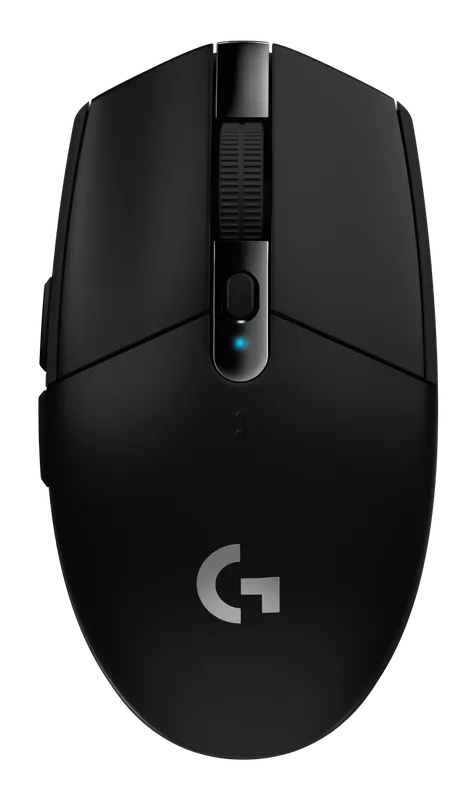
Logitech GLogitech G305 Lightspeed
Proper low-latency gaming wireless and a HERO sensor for the price of a basic office mouse. It runs for a very long time on a single AA battery.
Pros
- Low-latency Lightspeed wireless at a budget price
- Long battery life on one AA
Cons
- Heavier with the battery installed
- Small shape suits claw and fingertip grips best
- Weight
- ~99 g (with AA battery)
- Sensor
- Logitech HERO
- Max DPI
- 12,000
- Polling rate
- 1 kHz
Logitech GLogitech G203 Lightsync
The cheapest gaming mouse we would recommend: a reliable sensor, a comfortable classic shape, and RGB, for about the price of lunch.
Pros
- Very low price
- Accurate sensor for casual and mid-level play
Cons
- Stiff cable compared with paracord cables
- Basic sensor next to flagship mice
- Weight
- ~85 g
- Sensor
- Logitech gaming sensor (check listing)
- Max DPI
- 8,000
- Polling rate
- 1 kHz
CorsairCorsair Scimitar RGB Elite
A 12-button side panel puts your whole hotbar under your thumb. The panel slides forward and back to fit your hand.
Pros
- 12 programmable side buttons
- Adjustable side-panel position
Cons
- Heavy and bulky for shooters
- Side buttons take practice to hit reliably
- Weight
- Check listing
- Sensor
- PixArt PMW3391
- Max DPI
- 18,000
- Polling rate
- 1 kHz
RazerRazer DeathAdder V3 Pro
The classic right-handed ergonomic shape, slimmed down to esports weight. It is a great fit for palm grip and larger hands.
Pros
- Comfortable ergonomic shape for palm grip
- Light for an ergonomic mouse at about 63 g
Cons
- Right-handed only
- Highest polling rates may need a separate dongle (check listing)
- Weight
- ~63 g
- Sensor
- Razer Focus Pro 30K
- Max DPI
- 30,000
- Polling rate
- Up to 8 kHz (check listing)
Logitech GLogitech G Pro X Superlight 2
A light, simple, symmetrical wireless mouse with a flawless sensor and rock-solid Lightspeed connection. It suits almost every grip and genre.
Pros
- Very light at about 60 g
- Excellent HERO 2 sensor and low-latency wireless
- Safe symmetrical shape that fits most hands
Cons
- Expensive
- Side buttons on the left only, which is awkward for left-handers
- Weight
- ~60 g
- Sensor
- Logitech HERO 2
- Max DPI
- 32,000 (check for firmware updates)
- Polling rate
- Up to 8 kHz
RazerRazer DeathAdder V3
The wired version of Razer’s pro-favorite ergonomic shape. At 59 g with an 8 kHz polling rate, it is one of the lightest and most responsive ergonomic mice you can buy, and there’s no battery to charge.
Pros
- Very light 59 g ergonomic shape
- Up to 8 kHz polling with HyperPolling
- Flexible Speedflex cable, no battery to charge
Cons
- Wired only
- 8 kHz polling needs Razer Synapse (1 kHz by default)
- Weight
- ~59 g (without cable)
- Sensor
- Razer Focus Pro 30K
- Max DPI
- 30,000
- Polling rate
- Up to 8 kHz
RazerRazer Viper V3 Pro
Razer's flagship ultralight is built with pro players and tuned for fast aim, with 8 kHz wireless polling out of the box.
Pros
- Extremely light at about 54 g
- 8 kHz wireless polling included
- Top-tier Focus Pro sensor
Cons
- Expensive
- Minimal extra buttons
- Weight
- ~54 g
- Sensor
- Razer Focus Pro 35K (Gen-2)
- Max DPI
- 35,000
- Polling rate
- Up to 8 kHz
Logitech GLogitech G502 X Plus
The legendary G502 shape with loads of programmable buttons, a free-spinning scroll wheel, RGB, and wireless. It works as well for work as it does for play.
Pros
- Many programmable buttons plus a dual-mode scroll wheel
- Comfortable, well-supported palm shape
- Excellent wireless performance
Cons
- Heavy at about 106 g
- Too big and busy for fast flick-aim
- Weight
- ~106 g
- Sensor
- Logitech HERO 25K
- Max DPI
- 25,600
- Polling rate
- 1 kHz
How to choose a gaming mouse
Shape matters more than specs. Every mouse on this list has a sensor that’s accurate enough for any player. What separates them is how they fit your hand and your grip.
Find your grip
| Grip | How you hold it | Look for |
|---|---|---|
| Palm | Whole hand rests on the mouse | Larger, ergonomic shapes (DeathAdder V3 Pro, DeathAdder V3, G502 X Plus) |
| Claw | Palm touches the back, fingers arched | Medium mice with a pronounced back hump |
| Fingertip | Only fingertips touch the mouse | Small, light, symmetrical mice (Viper V3 Pro, G305) |
Measure your hand from wrist crease to fingertip and compare with the mouse length. A mouse that’s too small cramps you, and one that’s too large is hard to control.
Weight
Lighter mice are easier to stop and start, which helps fast flick-aim in shooters. For MMOs, MOBAs, or general use, weight matters much less. Buttons and comfort matter more.
DPI is mostly marketing
Most competitive players use 400–1600 DPI. A 35,000 DPI ceiling doesn’t make a mouse more accurate than a 12,000 DPI one at the settings people actually play at. Pick a DPI you like, then adjust in-game sensitivity.
Polling rate: 1 kHz vs. 8 kHz
Polling rate is how often the mouse reports to your PC. 1 kHz (1 ms) is plenty for most people. 4–8 kHz can make tracking feel smoother on high-refresh monitors, but it uses more CPU and battery. It’s worth trying if you play competitive shooters on a 240 Hz or faster display.
Is wireless good enough for gaming?
Yes. Modern 2.4 GHz gaming wireless (Logitech Lightspeed, Razer HyperSpeed) is effectively indistinguishable from a cable. Bluetooth is a different story: it’s fine for work but has too much latency for competitive play.
Don’t forget the mousepad
A good mouse on a bad surface feels bad. A cloth pad of at least 450 × 400 mm gives consistent glide and room for low sensitivity. Speed pads let you move faster, and control pads make it easier to stop precisely.
FAQ
Are lightweight mice with holes worth it? Modern ultralights such as the Superlight 2 and Viper V3 Pro reach very low weights with solid shells, so you no longer need a honeycomb shell to get a light mouse.
How long does a wireless gaming mouse battery last? Typically days to weeks between charges at 1 kHz. Higher polling rates and RGB drain it faster. The AA-powered G305 lasts far longer.
Can I use a gaming mouse left-handed? Only if it’s symmetrical and has buttons on both sides. Most “symmetrical” gaming mice, including the ones here, only put side buttons on the left for right-handers.