
Best Monitor Arms for Single, Dual, and Triple Screens
Desk-clamp monitor arms that lift your screens to eye level and clear the desk underneath: a premium Ergotron, budget single arms, and dual and triple mounts for multi-monitor setups.
4 picks · Published
Top picks at a glance
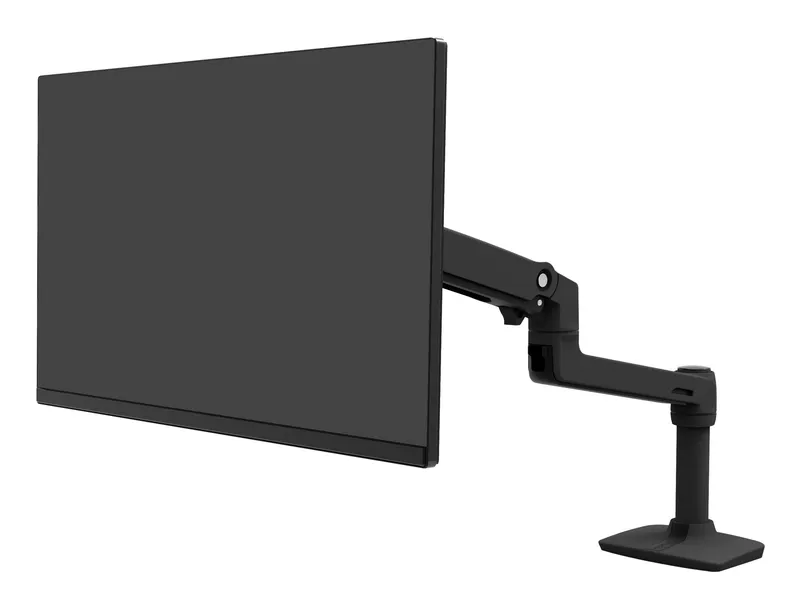
Ergotron LX Single Monitor Arm
Check pricefor Ergotron LX Single Monitor Arm (opens in a new tab)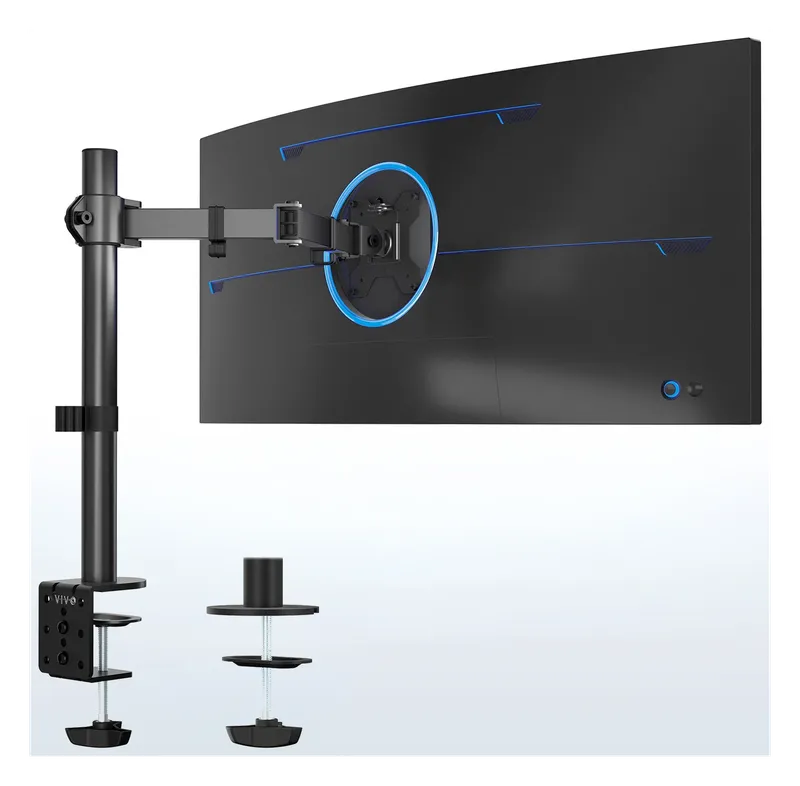
VIVO Single Monitor Arm
Check pricefor VIVO Single Monitor Arm (opens in a new tab)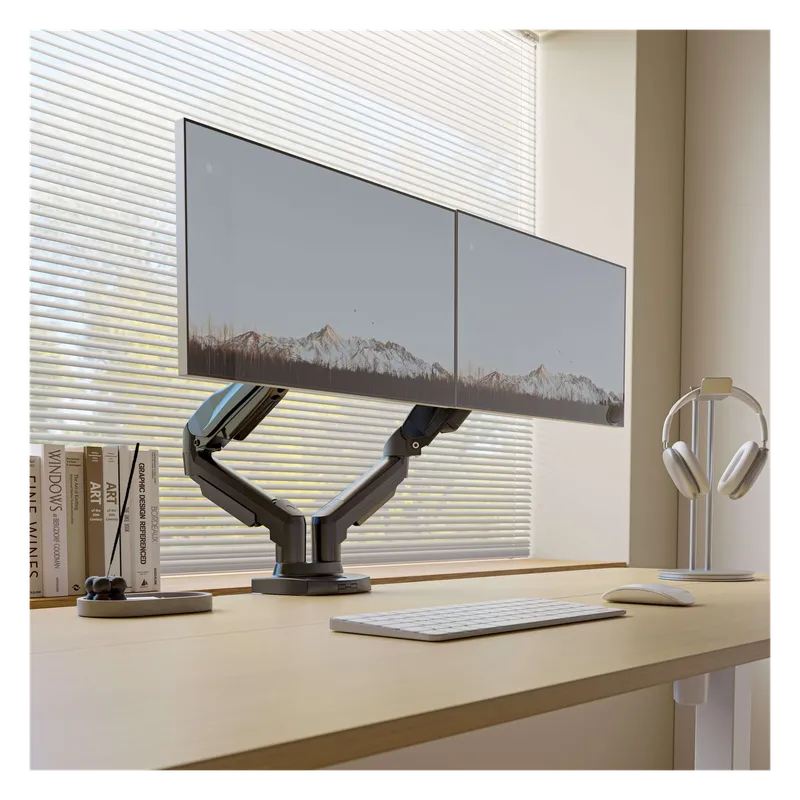
HUANUO Dual Monitor Arm
Check pricefor HUANUO Dual Monitor Arm (opens in a new tab)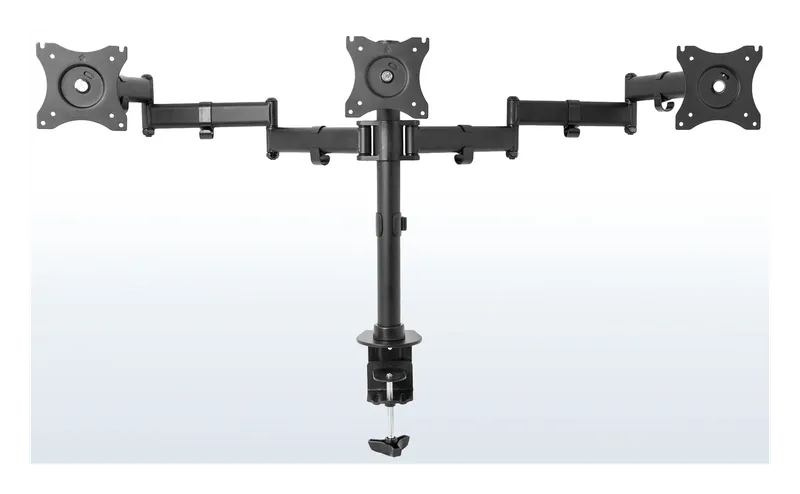
VIVO Triple Monitor Desk Mount
Check pricefor VIVO Triple Monitor Desk Mount (opens in a new tab)Compare specs
| Product | #1Ergotron LX Single Monitor ArmBest monitor arm | #2VIVO Single Monitor ArmBest budget single arm | #3HUANUO Dual Monitor ArmBest dual monitor arm | #4VIVO Triple Monitor Desk MountBest triple monitor mount |
|---|---|---|---|---|
| Price | $$$ | $ | $$ | $$ |
| Screens | 1 | 1 | 2 | 3 |
| Mount | Clamp or grommet | Clamp or grommet | Clamp or grommet | Clamp or grommet |
| Best for | One main monitor, deep desks | One monitor on a budget | Dual-monitor gaming and work setups | Sim racing and wide work setups |
| Buy | Check pricefor Ergotron LX Single Monitor Arm (opens in a new tab) | Check pricefor VIVO Single Monitor Arm (opens in a new tab) | Check pricefor HUANUO Dual Monitor Arm (opens in a new tab) | Check pricefor VIVO Triple Monitor Desk Mount (opens in a new tab) |
The picks in detail
ErgotronErgotron LX Single Monitor Arm
The long-running benchmark arm: smooth, strong and built to hold its position for years, with a long reach for deep desks.
Pros
- Silky smooth adjustment
- Holds position without drooping
- Long warranty
Cons
- Expensive for one screen
- Screens
- 1
- Mount
- Clamp or grommet
- Best for
- One main monitor, deep desks
VIVOVIVO Single Monitor Arm
A cheap gas-spring arm that gets one monitor off the desk and up to eye level.
Pros
- Very affordable
- Easy setup
- Gas-spring height adjustment
Cons
- Not as smooth as Ergotron
- Check weight limit for big monitors
- Screens
- 1
- Mount
- Clamp or grommet
- Best for
- One monitor on a budget
HUANUOHUANUO Dual Monitor Arm
A gas-spring dual arm that lets you position two screens independently and clears the desk underneath both.
Pros
- Each screen moves independently
- Frees desk space
- Good value
Cons
- Tension needs setting up for each screen
- Screens
- 2
- Mount
- Clamp or grommet
- Best for
- Dual-monitor gaming and work setups
VIVOVIVO Triple Monitor Desk Mount
A pole mount for three screens side by side, for sim racing, trading or a wide work layout.
Pros
- Holds three screens
- Affordable for three
- Wraparound angles
Cons
- Less flexible than gas-spring arms
- Heavier to install
- Screens
- 3
- Mount
- Clamp or grommet
- Best for
- Sim racing and wide work setups
Before you buy a monitor arm
Check VESA: your monitor needs VESA mounting holes on the back (usually 75 x 75 or 100 x 100 mm). Most do; some curved and very thin monitors need an adapter.
Check weight and size: every arm has a weight range. Heavy ultrawides and big OLEDs need an arm rated for them, or the gas spring can’t hold the screen up.
Check your desk: clamps need a solid edge with room underneath. On a standing desk, arms move with the desk, so your screens stay at the right height sitting and standing.
Related
Mounting a mic or camera too? See our mic arms and desk mounts guide, plus gaming monitors and gaming desk accessories.
Related buying guides
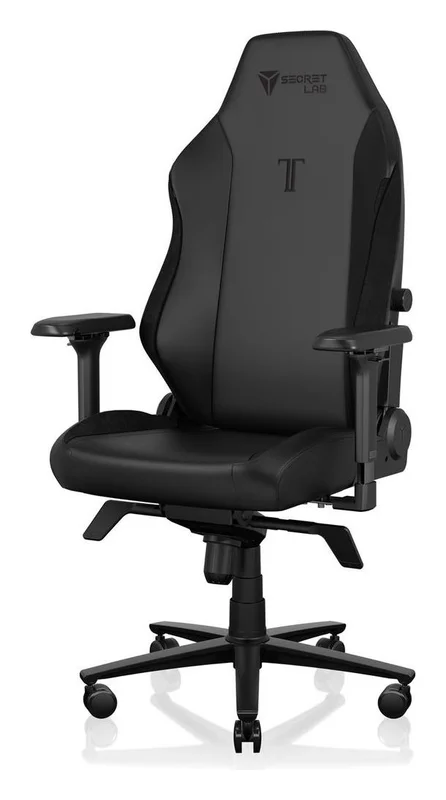
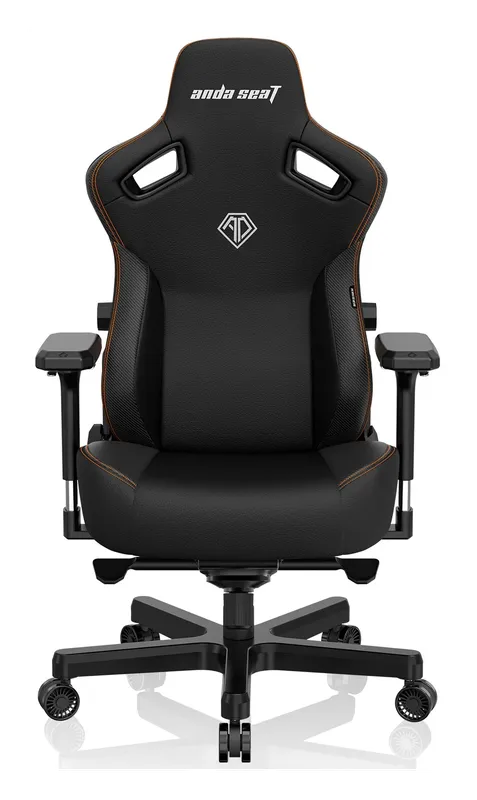
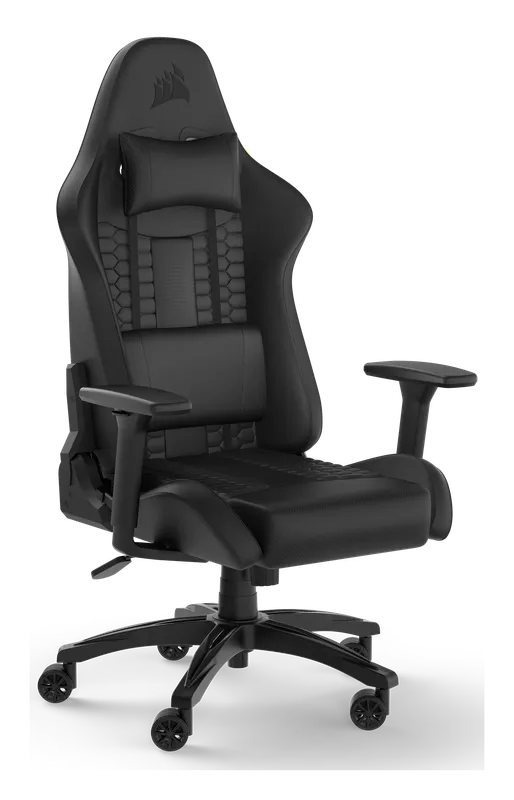
Best Gaming Chairs for PC Setups
Gaming chairs built for long sessions at a PC desk: the Secretlab Titan Evo, the AndaSeat Kaiser 3, the Corsair TC100 Relaxed, and an ergonomic mesh alternative.
Best Gaming Desk Accessories
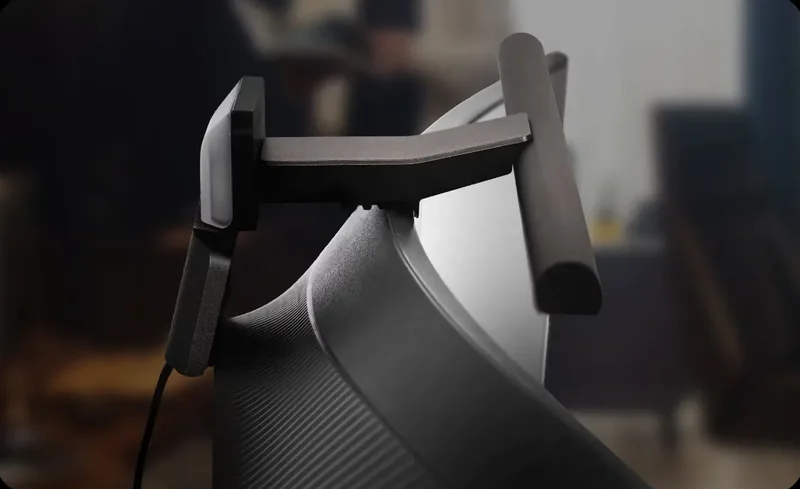
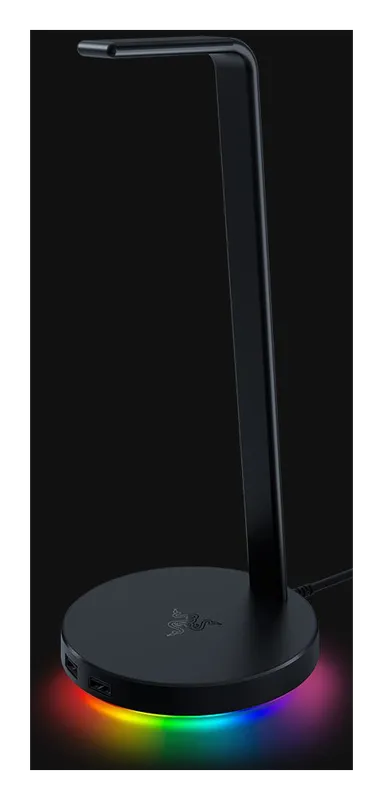
The gear that finishes a gaming desk: a full-desk mat, a monitor light bar, a headset stand, a dual monitor arm, and a keyboard wrist rest.
Best Standing Desks for Home Office and Gaming
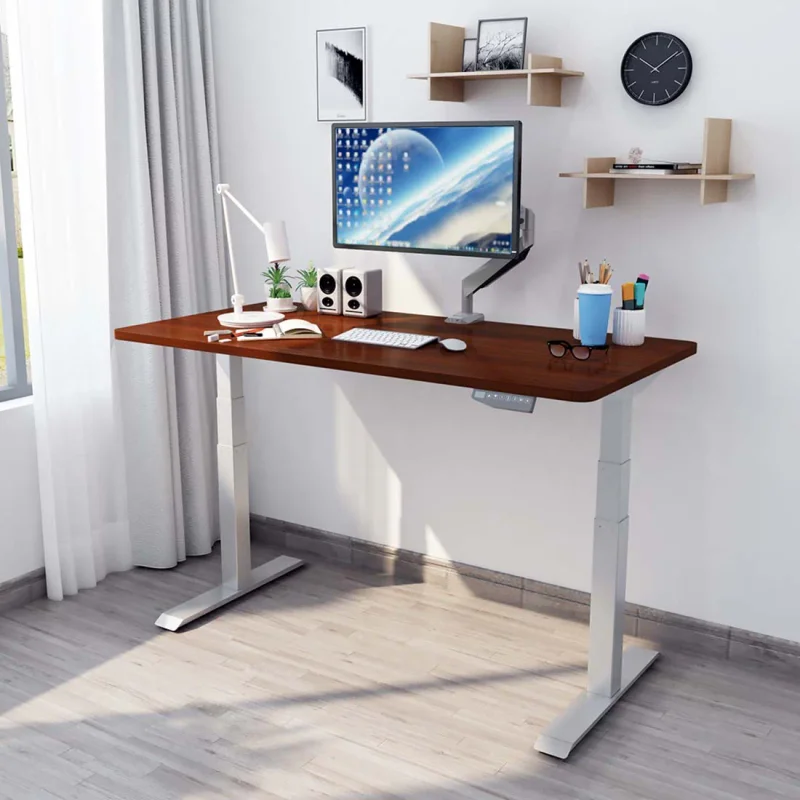
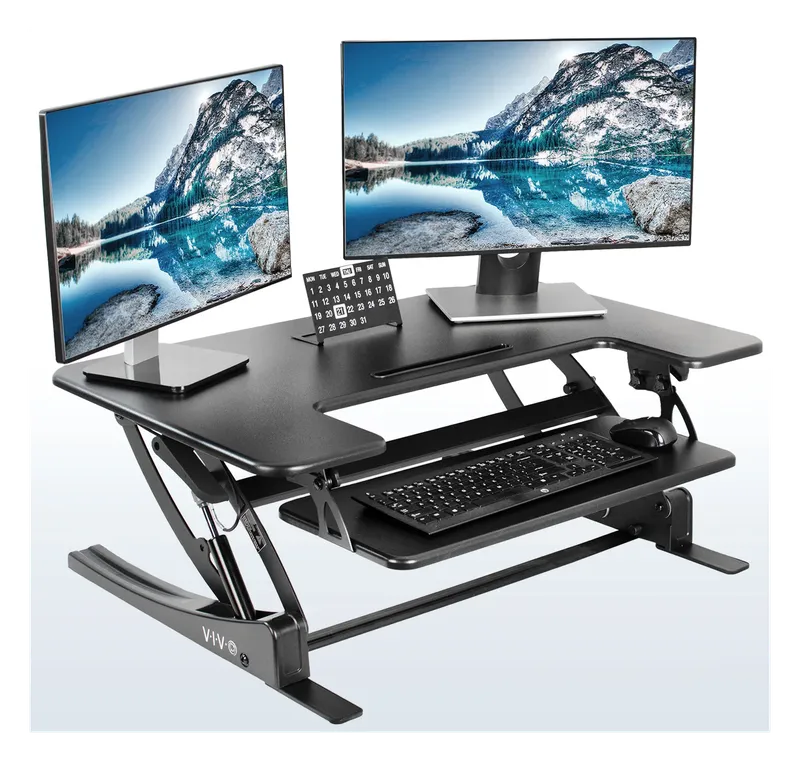
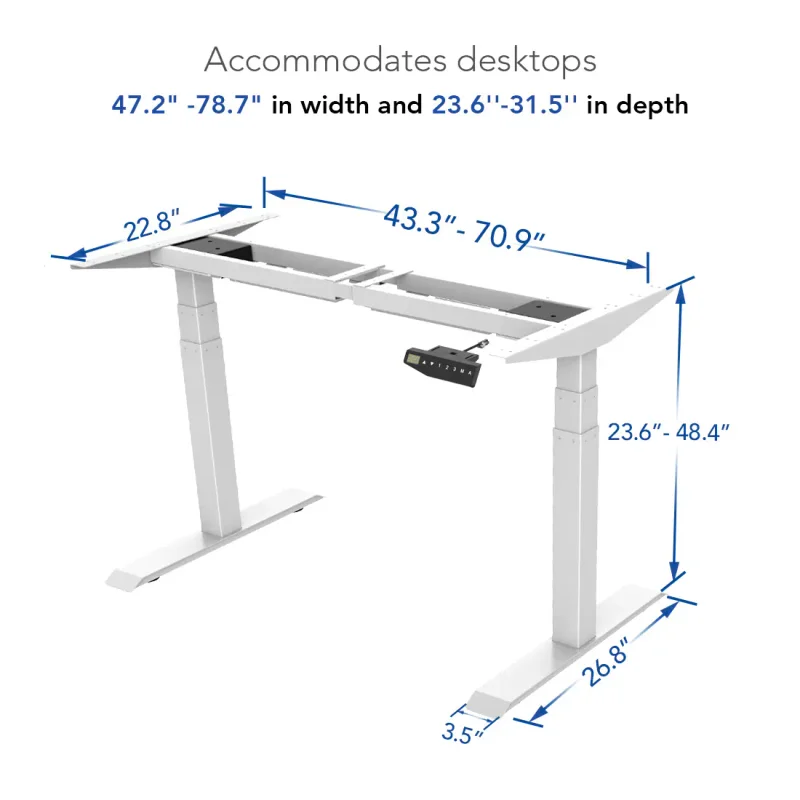
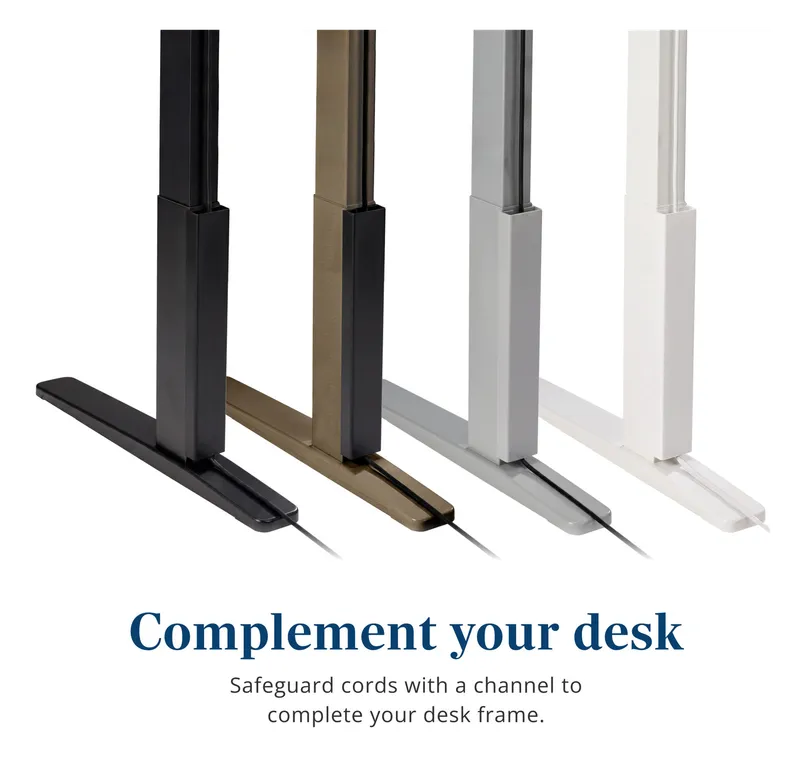
Electric sit-stand desks that go from seated to standing at the push of a button: the dual-motor FlexiSpot E6 and a converter for the desk you already have.

Best Cable Management for Your Desk
Raceways, cable sleeves, clips, and reusable ties that get the cord spaghetti off the floor and out from under your desk.

PC Building Essentials: Thermal Paste, Tools, and Gear for a Clean Build
Everything you need on the bench before you build or service a PC: the best thermal pastes, anti-static protection, driver kits, cleaning supplies, and cable management gear.
Best Case Fans and RGB Lighting
Quiet, high-airflow case fans from Noctua and Arctic, plus RGB fans, controllers, and LED strips to light up your build.