
PC Building Essentials: Thermal Paste, Tools, and Gear for a Clean Build
Everything you need on the bench before you build or service a PC: the best thermal pastes, anti-static protection, driver kits, cleaning supplies, and cable management gear.
11 picks · Published
Top picks at a glance
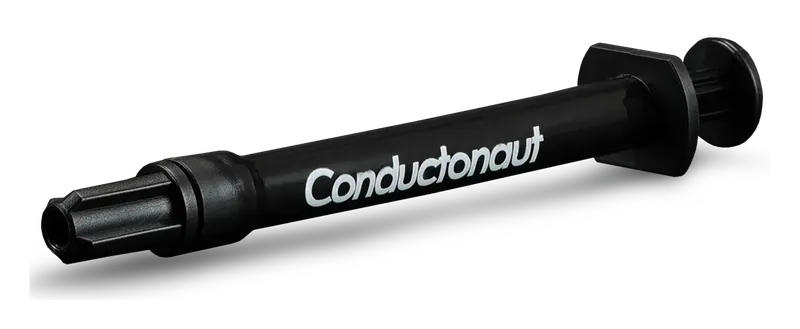
Thermal Grizzly Conductonaut
Check pricefor Thermal Grizzly Conductonaut (opens in a new tab)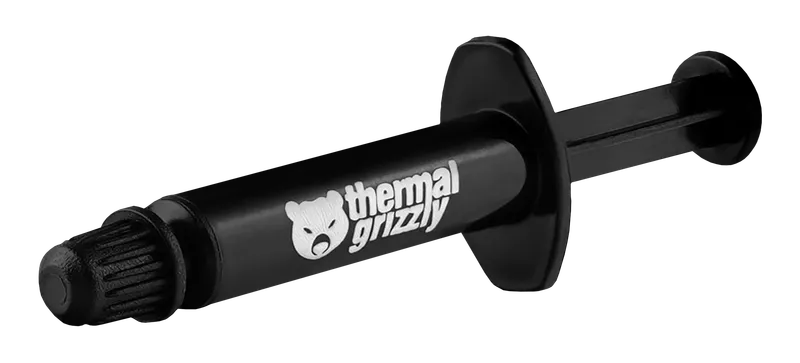
Thermal Grizzly Kryonaut
Check pricefor Thermal Grizzly Kryonaut (opens in a new tab)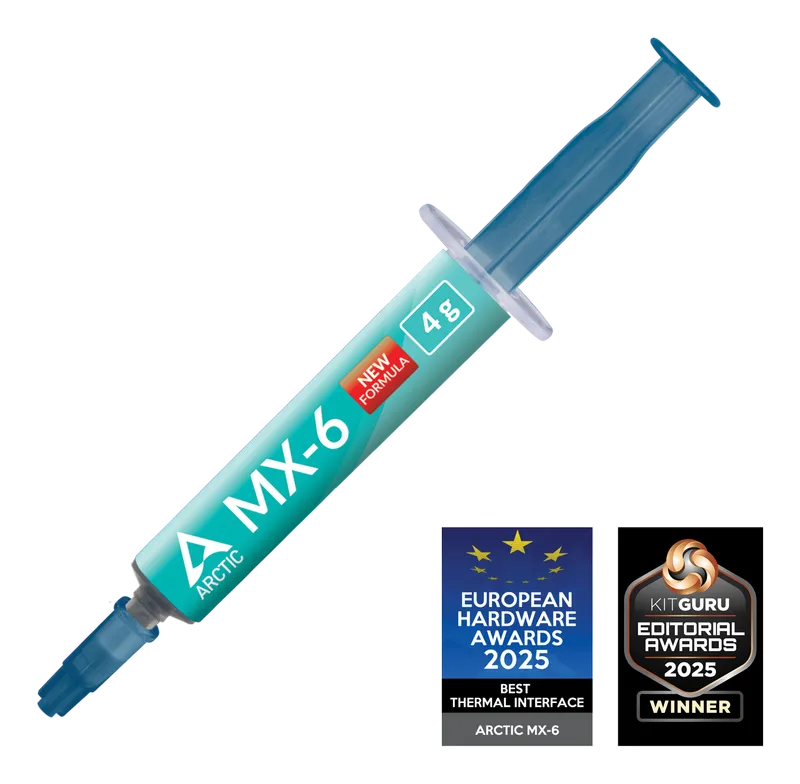
Arctic MX-6
Check pricefor Arctic MX-6 (opens in a new tab)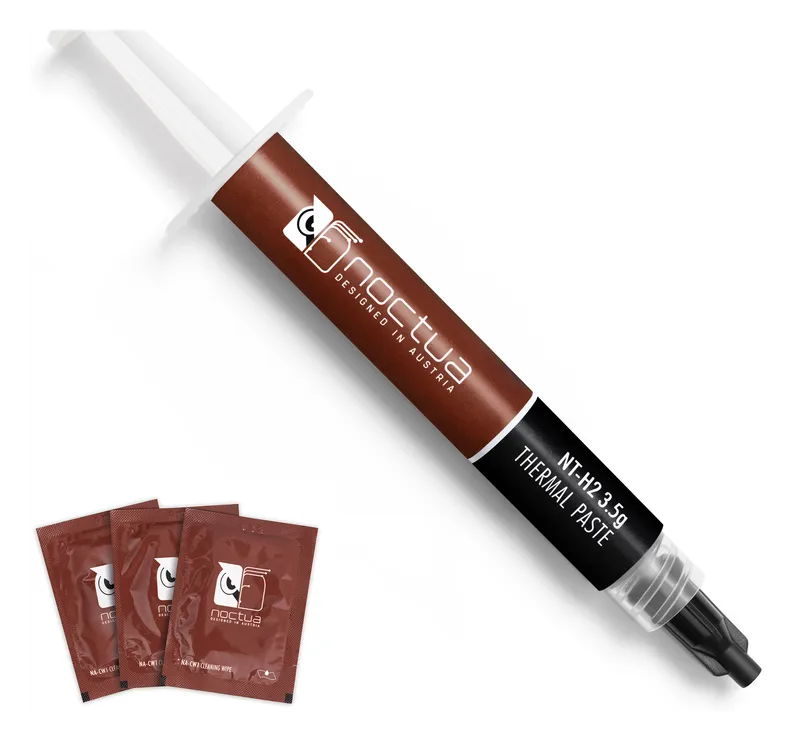
Noctua NT-H2
Check pricefor Noctua NT-H2 (opens in a new tab)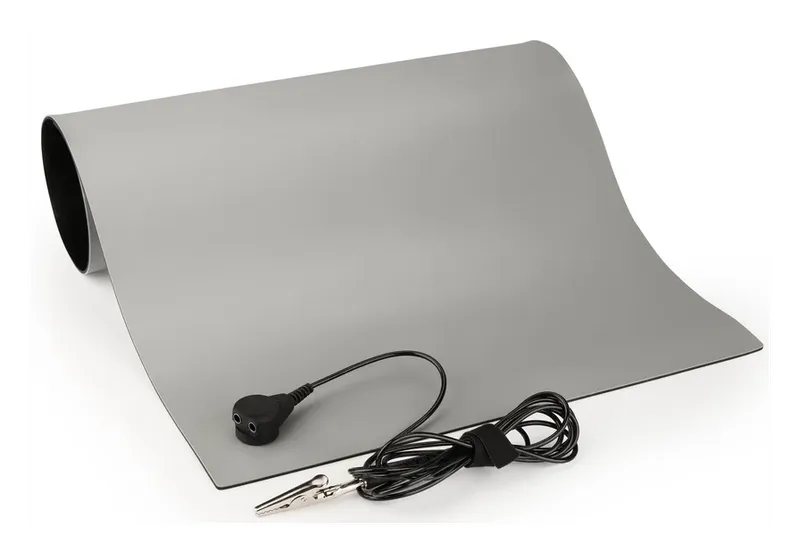
iFixit Portable Anti-Static Mat
Check pricefor iFixit Portable Anti-Static Mat (opens in a new tab)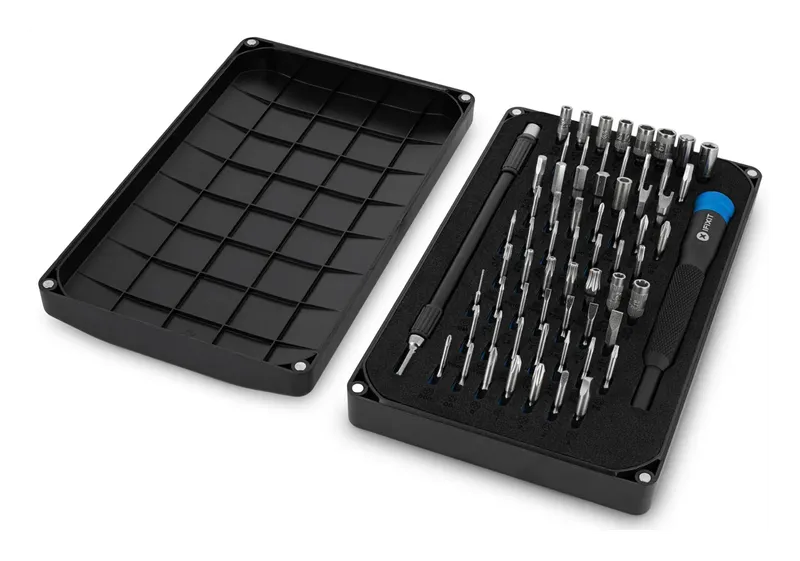
iFixit Mako Driver Kit
Check pricefor iFixit Mako Driver Kit (opens in a new tab)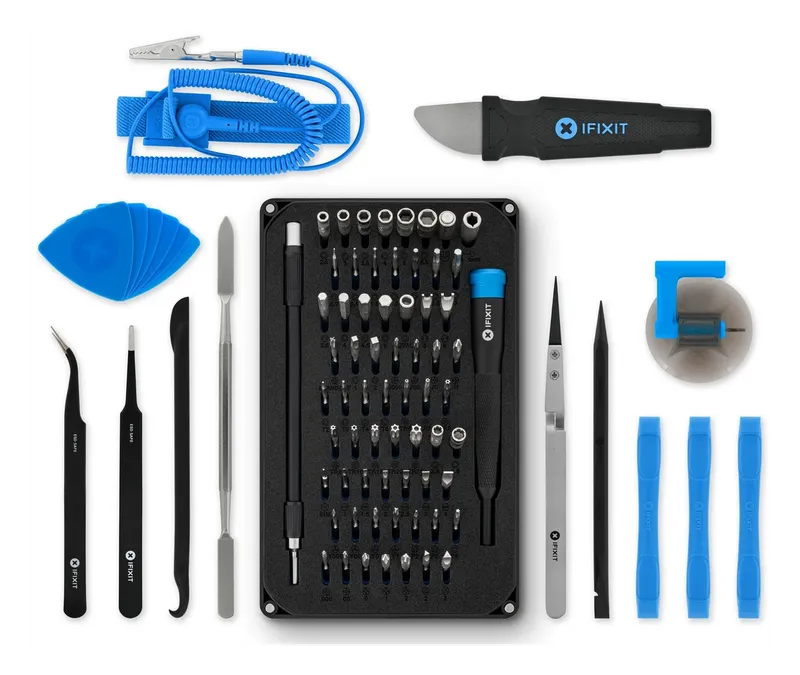
iFixit Pro Tech Toolkit
Check pricefor iFixit Pro Tech Toolkit (opens in a new tab)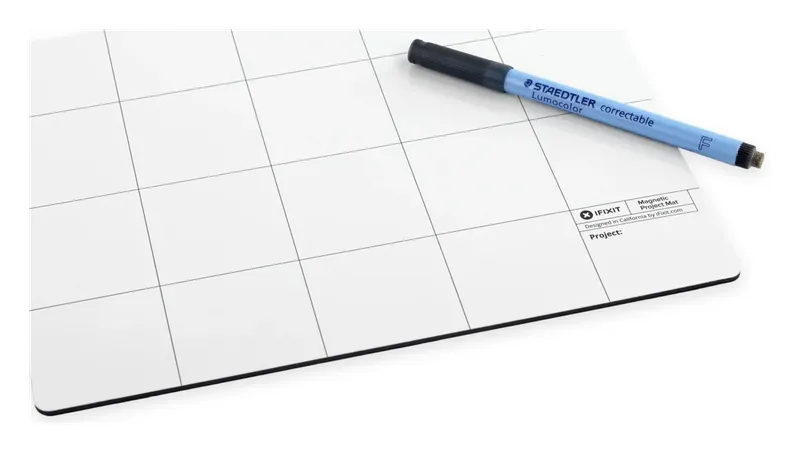
iFixit Magnetic Project Mat
Check pricefor iFixit Magnetic Project Mat (opens in a new tab)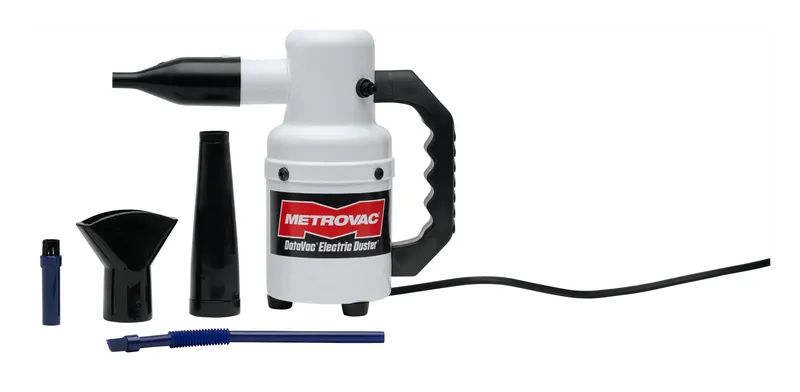
Metro DataVac Electric Duster
Check pricefor Metro DataVac Electric Duster (opens in a new tab)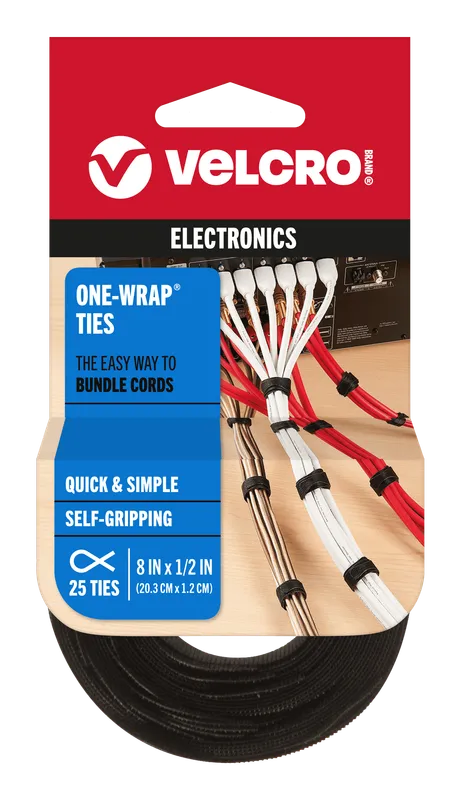
VELCRO Brand ONE-WRAP Ties
Check pricefor VELCRO Brand ONE-WRAP Ties (opens in a new tab)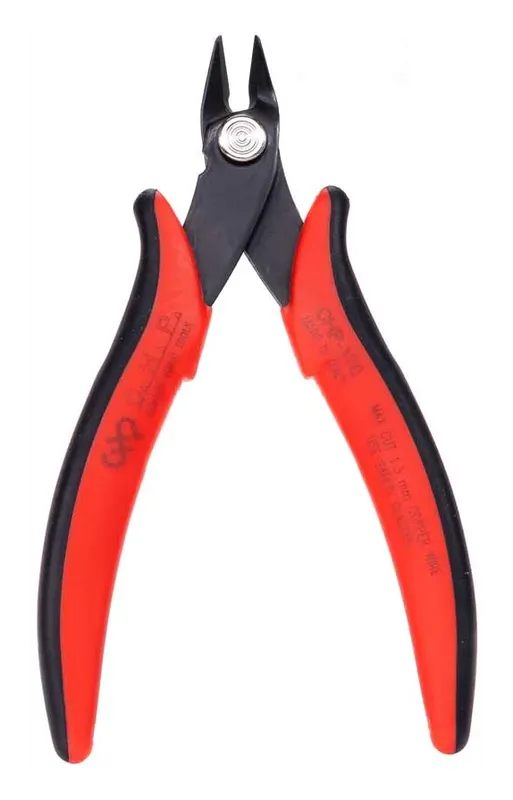
Hakko CHP-170 Micro Cutter
Check pricefor Hakko CHP-170 Micro Cutter (opens in a new tab)Compare specs
| Product | #1Thermal Grizzly ConductonautExperts only | #2Thermal Grizzly KryonautBest for enthusiasts | #3Arctic MX-6Best overall paste | #4Noctua NT-H2Best with cleaning wipes |
|---|---|---|---|---|
| Our rating | ||||
| Price | $$ | $$ | $ | $$ |
| Type | Liquid metal | Non-metal paste | Carbon-based paste | Hybrid paste |
| Thermal conductivity | 73 W/m·K | 12.5 W/m·K | Not published by Arctic | Not published by Noctua |
| Electrically conductive | Yes | No | No | No |
| Sizes | Check listing | 1 g, 5.55 g, 11.1 g (check listing) | Multiple tube sizes (check listing) | Several sizes, with or without wipes (check listing) |
| Best for | Delidding and extreme overclocking | Overclocking, high-end GPUs | Everyday CPU and GPU builds | Repasting and maintenance |
| Buy | Check pricefor Thermal Grizzly Conductonaut (opens in a new tab) | Check pricefor Thermal Grizzly Kryonaut (opens in a new tab) | Check pricefor Arctic MX-6 (opens in a new tab) | Check pricefor Noctua NT-H2 (opens in a new tab) |
The picks, reviewed
Thermal GrizzlyThermal Grizzly Conductonaut
Liquid metal for maximum heat transfer, the choice for delidded CPUs and extreme builds. It is electrically conductive, so it is not for a first build.
Pros
- Far higher conductivity than any paste
- Can drop temperatures meaningfully on delidded chips
Cons
- Electrically conductive: a stray drop can short components
- Corrodes aluminum. Use only with copper or nickel-plated surfaces
- Type
- Liquid metal
- Thermal conductivity
- 73 W/m·K
- Electrically conductive
- Yes
- Sizes
- Check listing
Thermal GrizzlyThermal Grizzly Kryonaut
The enthusiast favorite for overclocked CPUs and high-end GPUs. One of the best-performing traditional pastes you can buy.
Pros
- Top-tier performance for a non-metal paste
- Not electrically conductive
Cons
- Costs noticeably more than MX-6
- Thinner consistency takes a little care to apply
- Type
- Non-metal paste
- Thermal conductivity
- 12.5 W/m·K
- Electrically conductive
- No
- Sizes
- 1 g, 5.55 g, 11.1 g (check listing)
ArcticArctic MX-6
The default pick for almost every build. Great performance, easy to spread, and not electrically conductive, so a little overflow onto the socket is harmless.
Pros
- Non-conductive and non-capacitive, so it is safe for beginners
- Spreads easily without being runny
- Excellent value per gram
Cons
- Enthusiast pastes edge it out at the very top end
- Type
- Carbon-based paste
- Thermal conductivity
- Not published by Arctic
- Electrically conductive
- No
- Sizes
- Multiple tube sizes (check listing)
NoctuaNoctua NT-H2
Noctua's premium paste, often sold bundled with cleaning wipes. That makes it a tidy all-in-one pick for repasting an old cooler.
Pros
- Strong, consistent performance
- Bundles with cleaning wipes are available
- Not electrically conductive
Cons
- Thicker paste, so it spreads less easily when cold
- Type
- Hybrid paste
- Thermal conductivity
- Not published by Noctua
- Electrically conductive
- No
- Sizes
- Several sizes, with or without wipes (check listing)
iFixitiFixit Portable Anti-Static Mat
A roll-up ESD-safe work surface that includes a wrist strap. It gives you a grounded place to set down RAM, SSDs, and the motherboard.
Pros
- Includes a grounding wrist strap
- Rolls up for storage
Cons
- Smaller than a fixed bench mat
- Type
- ESD mat + wrist strap
- Includes
- Mat, wrist strap, ground cord
iFixitiFixit Mako Driver Kit
Just the precision driver and 64 bits from the Pro Tech kit. Ideal if you already own tweezers and spudgers.
Pros
- Same bit set as the Pro Tech Toolkit for less
- Compact magnetic case
Cons
- Precision driver is too small for high-torque case screws
- Type
- Precision driver kit
- Includes
- Driver handle, 64 bits, extension
iFixitiFixit Pro Tech Toolkit
A precision driver with a large bit set plus spudgers, tweezers, and opening tools. It handles PC builds, laptops, consoles, and phones.
Pros
- Covers nearly every screw type you will meet
- Excellent build quality and lifetime warranty
- Opening and prying tools included
Cons
- More than you need if you only ever build desktops
- Type
- Full electronics toolkit
- Includes
- 64-bit driver kit, spudgers, tweezers, opening tools
iFixitiFixit Magnetic Project Mat
A magnetic, write-on mat that keeps every screw where you left it. Label the grid as you go and reassembly becomes painless.
Pros
- Magnetic surface stops screws from rolling away
- Dry-erase surface for notes
Cons
- Not anti-static. Keep components on an ESD mat
- Type
- Magnetic parts mat
- Includes
- Mat and dry-erase marker
Metro VacuumMetro DataVac Electric Duster
A corded electric blower that replaces cans of compressed air. It is powerful, never runs out, and does not spray freezing propellant.
Pros
- No recurring cost for canned air
- Strong airflow clears radiators and filters
Cons
- Loud and corded
- Type
- Electric air duster
- Includes
- Blower and nozzle attachments (check listing)
VELCRO BrandVELCRO Brand ONE-WRAP Ties
Reusable hook-and-loop straps that bundle cables without cutting. Upgrades and re-routing never require snipping zip ties again.
Pros
- Reusable, so it is easy to add or remove a cable
- Will not overtighten or crush cables
Cons
- Bulkier than zip ties in tight spaces
- Type
- Hook-and-loop straps
- Includes
- Check listing (lengths and counts vary)
HakkoHakko CHP-170 Micro Cutter
A cheap, precise flush cutter that trims zip ties perfectly flat, so there are no sharp tails to slice your hands on later.
Pros
- Flush cut leaves no sharp zip-tie stubs
- Inexpensive and durable
Cons
- For light wire and plastic only
- Type
- Flush cutter
- Includes
- Cutter
The minimum kit for a first build
You don’t need everything on this list to build a PC. If you’re starting from scratch, get:
- A good paste. Arctic MX-6 is the safe choice, though most coolers ship with paste pre-applied.
- A driver with a #2 Phillips bit. It covers nearly every case, motherboard, and PSU screw.
- An anti-static wrist strap (the iFixit mat includes one), or at minimum a habit of grounding yourself.
- Reusable cable ties.
Everything else makes building faster, cleaner, and more pleasant, and it pays off the second time you open the case.
How to apply thermal paste
- Clean first. Wipe old paste off both the CPU and the cooler with 99% isopropyl alcohol and a lint-free cloth.
- Use a pea-sized dot (about 4–5 mm) in the center of the CPU. Mounting pressure spreads it.
- Larger CPUs such as Threadripper, or modern rectangular desktop chips, do better with an X pattern or a thin manual spread, so the whole heat spreader is covered.
- Don’t reuse paste. If you lift the cooler off, clean both surfaces and reapply.
Too much non-conductive paste is messy but harmless. Too little leaves hotspots. Liquid metal is different: it’s electrically conductive, so apply it only in a very thin layer, protect nearby components, and never use it on aluminum.
Static: how worried should you be?
Modern components are fairly robust, but an ESD zap can still damage them, sometimes silently. Protection is cheap:
- Build on a hard surface or an ESD mat, not carpet.
- Wear a wrist strap clipped to a grounded point, such as bare metal on the case.
- Handle RAM, SSDs, and GPUs by their edges, and leave them in anti-static bags until install.
Maintenance schedule
| Task | How often |
|---|---|
| Blow out dust filters and fans | Every 3–6 months |
| Deep clean radiators and heatsinks | Every 6–12 months |
| Repaste CPU | Every few years, or when temperatures creep up |
| Check cable ties and fan headers | When you open the case |
FAQ
Is compressed air or an electric duster better? For regular maintenance an electric duster wins. It never runs out and won’t spray freezing propellant. Either way, hold fans still while blowing on them, because spinning them up with air can damage their bearings.
Does thermal paste expire? Sealed paste lasts a long time. Once opened, a paste that has separated or dried in the tube should be replaced.
Do I need a magnetic screwdriver? Magnetic tips are safe around modern PC components and make dropped screws far less likely. Just keep magnets away from old spinning hard drives.