
Best Webcams for Streaming and Gaming
Webcams for game streamers and video calls: the Elgato Facecam MK.2, Logitech Brio 4K, OBSBOT Tiny 2 tracking camera, Razer Kiyo Pro for low light, and the budget Logitech C920s.
5 picks · Published
Top picks at a glance
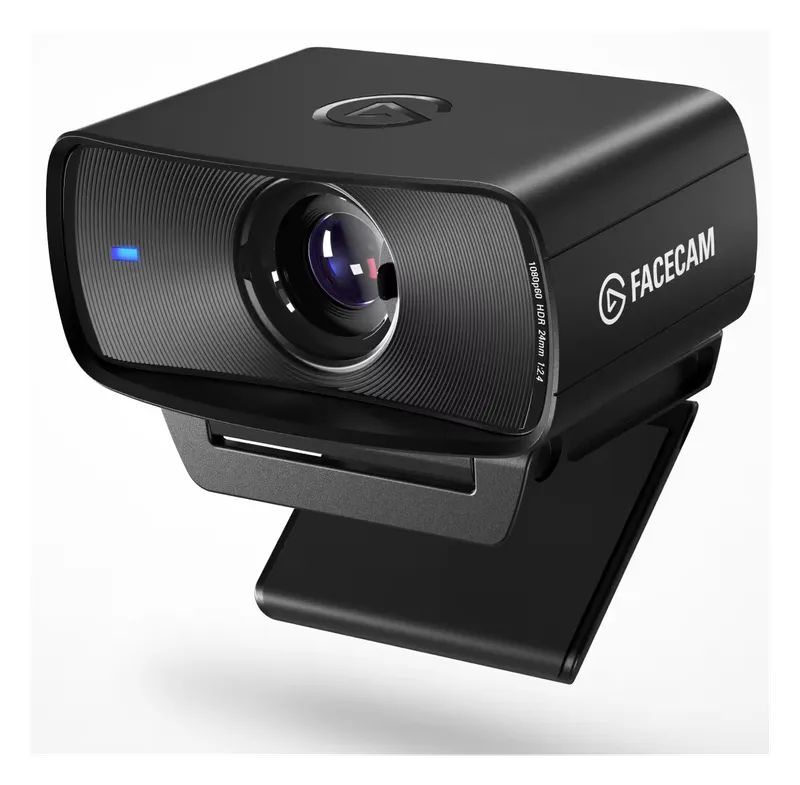
Elgato Facecam MK.2
Check pricefor Elgato Facecam MK.2 (opens in a new tab)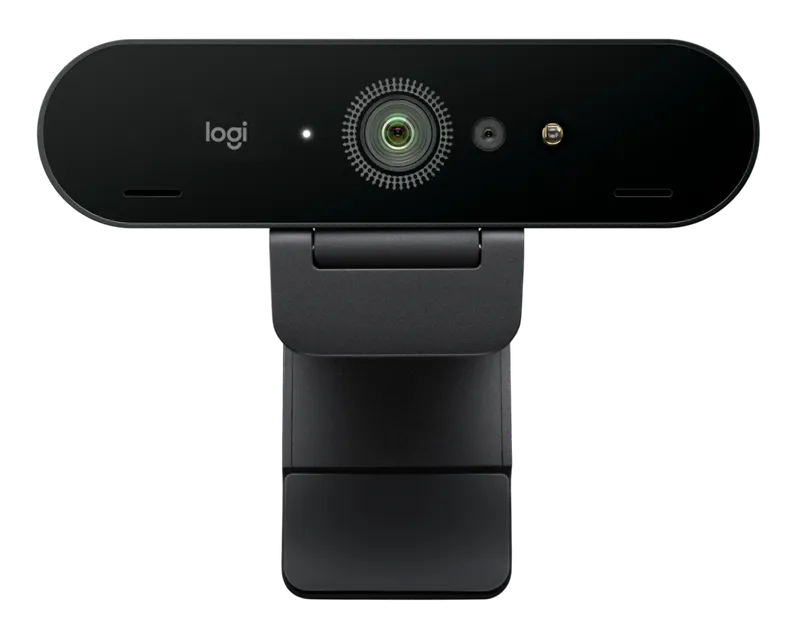
Logitech Brio 4K Webcam
Check pricefor Logitech Brio 4K Webcam (opens in a new tab)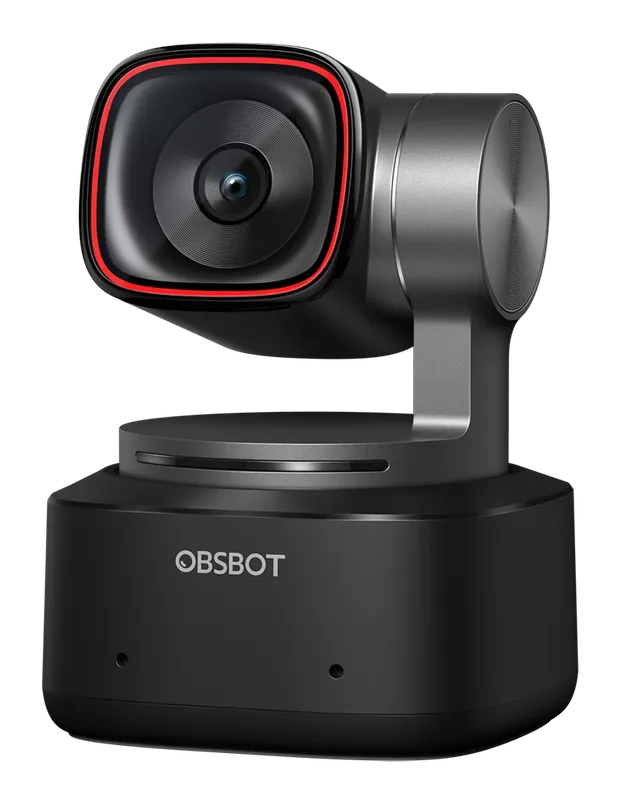
OBSBOT Tiny 2
Check pricefor OBSBOT Tiny 2 (opens in a new tab)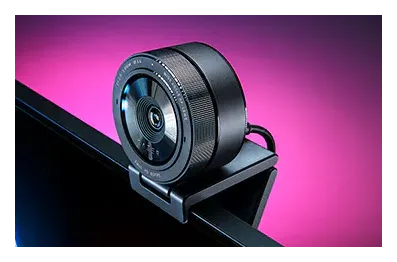
Razer Kiyo Pro
Check pricefor Razer Kiyo Pro (opens in a new tab)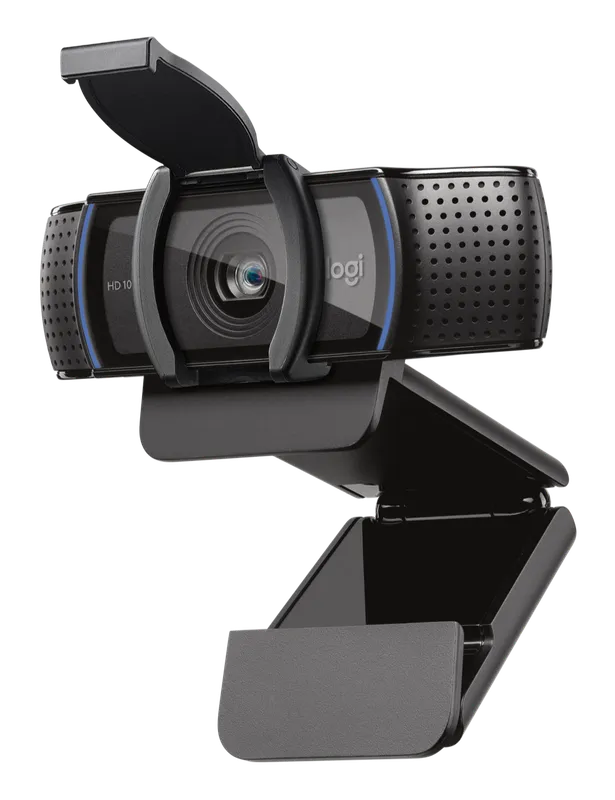
Logitech C920s HD Pro
Check pricefor Logitech C920s HD Pro (opens in a new tab)Compare specs
| Product | #1Elgato Facecam MK.2Best for streamers | #2Logitech Brio 4K WebcamBest 4K webcam | #3OBSBOT Tiny 2Best tracking webcam | #4Razer Kiyo ProBest for low light | #5Logitech C920s HD ProBest budget webcam |
|---|---|---|---|---|---|
| Price | $$ | $$$ | $$$ | $$ | $ |
| Max video | 1080p at 60 fps | 4K at 30 fps | 4K at 30 fps | 1080p at 60 fps | 1080p at 30 fps |
| Best for | Twitch and YouTube streaming | Sharp video and cropping in OBS | Streamers who move around or stand | Dim rooms and RGB-lit setups | First streams and video calls |
| Buy | Check pricefor Elgato Facecam MK.2 (opens in a new tab) | Check pricefor Logitech Brio 4K Webcam (opens in a new tab) | Check pricefor OBSBOT Tiny 2 (opens in a new tab) | Check pricefor Razer Kiyo Pro (opens in a new tab) | Check pricefor Logitech C920s HD Pro (opens in a new tab) |
The picks in detail
ElgatoElgato Facecam MK.2
A webcam built for streaming, with manual camera controls that you set once in software so your look stays the same every stream.
Pros
- Manual exposure and focus controls
- Settings saved to the camera
- Sharp, natural image
Cons
- No built-in mic
- Needs good lighting like any webcam
- Max video
- 1080p at 60 fps
- Best for
- Twitch and YouTube streaming
LogitechLogitech Brio 4K Webcam
A 4K webcam with HDR and Windows Hello face login, for sharp video calls and streams with room to crop.
Pros
- 4K resolution for cropping
- HDR handles bright windows
- Windows Hello login
Cons
- Expensive
- Most streams run at 1080p anyway
- Max video
- 4K at 30 fps
- Best for
- Sharp video and cropping in OBS
OBSBOTOBSBOT Tiny 2
A webcam on a motorized gimbal that follows you around the room with AI tracking, great for streamers who move or stand.
Pros
- AI tracking follows you
- Gesture controls
- 4K sensor
Cons
- Expensive
- Overkill if you sit still
- Max video
- 4K at 30 fps
- Best for
- Streamers who move around or stand
RazerRazer Kiyo Pro
A webcam with a light-sensitive sensor that keeps the image clean in dim gaming rooms.
Pros
- Good in low light
- 1080p at 60 fps
- Wide adjustable field of view
Cons
- Software can be fussy
- Max video
- 1080p at 60 fps
- Best for
- Dim rooms and RGB-lit setups
LogitechLogitech C920s HD Pro
The classic webcam for good reason: reliable 1080p, a privacy shutter and a price that makes it an easy first upgrade.
Pros
- Cheap and reliable
- Privacy shutter
- Works with everything
Cons
- 30 fps at 1080p
- Struggles in low light
- Max video
- 1080p at 30 fps
- Best for
- First streams and video calls
What makes a good streaming webcam
Lighting first: every webcam looks better with a key light in front of you. A cheap light upgrades the image more than a pricier camera in a dark room.
1080p at 60 fps is the sweet spot for streaming. 4K is useful for cropping or zooming in OBS, but most platforms stream at 1080p.
Manual controls (like the Elgato Facecam MK.2) let you lock exposure and white balance, so RGB lighting and on-screen flashes don’t keep changing how you look.
Mount it right
Put the camera at eye level, just above your monitor. A monitor arm or a camera pole from our desk mounts guide helps. Pair it with a streaming microphone and a Stream Deck, and see our gaming desk accessories for the rest of the setup.
Related buying guides
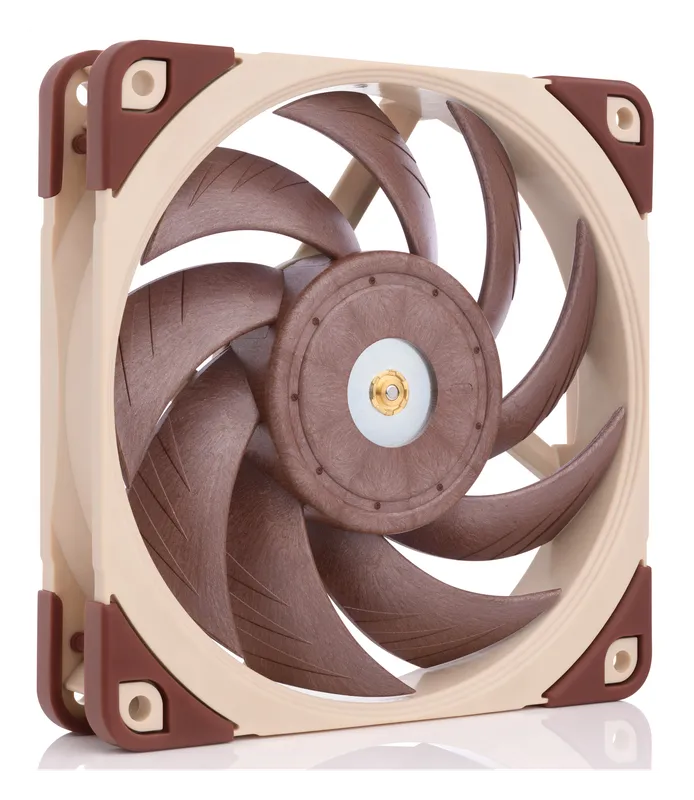
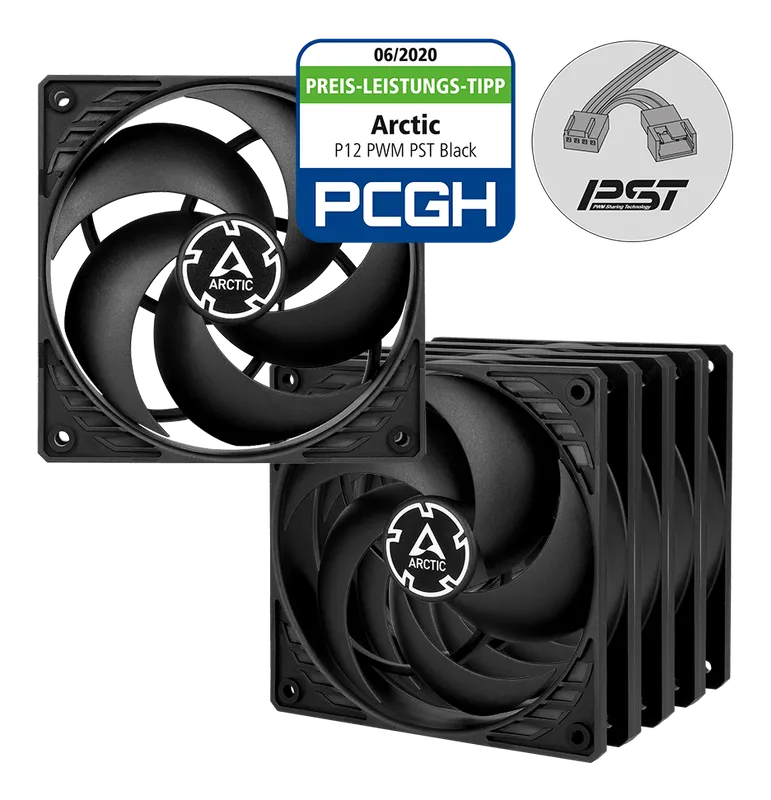
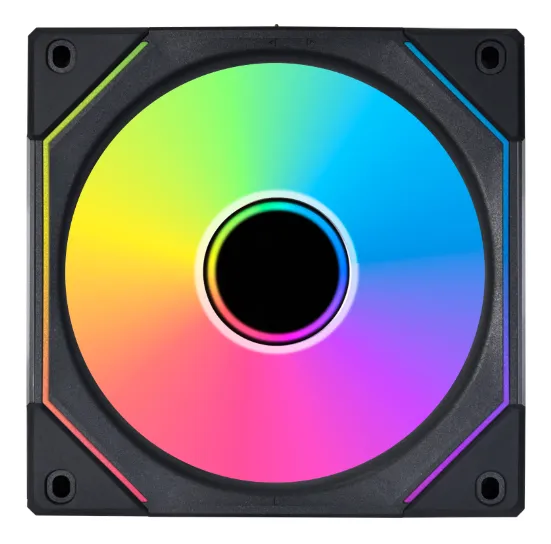
Best Case Fans and RGB Lighting
Quiet, high-airflow case fans from Noctua and Arctic, plus RGB fans, controllers, and LED strips to light up your build.
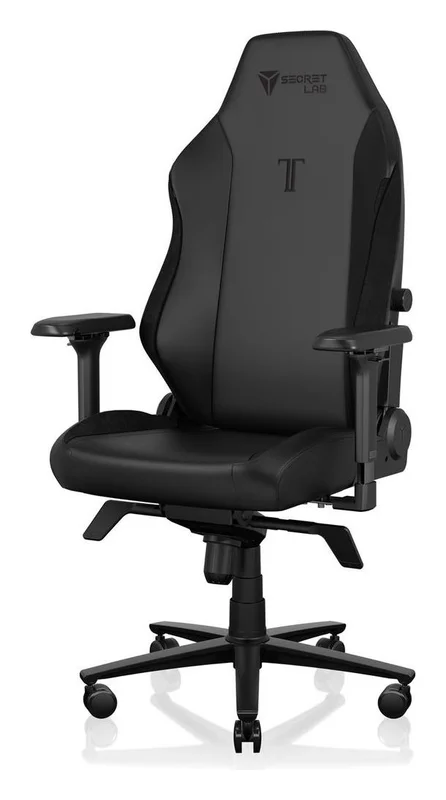
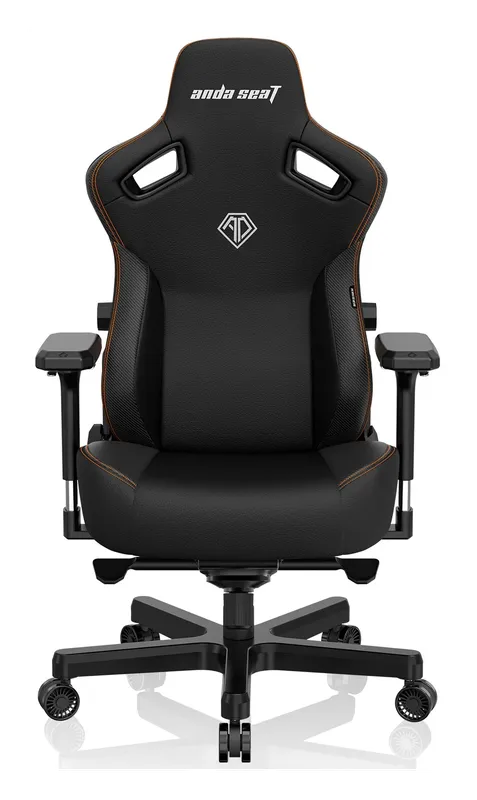
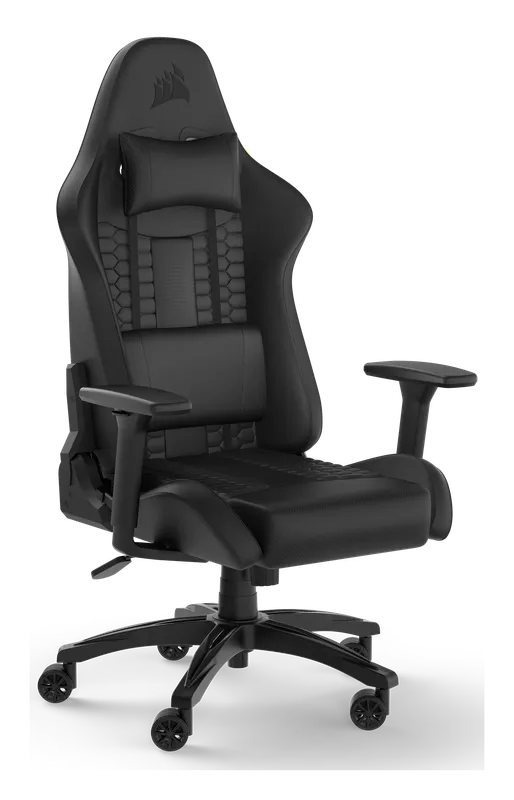
Best Gaming Chairs for PC Setups
Gaming chairs built for long sessions at a PC desk: the Secretlab Titan Evo, the AndaSeat Kaiser 3, the Corsair TC100 Relaxed, and an ergonomic mesh alternative.
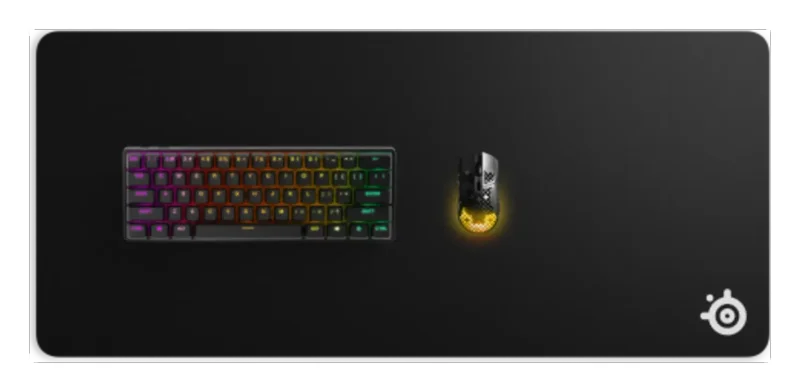
Best Gaming Desk Accessories
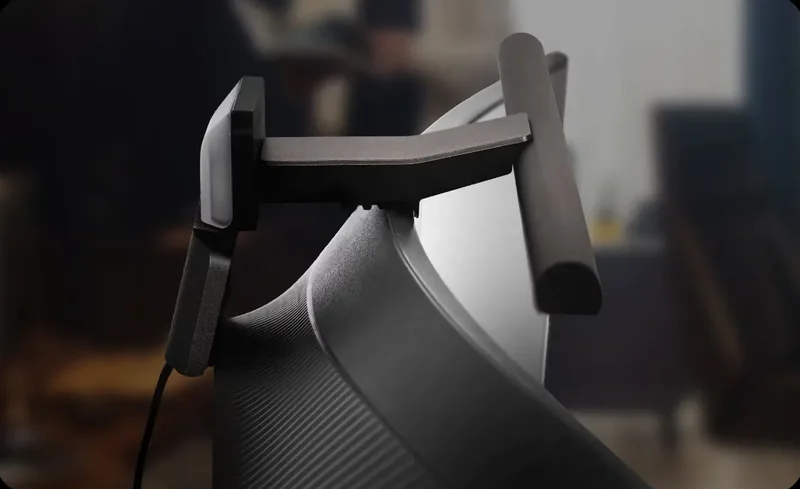
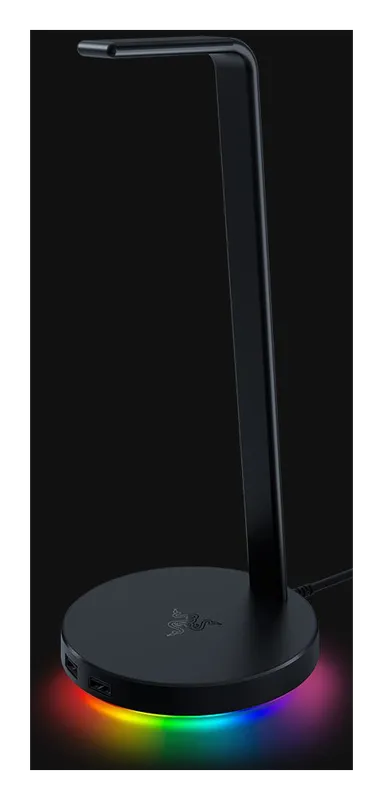
The gear that finishes a gaming desk: a full-desk mat, a monitor light bar, a headset stand, a dual monitor arm, and a keyboard wrist rest.
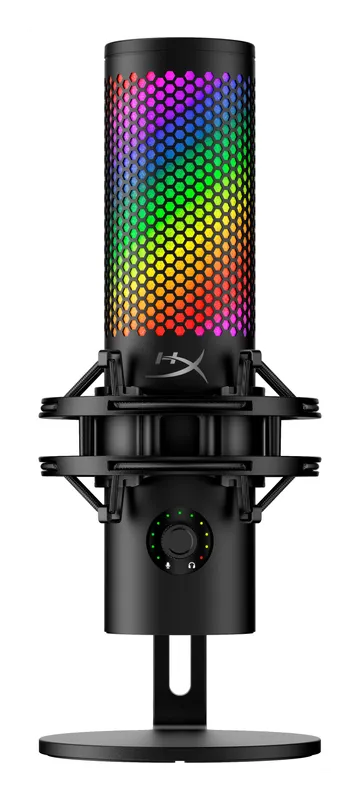
Best Microphones for Streaming, Gaming, and Podcasting
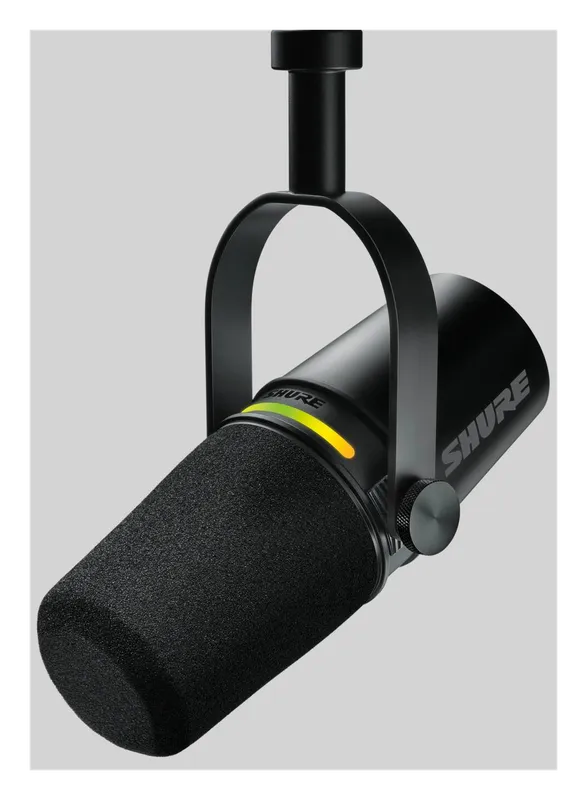
USB and XLR microphones that make your voice sound clear on stream, in Discord and on podcasts: the Shure MV7+, Elgato Wave:3 MK.2, HyperX QuadCast 2 S, RODE PodMic USB, and a budget pick.
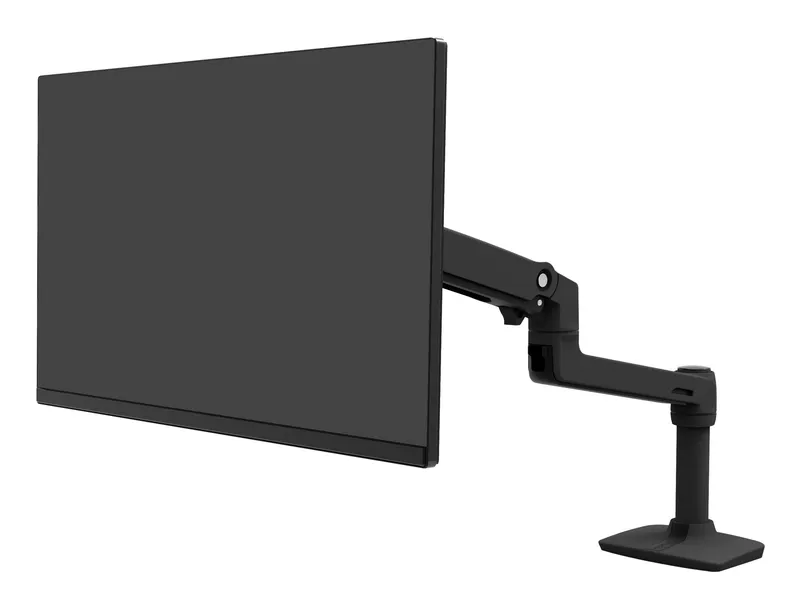
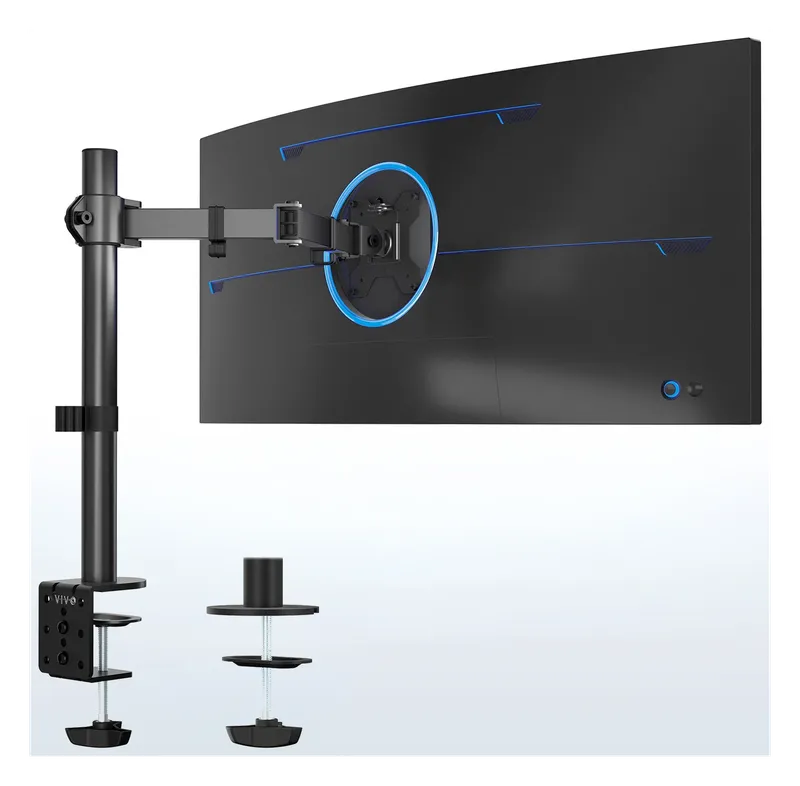
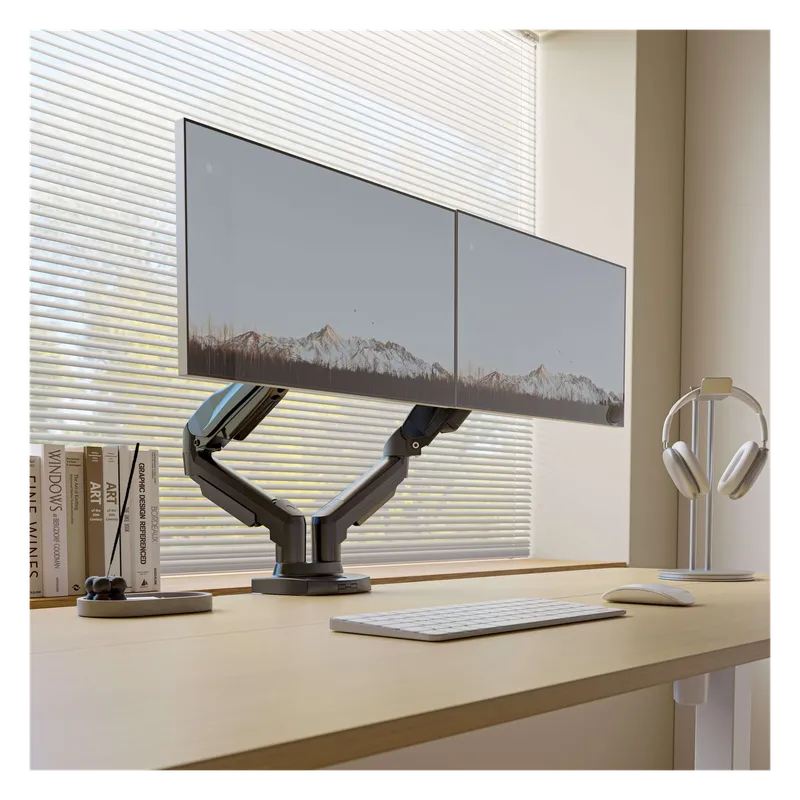
Best Monitor Arms for Single, Dual, and Triple Screens
Desk-clamp monitor arms that lift your screens to eye level and clear the desk underneath: a premium Ergotron, budget single arms, and dual and triple mounts for multi-monitor setups.
Best Samsung Neo QLED TVs and Q-Series Soundbars
Samsung’s 2026 Neo QLED 4K Mini LED TVs and Q-Series Dolby Atmos soundbars for a living room or battlestation, from the 144 Hz QN80H to the flagship 11.1.4-channel Q990H.