
Best Stream Decks for Streamers
Elgato Stream Decks compared: the 15-key MK.2, the Stream Deck + with dials, the 32-key XL, and the budget Neo and Mini, plus which size fits your stream.
5 picks · Published
Top picks at a glance
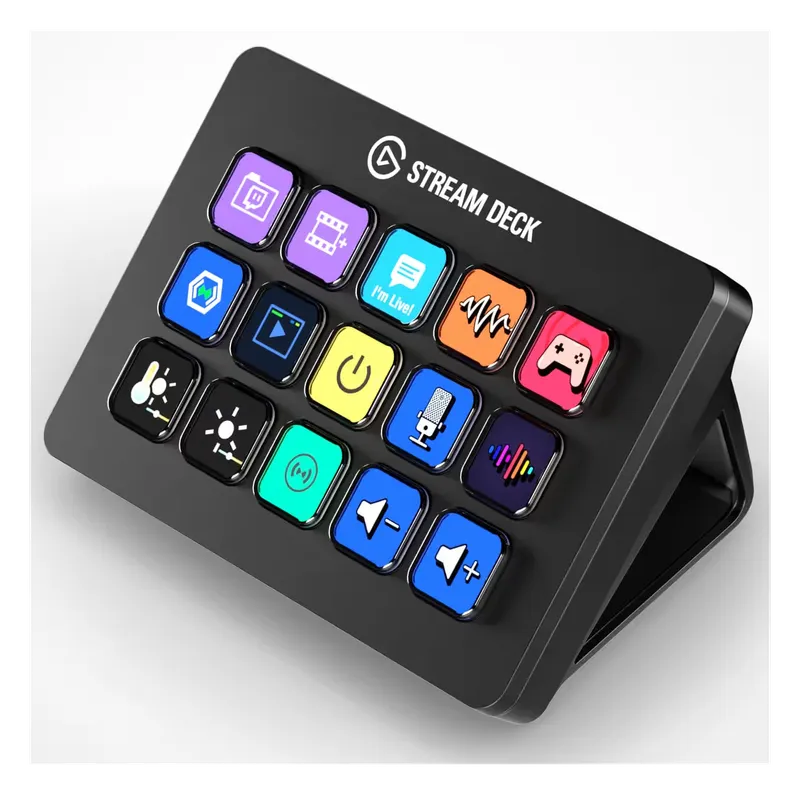
Elgato Stream Deck MK.2
Check pricefor Elgato Stream Deck MK.2 (opens in a new tab)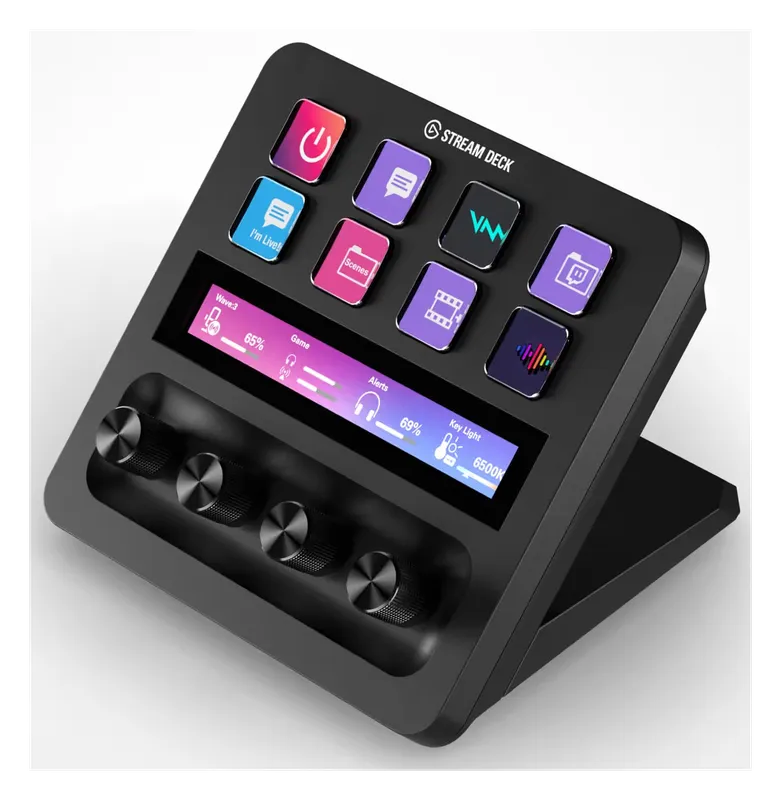
Elgato Stream Deck +
Check pricefor Elgato Stream Deck + (opens in a new tab)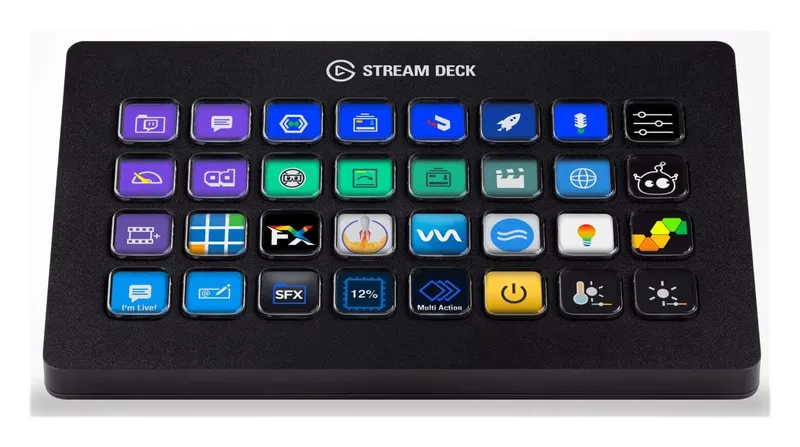
Elgato Stream Deck XL
Check pricefor Elgato Stream Deck XL (opens in a new tab)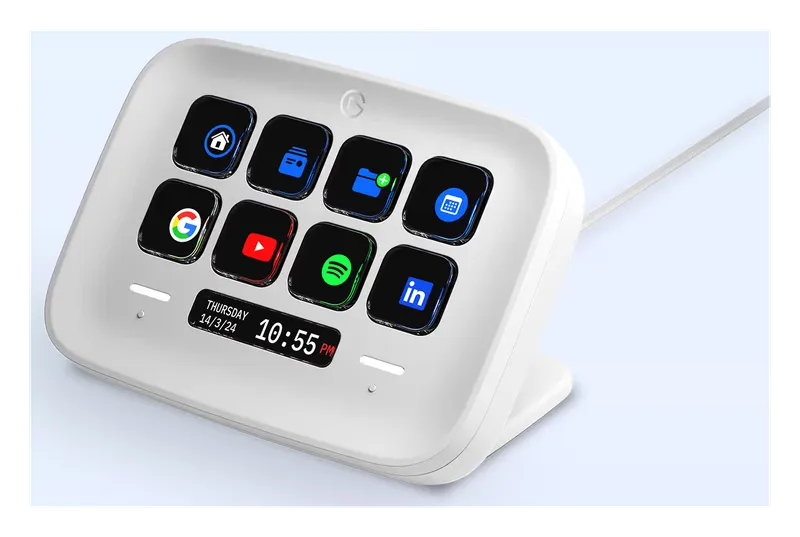
Elgato Stream Deck Neo
Check pricefor Elgato Stream Deck Neo (opens in a new tab)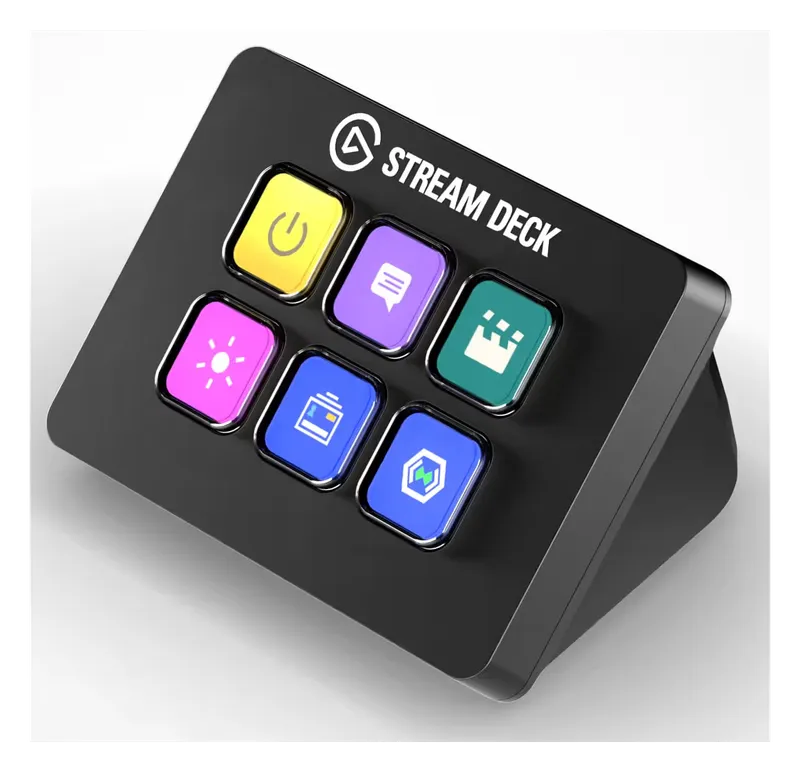
Elgato Stream Deck Mini
Check pricefor Elgato Stream Deck Mini (opens in a new tab)Compare specs
| Product | #1Elgato Stream Deck MK.2Best overall | #2Elgato Stream Deck +Best for audio control | #3Elgato Stream Deck XLBest for power users | #4Elgato Stream Deck NeoBest budget Stream Deck | #5Elgato Stream Deck MiniBest compact pick |
|---|---|---|---|---|---|
| Price | $$ | $$$ | $$$ | $ | $ |
| Keys | 15 LCD keys | 8 LCD keys | 32 LCD keys | 8 LCD keys | 6 LCD keys |
| Extras | Swappable faceplate | 4 dials and touch strip | Detachable stand | 2 touch page buttons | None |
| Best for | Most streamers | Mixing audio live | Complex streams and video editing | First Stream Deck | Small desks and simple streams |
| Buy | Check pricefor Elgato Stream Deck MK.2 (opens in a new tab) | Check pricefor Elgato Stream Deck + (opens in a new tab) | Check pricefor Elgato Stream Deck XL (opens in a new tab) | Check pricefor Elgato Stream Deck Neo (opens in a new tab) | Check pricefor Elgato Stream Deck Mini (opens in a new tab) |
The picks in detail
ElgatoElgato Stream Deck MK.2
The standard 15-key Stream Deck: one tap to switch scenes, mute your mic, play sounds, post to chat or launch apps.
Pros
- 15 customizable LCD keys
- Huge plugin library
- Works with OBS, Twitch, Discord and more
Cons
- Overkill if you only need a few buttons
- Keys
- 15 LCD keys
- Extras
- Swappable faceplate
- Best for
- Most streamers
ElgatoElgato Stream Deck +
Eight keys plus four dials and a touch strip, so you can turn mic, game and music volume up and down by feel.
Pros
- Dials for volume and fine control
- Touch strip shows levels
- Great for audio mixing on stream
Cons
- Fewer keys than the MK.2
- Pricier
- Keys
- 8 LCD keys
- Extras
- 4 dials and touch strip
- Best for
- Mixing audio live
ElgatoElgato Stream Deck XL
32 keys for streamers and editors who want every scene, sound and shortcut one tap away.
Pros
- 32 keys, fewer folders
- Great for complex streams and editing
- Same software and plugins
Cons
- Big and expensive
- Keys
- 32 LCD keys
- Extras
- Detachable stand
- Best for
- Complex streams and video editing
ElgatoElgato Stream Deck Neo
Eight keys plus two touch buttons for paging, at the lowest price for real Stream Deck software.
Pros
- Lowest-priced Stream Deck
- Same software and plugins
- Clock and info display
Cons
- Only 8 keys
- Keys
- 8 LCD keys
- Extras
- 2 touch page buttons
- Best for
- First Stream Deck
ElgatoElgato Stream Deck Mini
Six keys in a tiny footprint for the handful of actions you use most: scenes, mute, and BRB.
Pros
- Tiny footprint
- Cheap
- Same software
Cons
- Only 6 keys
- Keys
- 6 LCD keys
- Extras
- None
- Best for
- Small desks and simple streams
What a Stream Deck does
Each key is a tiny screen you program in Elgato’s software. One tap can switch OBS scenes, mute your mic, start a clip, run an ad, fire a sound effect, or open apps and websites. Multi-actions chain several steps on one key, like switching to a BRB scene and muting your mic at once.
Which size?
- 6 to 8 keys (Mini, Neo): scene switching, mute, and a couple of sounds.
- 15 keys (MK.2): the sweet spot for most streamers.
- Dials (Stream Deck +): if you mix mic, game and music volume live.
- 32 keys (XL): complex streams, or video editing shortcuts.
It’s also handy off-stream: editing shortcuts, smart lights, and app launchers.
Build out your stream setup
See our streaming microphones, webcams, mic arms and gaming desk accessories.
Related buying guides
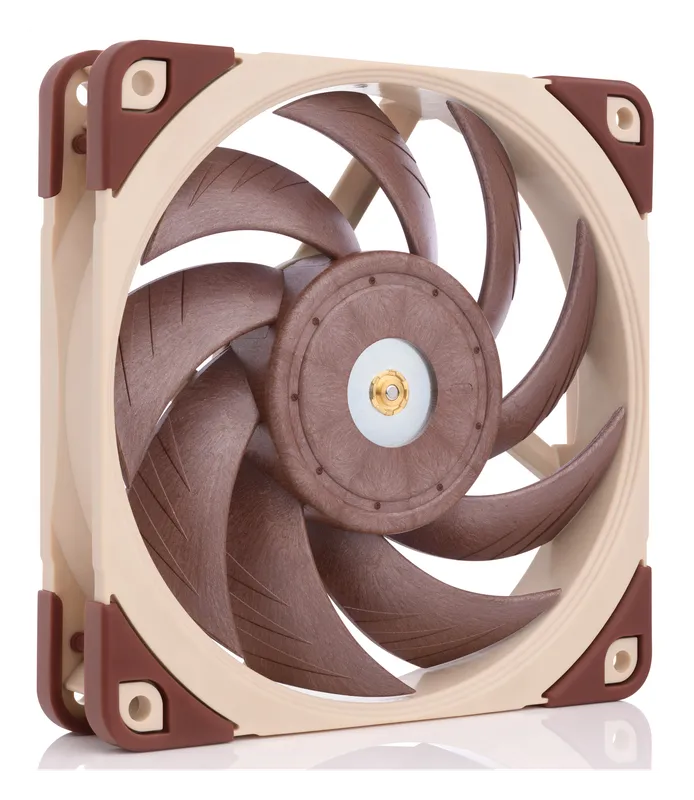
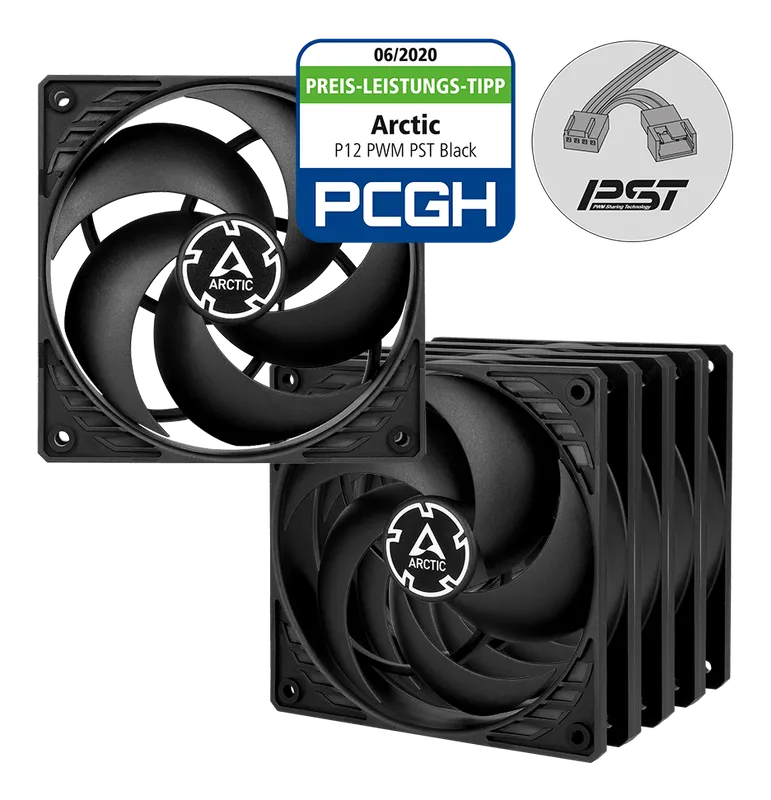
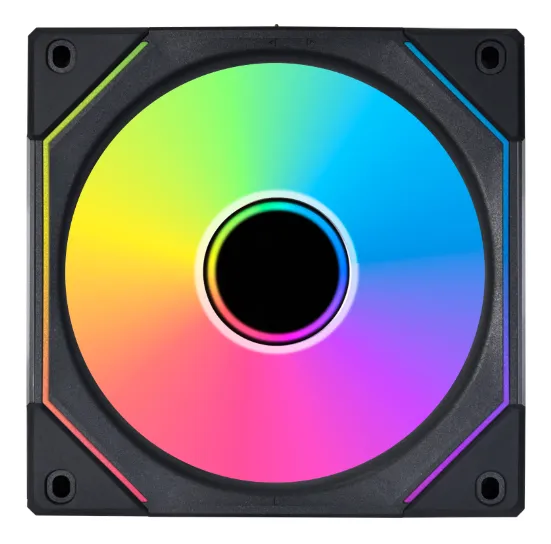
Best Case Fans and RGB Lighting
Quiet, high-airflow case fans from Noctua and Arctic, plus RGB fans, controllers, and LED strips to light up your build.
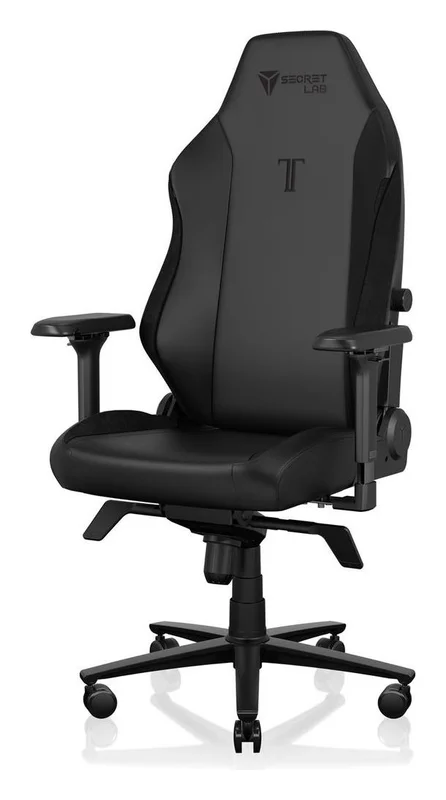
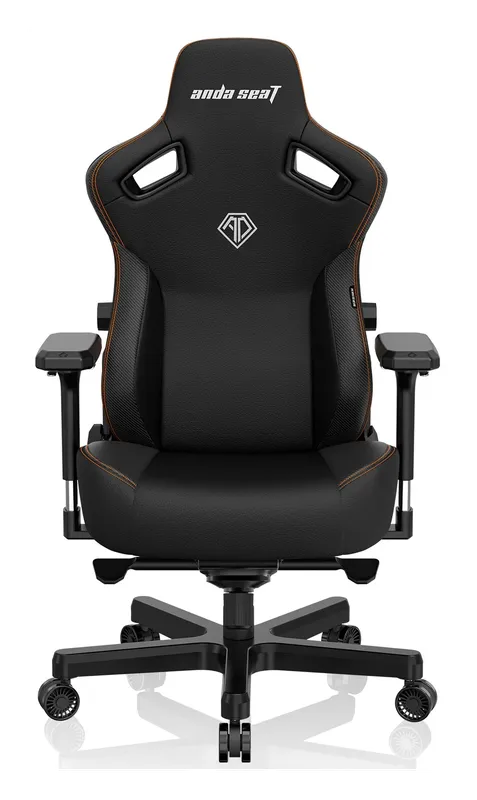
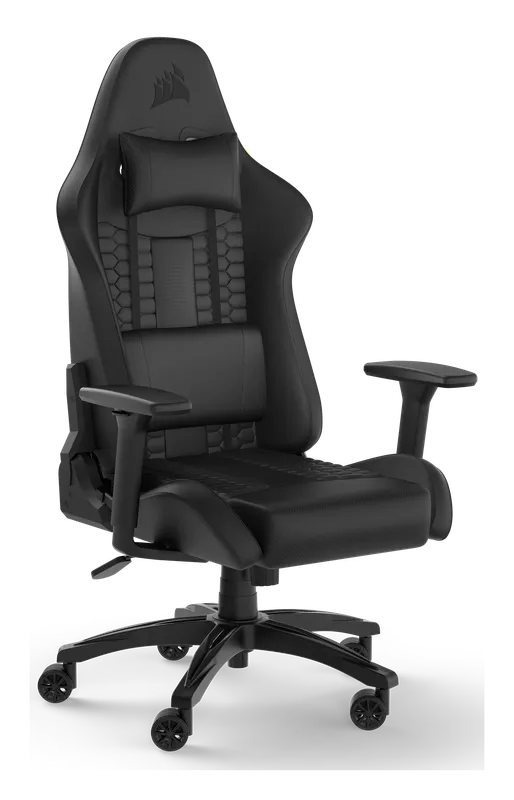
Best Gaming Chairs for PC Setups
Gaming chairs built for long sessions at a PC desk: the Secretlab Titan Evo, the AndaSeat Kaiser 3, the Corsair TC100 Relaxed, and an ergonomic mesh alternative.
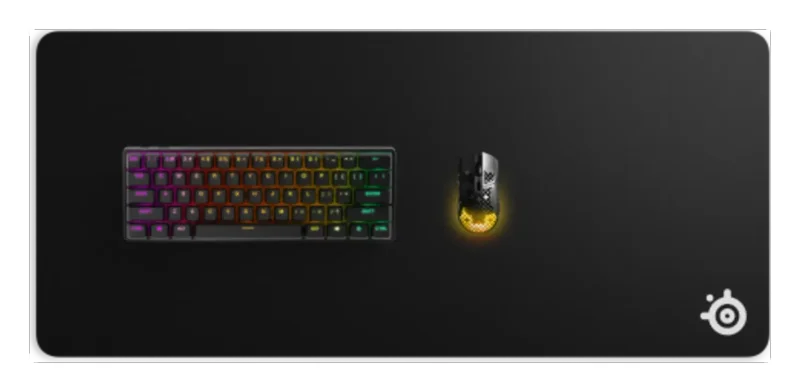
Best Gaming Desk Accessories
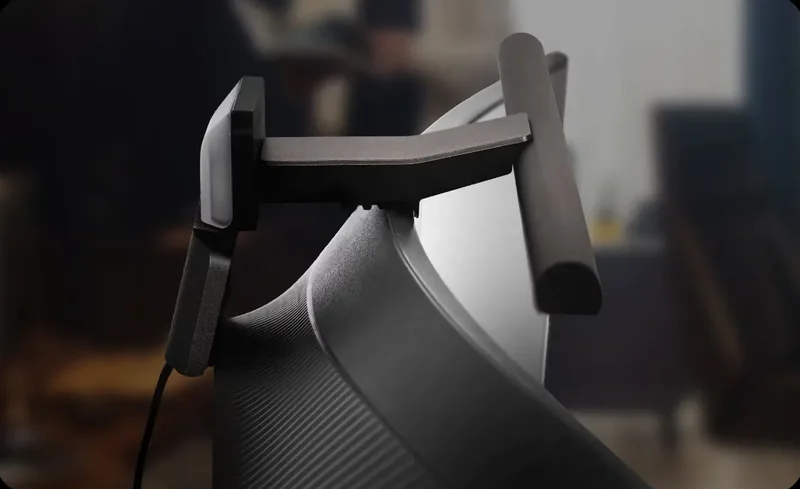
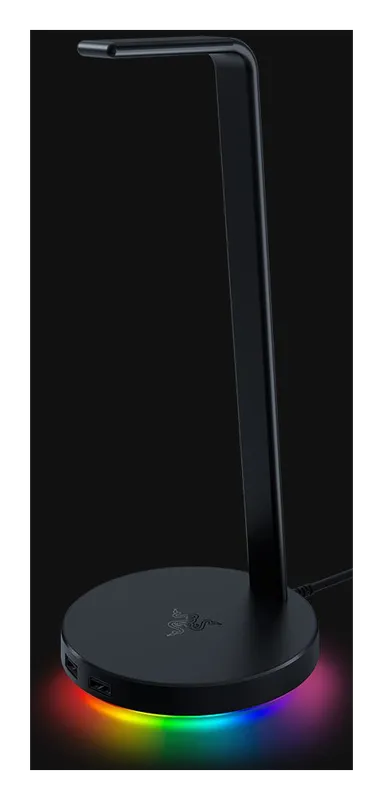
The gear that finishes a gaming desk: a full-desk mat, a monitor light bar, a headset stand, a dual monitor arm, and a keyboard wrist rest.
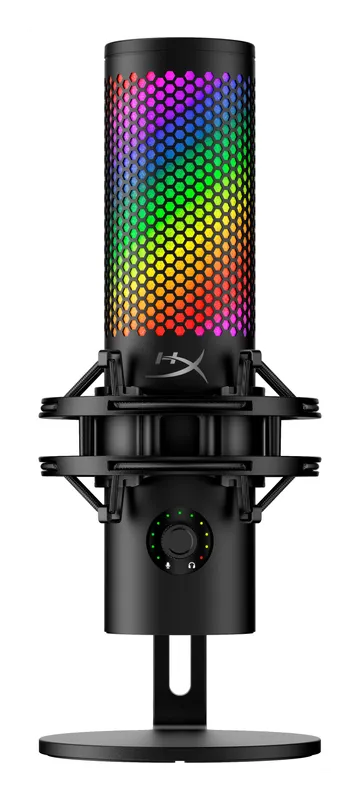
Best Microphones for Streaming, Gaming, and Podcasting
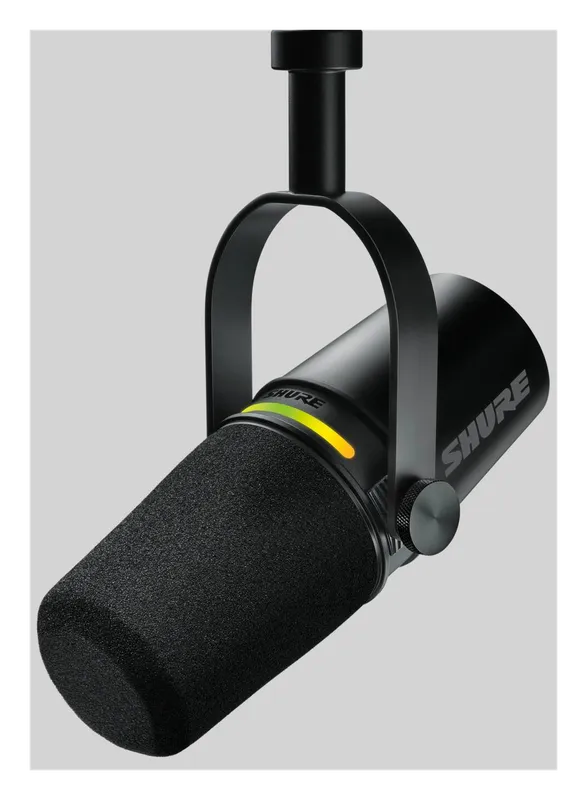
USB and XLR microphones that make your voice sound clear on stream, in Discord and on podcasts: the Shure MV7+, Elgato Wave:3 MK.2, HyperX QuadCast 2 S, RODE PodMic USB, and a budget pick.
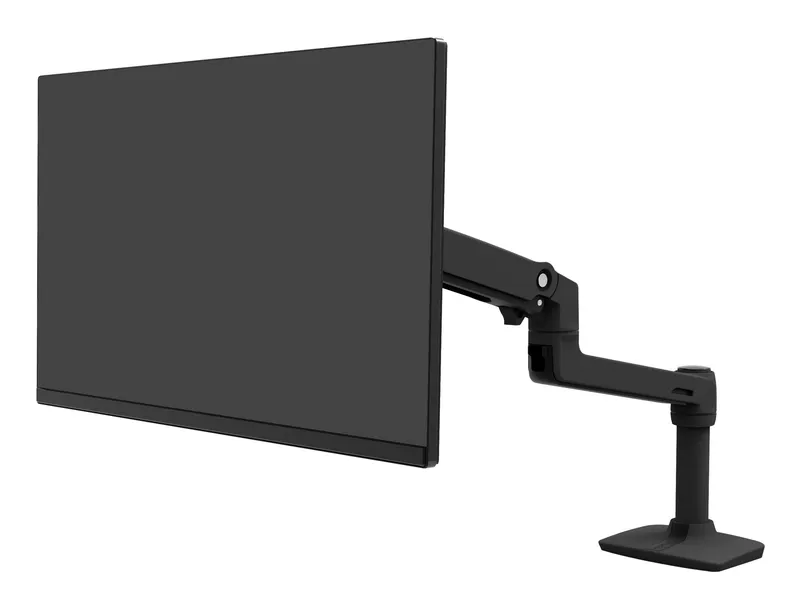
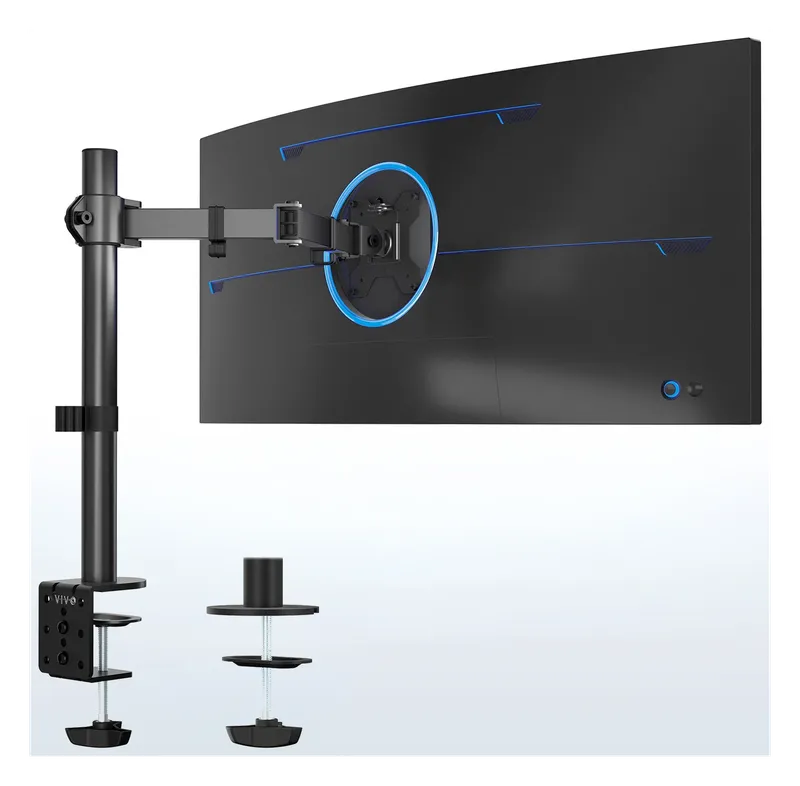
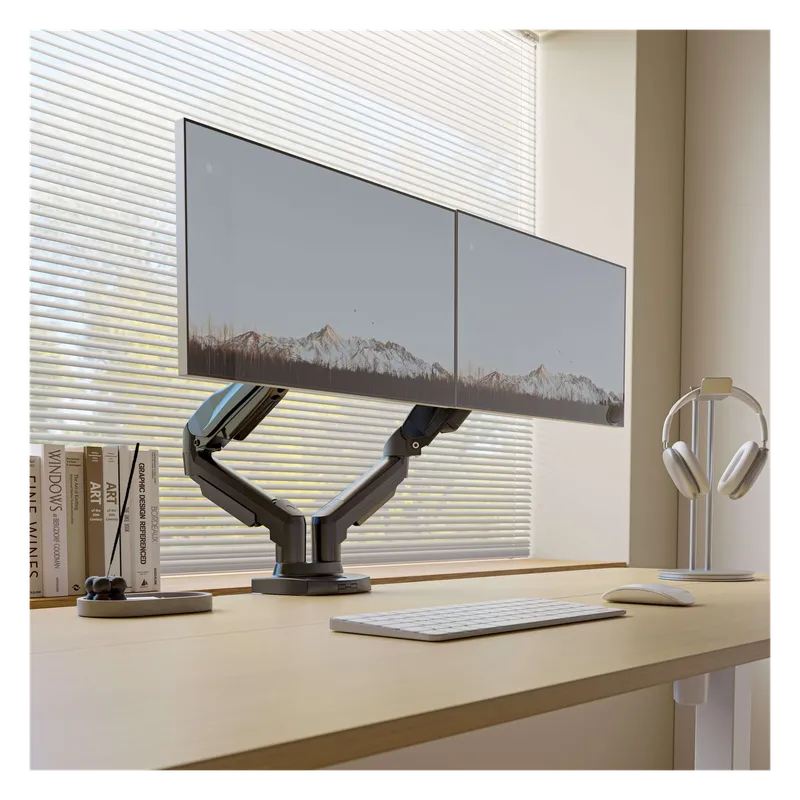
Best Monitor Arms for Single, Dual, and Triple Screens
Desk-clamp monitor arms that lift your screens to eye level and clear the desk underneath: a premium Ergotron, budget single arms, and dual and triple mounts for multi-monitor setups.
Best Samsung Neo QLED TVs and Q-Series Soundbars
Samsung’s 2026 Neo QLED 4K Mini LED TVs and Q-Series Dolby Atmos soundbars for a living room or battlestation, from the 144 Hz QN80H to the flagship 11.1.4-channel Q990H.