
Best NVMe SSDs and DDR5 RAM: High-Performance PC Upgrades
The fastest, best-value upgrades for a modern PC: top PCIe 4.0 and 5.0 NVMe M.2 SSDs and the DDR5 memory kits that hit the performance sweet spot.
11 picks · Published
Top picks at a glance
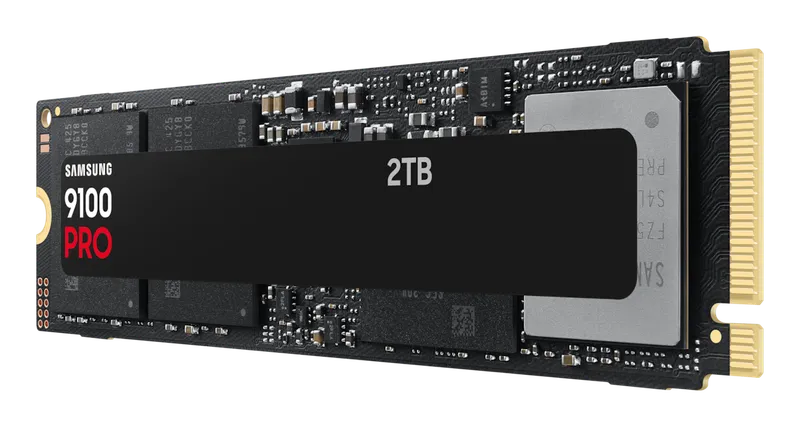
Samsung 9100 PRO
Check pricefor Samsung 9100 PRO (opens in a new tab)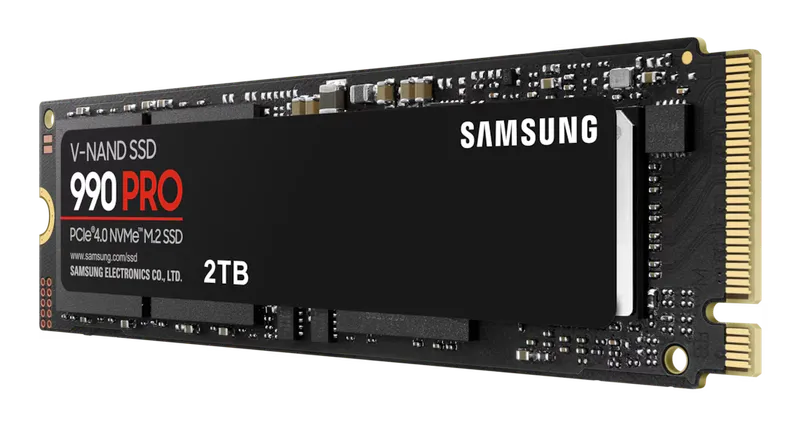
Samsung 990 PRO
Check pricefor Samsung 990 PRO (opens in a new tab)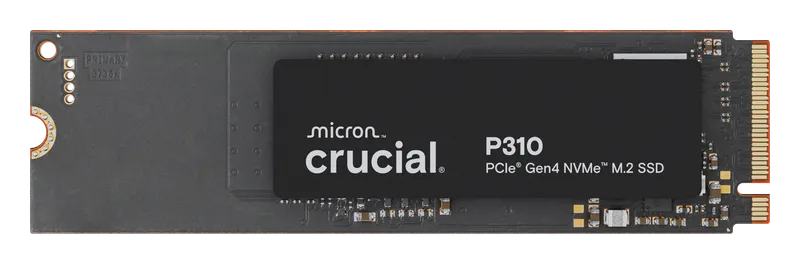
Crucial P310
Check pricefor Crucial P310 (opens in a new tab)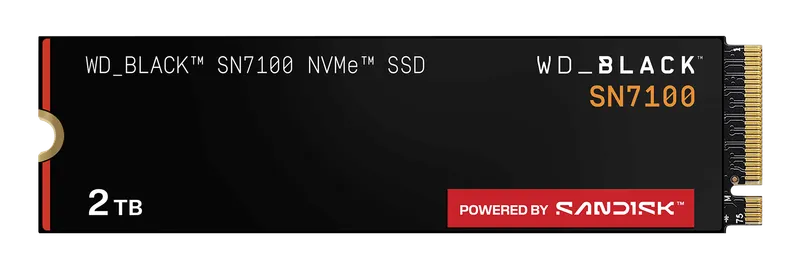
WD_BLACK SN7100
Check pricefor WD_BLACK SN7100 (opens in a new tab)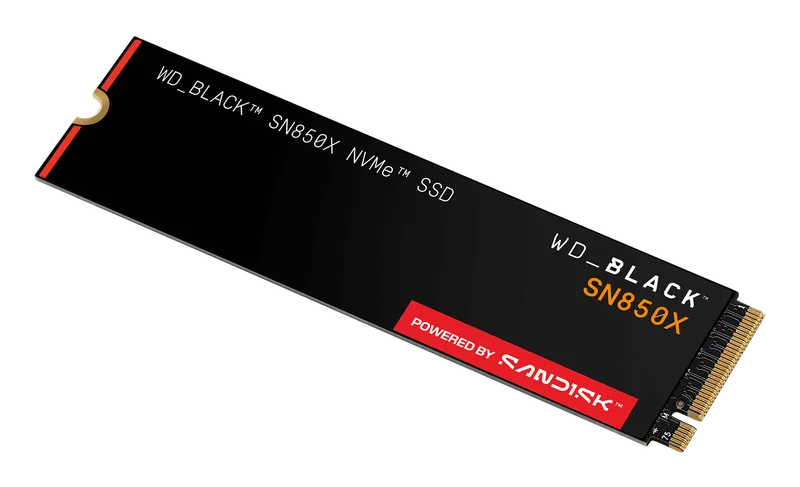
WD_BLACK SN850X
Check pricefor WD_BLACK SN850X (opens in a new tab)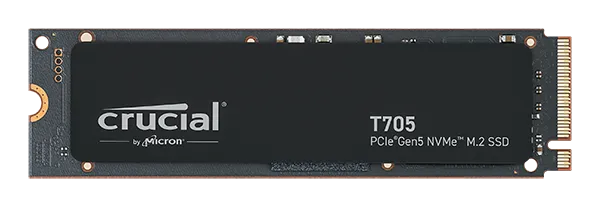
Crucial T705
Check pricefor Crucial T705 (opens in a new tab)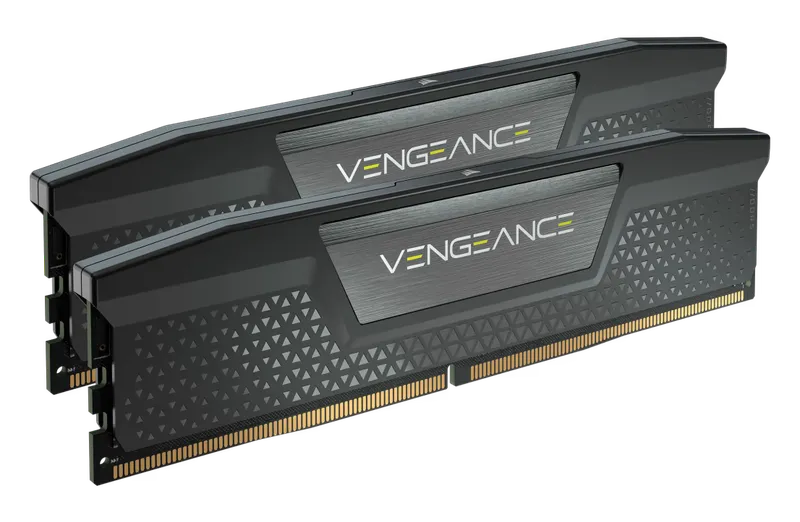
Corsair Vengeance DDR5-6000 CL30 64 GB
Check pricefor Corsair Vengeance DDR5-6000 CL30 64 GB (opens in a new tab)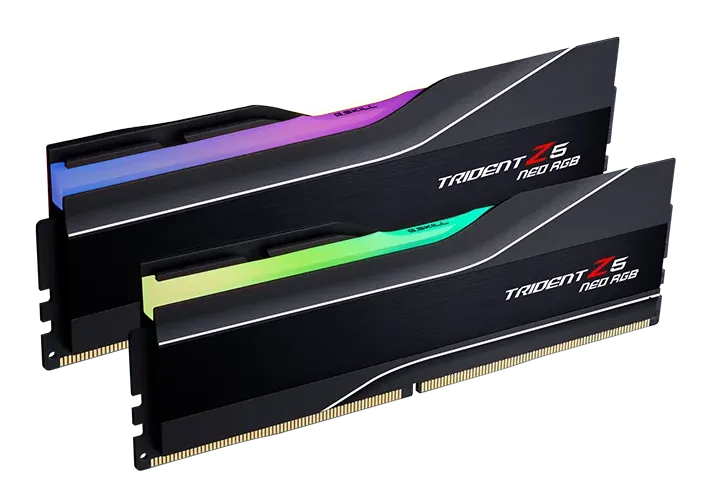
G.Skill Trident Z5 Neo RGB DDR5-6000 CL30
Check pricefor G.Skill Trident Z5 Neo RGB DDR5-6000 CL30 (opens in a new tab)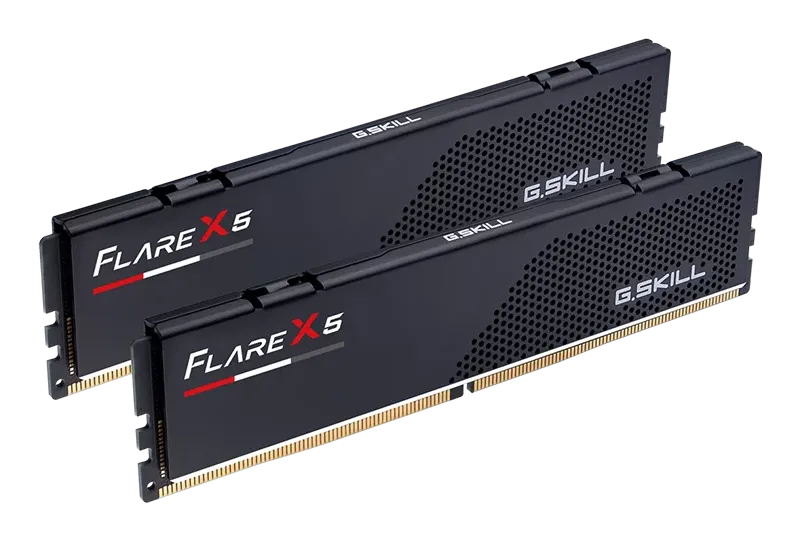
G.Skill Flare X5 DDR5-6000 CL30
Check pricefor G.Skill Flare X5 DDR5-6000 CL30 (opens in a new tab)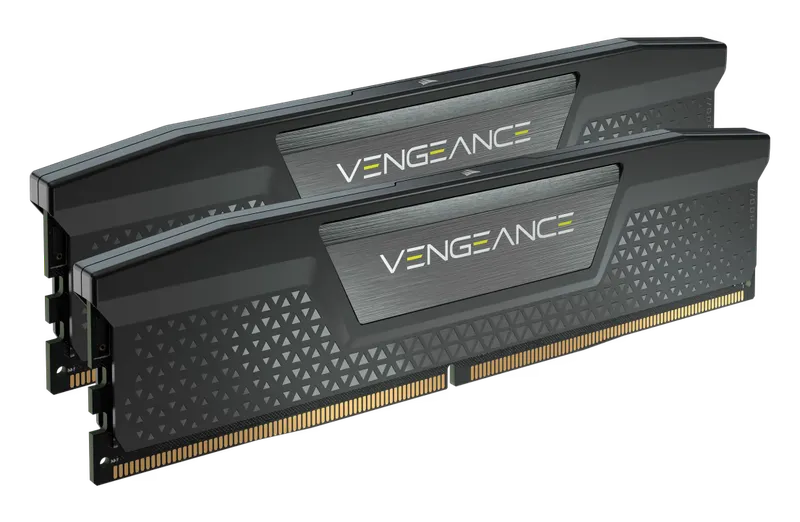
Corsair Vengeance DDR5-6000 CL30 32 GB
Check pricefor Corsair Vengeance DDR5-6000 CL30 32 GB (opens in a new tab)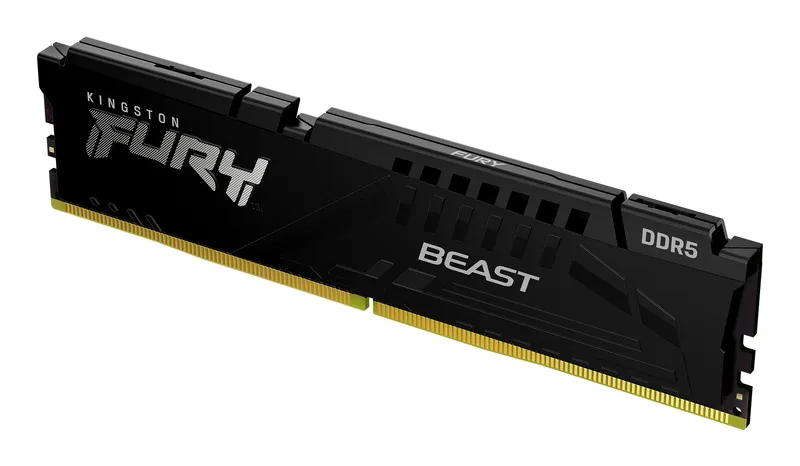
Kingston Fury Beast DDR5
Check pricefor Kingston Fury Beast DDR5 (opens in a new tab)Compare specs
| Product | #1Samsung 9100 PROBest PCIe 5.0 | #2Samsung 990 PROBest overall SSD | #3Crucial P310Best value / handheld | #4WD_BLACK SN7100Best budget Gen4 | #5WD_BLACK SN850XBest for gaming | #6Crucial T705Best Gen5 alternative |
|---|---|---|---|---|---|---|
| Our rating | ||||||
| Price | $$$$ | $$$ | $ | $ | $$ | $$$$ |
| Interface | PCIe 5.0 x4 NVMe | PCIe 4.0 x4 NVMe | PCIe 4.0 x4 NVMe | PCIe 4.0 x4 NVMe | PCIe 4.0 x4 NVMe | PCIe 5.0 x4 NVMe |
| Sequential read | Up to 14,800 MB/s | Up to 7,450 MB/s | Up to ~7,100 MB/s (varies by size and capacity) | Up to ~7,250 MB/s (check listing) | Up to 7,300 MB/s | Up to 14,500 MB/s |
| Sequential write | Up to 13,400 MB/s | Up to 6,900 MB/s | Check listing | Check listing | Up to 6,600 MB/s | Up to 12,700 MB/s |
| DRAM cache | Yes | Yes | No (HMB) | No (HMB) | Yes | Yes |
| Capacities | 1 TB, 2 TB, 4 TB, 8 TB (check listing) | 1 TB, 2 TB, 4 TB | Check listing | Check listing | 1 TB, 2 TB, 4 TB, 8 TB | 1 TB, 2 TB, 4 TB |
| Form factor | M.2 2280 (heatsink optional) | M.2 2280 (heatsink optional) | M.2 2230 or 2280 | M.2 2280 | M.2 2280 (heatsink optional) | M.2 2280 (heatsink optional) |
| Buy | Check pricefor Samsung 9100 PRO (opens in a new tab) | Check pricefor Samsung 990 PRO (opens in a new tab) | Check pricefor Crucial P310 (opens in a new tab) | Check pricefor WD_BLACK SN7100 (opens in a new tab) | Check pricefor WD_BLACK SN850X (opens in a new tab) | Check pricefor Crucial T705 (opens in a new tab) |
The picks, reviewed
SamsungSamsung 9100 PRO
Samsung's PCIe 5.0 flagship roughly doubles Gen4 sequential speeds. It is a real win for huge file transfers and content creation.
Pros
- Massive Gen5 sequential throughput
- DRAM cache and strong sustained performance
- Available in very large capacities
Cons
- Needs a PCIe 5.0 M.2 slot to hit full speed
- Barely changes game load times compared with Gen4
- Interface
- PCIe 5.0 x4 NVMe
- Sequential read
- Up to 14,800 MB/s
- Sequential write
- Up to 13,400 MB/s
- DRAM cache
- Yes
SamsungSamsung 990 PRO
Among the fastest PCIe 4.0 drives made, with a DRAM cache, excellent sustained performance, and an optional heatsink version that suits the PS5.
Pros
- Near the ceiling of PCIe 4.0 speeds
- DRAM cache keeps it fast under heavy workloads
- Heatsink version available for PS5 and cramped boards
Cons
- Priced above value-oriented Gen4 drives
- Interface
- PCIe 4.0 x4 NVMe
- Sequential read
- Up to 7,450 MB/s
- Sequential write
- Up to 6,900 MB/s
- DRAM cache
- Yes
CrucialCrucial P310
A fast, efficient, affordable Gen4 drive. The compact 2230 version is a top upgrade for the Steam Deck and other handhelds, and the 2280 version suits desktops.
Pros
- Strong Gen4 speeds at a budget price
- Low power draw, which suits handhelds and laptops
- Available in 2230 and 2280 sizes
Cons
- No DRAM cache (uses Host Memory Buffer)
- Slows on very large sustained writes
- Interface
- PCIe 4.0 x4 NVMe
- Sequential read
- Up to ~7,100 MB/s (varies by size and capacity)
- Sequential write
- Check listing
- DRAM cache
- No (HMB)
Western DigitalWD_BLACK SN7100
Near-flagship Gen4 speeds without a DRAM cache or the flagship price. It is ideal for game libraries and budget builds.
Pros
- Fast for the price
- Power-efficient, so it also suits laptops
Cons
- No DRAM cache (uses Host Memory Buffer)
- Interface
- PCIe 4.0 x4 NVMe
- Sequential read
- Up to ~7,250 MB/s (check listing)
- Sequential write
- Check listing
- DRAM cache
- No (HMB)
Western DigitalWD_BLACK SN850X
A long-standing gamer favorite: fast, consistent, with a DRAM cache, and frequently on sale. It is also a proven PS5 upgrade in its heatsink version.
Pros
- Excellent real-world gaming performance
- Often discounted
- Capacities up to 8 TB
Cons
- Slightly behind the 990 PRO in some heavy workloads
- Interface
- PCIe 4.0 x4 NVMe
- Sequential read
- Up to 7,300 MB/s
- Sequential write
- Up to 6,600 MB/s
- DRAM cache
- Yes
CrucialCrucial T705
One of the fastest Gen5 drives on the market, with a big heatsink option. It is a great fit for enthusiast builds on the latest platforms.
Pros
- Top-tier Gen5 speeds
- Heatsink version handles thermals out of the box
Cons
- Runs hot, so it needs a heatsink or good airflow
- Premium price
- Interface
- PCIe 5.0 x4 NVMe
- Sequential read
- Up to 14,500 MB/s
- Sequential write
- Up to 12,700 MB/s
- DRAM cache
- Yes
CorsairCorsair Vengeance DDR5-6000 CL30 64 GB
The same sweet-spot speed in 2 × 32 GB. It gives heavy video editing, 3D, VMs, and big browser tab counts room to breathe without resorting to four sticks.
Pros
- 64 GB in just two DIMMs, which is more stable than four
- Keeps sweet-spot DDR5-6000 speed
Cons
- Overkill for gaming alone
- Kit
- 2 × 32 GB (64 GB)
- Speed
- DDR5-6000
- Latency
- Check listing (varies by SKU)
- Profile
- AMD EXPO or Intel XMP 3.0 (by SKU)
G.SkillG.Skill Trident Z5 Neo RGB DDR5-6000 CL30
A premium-looking RGB kit tuned specifically for AMD with EXPO, at the sweet-spot speed and timings. It is the showpiece pick for glass-panel Ryzen builds.
Pros
- Designed and validated for AMD EXPO
- Striking RGB light bar
Cons
- Tall heat spreaders can clash with large air coolers
- Kit
- 2 × 16 GB or 2 × 32 GB
- Speed
- DDR5-6000
- Latency
- CL30
- Profile
- AMD EXPO
G.SkillG.Skill Flare X5 DDR5-6000 CL30
Sweet-spot AMD EXPO timings in a short heat spreader that slides under big dual-tower air coolers. It is the practical choice for performance air-cooled builds.
Pros
- Low profile clears large air coolers
- Tight CL30 timings at DDR5-6000
Cons
- No RGB, if that matters to you
- Kit
- 2 × 16 GB or 2 × 32 GB
- Speed
- DDR5-6000
- Latency
- CL30
- Profile
- AMD EXPO
CorsairCorsair Vengeance DDR5-6000 CL30 32 GB
The default DDR5 recommendation: 32 GB at DDR5-6000 CL30, the proven sweet spot for AMD Ryzen and a great match for Intel, in a clean low-key design.
Pros
- DDR5-6000 CL30 is the ideal pairing for Ryzen 7000/9000
- 32 GB is plenty for gaming and most creative work
- Widely available, with EXPO and XMP versions
Cons
- Buy the EXPO version for AMD or the XMP version for Intel
- Kit
- 2 × 16 GB (32 GB)
- Speed
- DDR5-6000
- Latency
- CL30
- Profile
- AMD EXPO or Intel XMP 3.0 (by SKU)
KingstonKingston Fury Beast DDR5
Reliable, no-frills DDR5 at a sharp price, with both EXPO and XMP support on many kits. It is ideal when budget matters more than looks.
Pros
- Frequently the cheapest reputable DDR5
- Low-profile heat spreader clears most coolers
Cons
- Many SKUs have looser timings than CL30 (check the listing)
- Kit
- 2 × 16 GB and larger kits
- Speed
- DDR5-5200 to DDR5-6000+ (by SKU)
- Latency
- Varies by SKU (check listing)
- Profile
- AMD EXPO and/or Intel XMP 3.0 (by SKU)
Why are RAM and SSD prices so high right now?
If memory and storage look expensive, it’s not your imagination. The same few companies (Samsung, SK hynix, and Micron) make the memory chips for both your PC and AI data centers. AI servers need huge amounts of special high-bandwidth memory, and it’s far more profitable, so manufacturers have shifted factory capacity toward it. That leaves less for regular DDR5 and the NAND flash inside SSDs, so prices have climbed sharply. Used sellers then price old parts against those inflated new prices.
What that means for you:
- If your PC already has 16 GB in dual channel and an SSD, consider waiting. Prices like these don’t last forever, and your system works fine in the meantime.
- If you need to buy now, buy what you need, not extra. 32 GB is the sweet spot for gaming; 64 GB only makes sense for heavy video editing, AI work, or virtual machines.
- Watch for sales, and buy new over overpriced used. New parts carry a full warranty, and some used listings now cost more than new ones.
- Always buy RAM as a matched kit. Sticks bought separately, even the same model, can refuse to run together.
Which upgrade should you do first?
- Still booting from a hard drive or SATA SSD? An NVMe SSD is the most noticeable upgrade you can make: faster boot, faster app launches, and quicker game loads.
- Running 16 GB of RAM? Moving to 32 GB removes stutters in modern games and lets you multitask with Discord, a browser, and a game open at once.
- Already on NVMe and 32 GB? Put your money into the GPU instead. Faster storage and RAM beyond the sweet spot give diminishing returns.
Choosing an NVMe SSD
PCIe 4.0 vs. PCIe 5.0
PCIe 5.0 drives roughly double sequential speeds, which is great for moving huge video files and project folders. But in games, load times are nearly identical to a good PCIe 4.0 drive. Pick Gen5 only if you have a Gen5 M.2 slot and you regularly move large files. For most people, a Gen4 drive like the 990 PRO or SN850X is the smarter buy.
DRAM cache vs. DRAM-less
Drives with a DRAM cache stay fast during long, heavy writes and handle demanding workloads better. DRAM-less drives, which use Host Memory Buffer, cost less and draw less power. They’re perfectly fast for gaming, general use, and handhelds.
Heatsinks
Fast NVMe drives get hot, and Gen5 drives run very hot. Use your motherboard’s M.2 heatsink, or buy the drive’s heatsink version. For PS5 upgrades, a heatsink is required, and Sony recommends a PCIe 4.0 drive rated around 5,500 MB/s or faster. The Samsung 990 PRO and WD_BLACK SN850X heatsink versions are popular choices.
Capacity
2 TB is the new sweet spot. Modern AAA games frequently exceed 100 GB each. Go to 4 TB if you keep a large library installed.
Choosing DDR5 RAM
DDR5 kits at a glance
| Kit | Capacity | Speed / timings | Profile | Best for |
|---|---|---|---|---|
| Corsair Vengeance 32 GB | 2 × 16 GB | DDR5-6000 CL30 | EXPO or XMP | Most gaming builds |
| Corsair Vengeance 64 GB | 2 × 32 GB | DDR5-6000 CL30 | EXPO or XMP | Editing, 3D, VMs |
| G.Skill Trident Z5 Neo RGB | 2 × 16 / 2 × 32 GB | DDR5-6000 CL30 | EXPO | RGB Ryzen builds |
| Kingston Fury Beast | Various | DDR5-5200 to 6000+ | EXPO / XMP | Tight budgets |
| G.Skill Flare X5 | 2 × 16 / 2 × 32 GB | DDR5-6000 CL30 | EXPO | Big air coolers |
The DDR5-6000 CL30 sweet spot
On AMD Ryzen 7000 and 9000, DDR5-6000 CL30 lets the memory controller run in sync with the memory. It’s the widely recommended sweet spot, and going faster rarely helps. Intel platforms can often run faster kits (DDR5-6400 and up), but 6000 CL30 remains an excellent, stable choice there too.
Two sticks, not four
DDR5 runs faster and more stably with two DIMMs than with four. If you need 64 GB, buy a 2 × 32 GB kit rather than two 2 × 16 GB kits, and always buy RAM as a matched kit.
EXPO vs. XMP
These are one-click overclock profiles stored on the RAM. AMD EXPO kits are tuned for Ryzen, and Intel XMP kits for Intel. Many boards support both, but buy the one that matches your platform. Check your motherboard’s QVL (qualified memory list) for guaranteed compatibility.
After you install
- Enable EXPO/XMP in the BIOS. Without it, DDR5 runs at a slow default speed.
- Expect a long first boot. DDR5 memory training can take a minute or more. Don’t power off.
- Initialize the new SSD in Disk Management (Windows) before it appears in File Explorer.
- Update your motherboard BIOS for the best memory compatibility.
FAQ
Is 32 GB of RAM enough for gaming? Yes, 32 GB is the current sweet spot. 16 GB can stutter in newer games, and 64 GB mainly benefits creative and professional workloads.
Can I put a PCIe 5.0 SSD in a PCIe 4.0 slot? Yes. It works at Gen4 speeds, so you’ve paid a premium for speed you can’t use.
Does RAM speed matter for gaming? Up to a point. Going from slow DDR5 to DDR5-6000 CL30 helps, especially with CPU-heavy games and high-refresh play. Beyond that, gains are small.