
Best Graphics Cards
The best GPUs for 1080p, 1440p, and 4K gaming, from flagship NVIDIA GeForce RTX 50-series cards to high-value AMD Radeon RX 9000 and Intel Arc picks.
8 picks · Published
Top picks at a glance
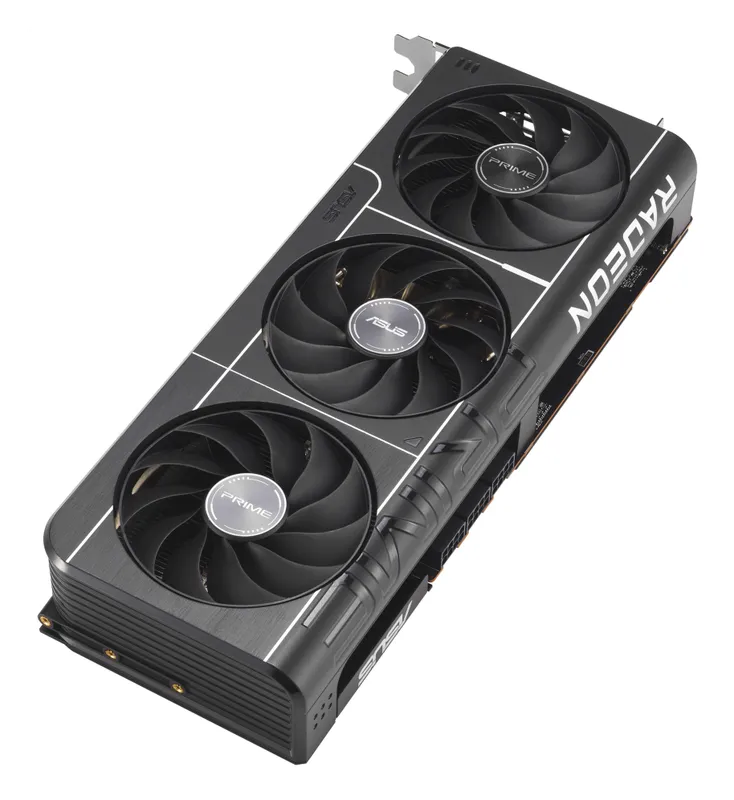
AMD Radeon RX 9070 XT
Check pricefor AMD Radeon RX 9070 XT (opens in a new tab)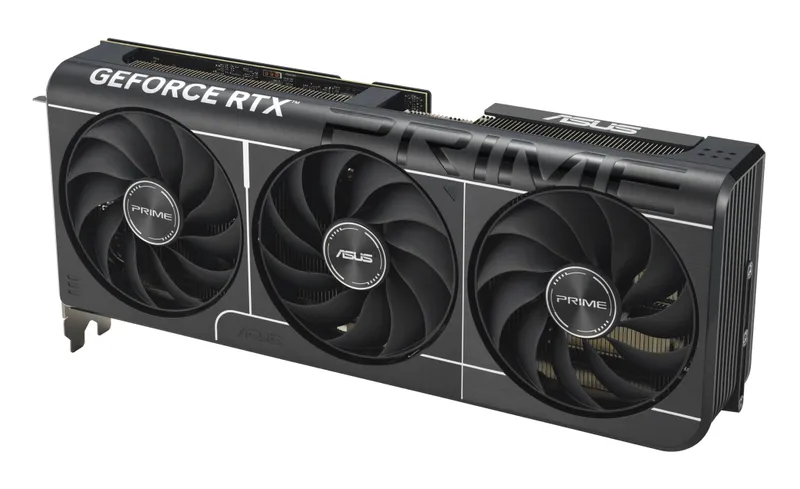
NVIDIA GeForce RTX 5070
Check pricefor NVIDIA GeForce RTX 5070 (opens in a new tab)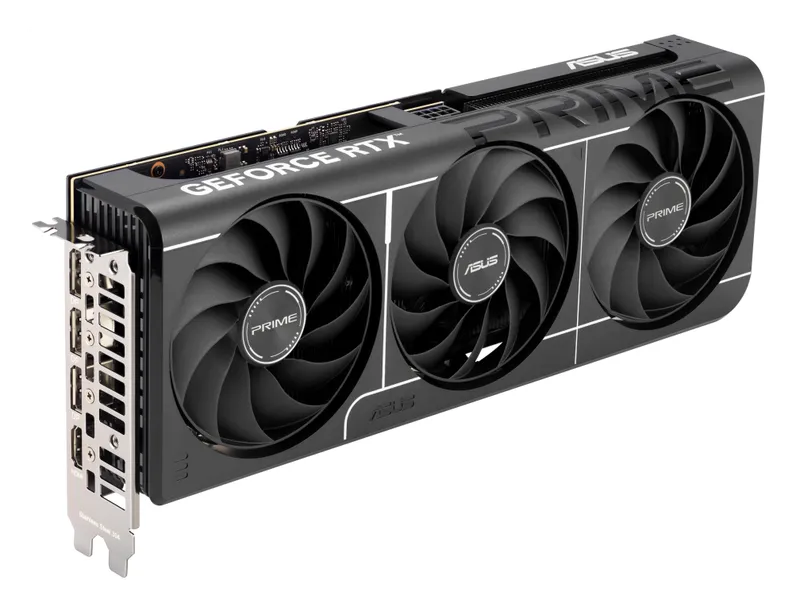
NVIDIA GeForce RTX 5060 Ti 16 GB
Check pricefor NVIDIA GeForce RTX 5060 Ti 16 GB (opens in a new tab)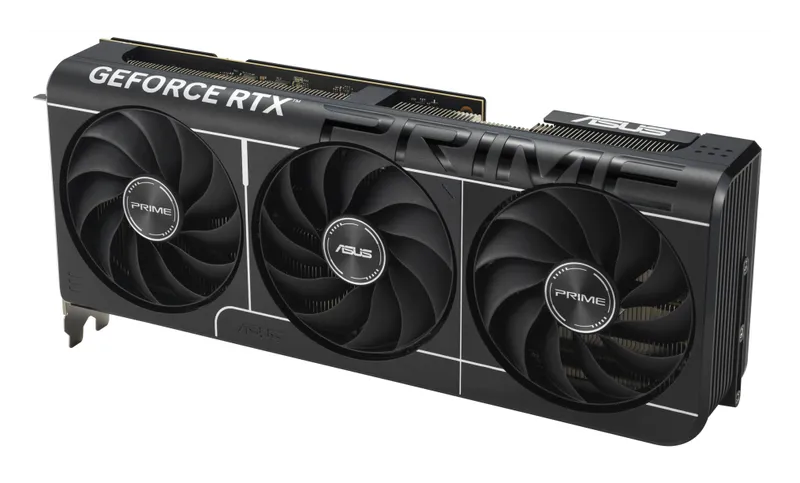
NVIDIA GeForce RTX 5070 Ti
Check pricefor NVIDIA GeForce RTX 5070 Ti (opens in a new tab)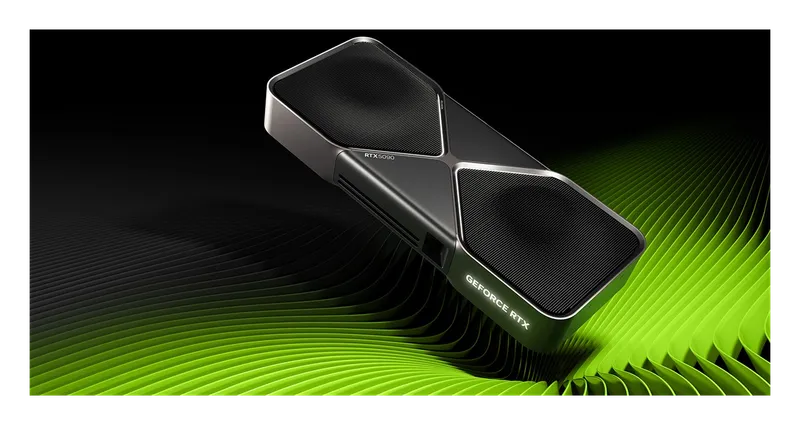
NVIDIA GeForce RTX 5090
Check pricefor NVIDIA GeForce RTX 5090 (opens in a new tab)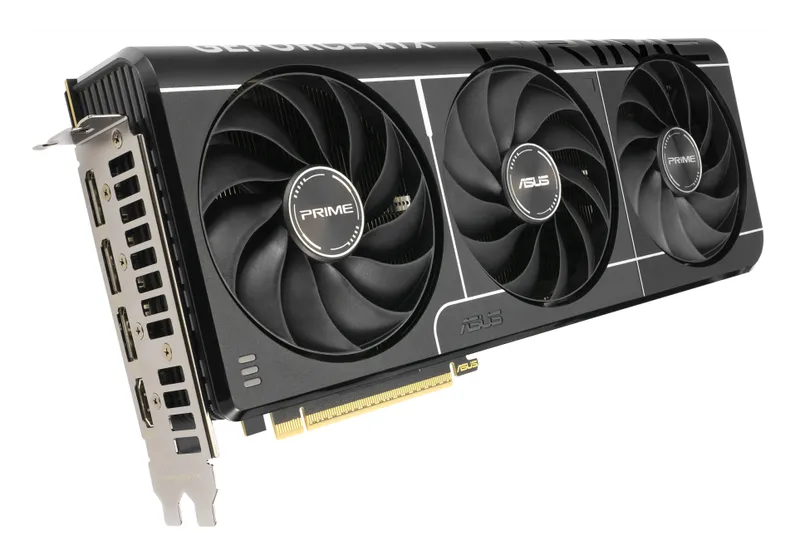
NVIDIA GeForce RTX 5080
Check pricefor NVIDIA GeForce RTX 5080 (opens in a new tab)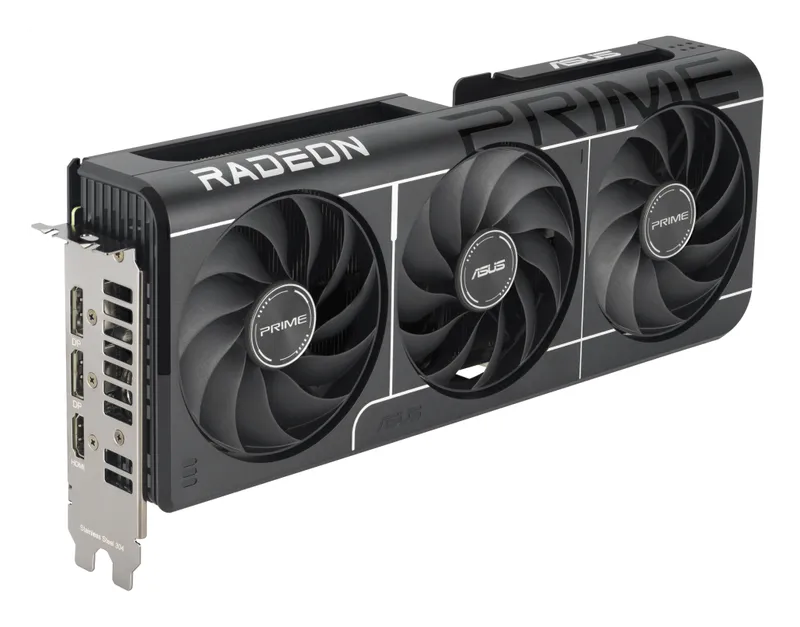
AMD Radeon RX 9060 XT 16 GB
Check pricefor AMD Radeon RX 9060 XT 16 GB (opens in a new tab)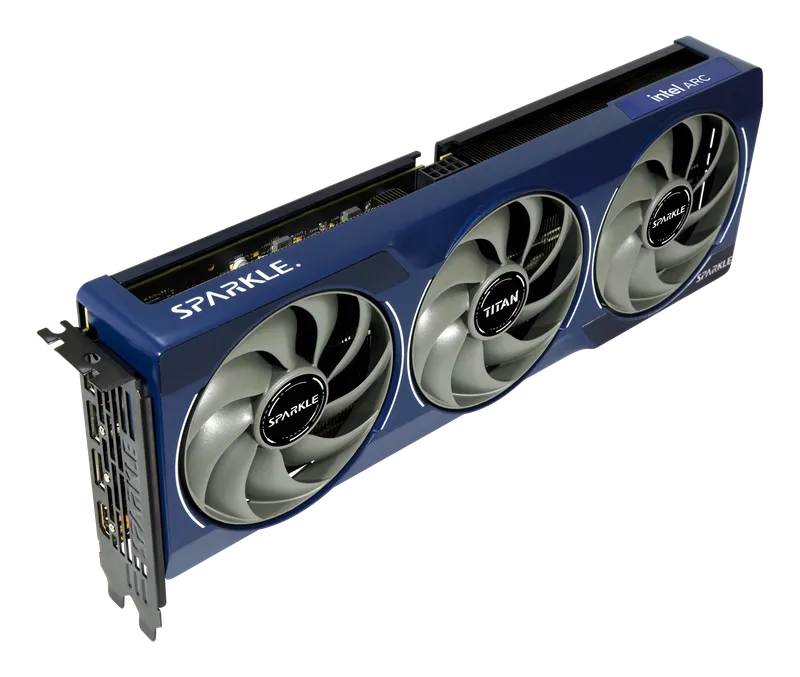
Intel Arc B580
Check pricefor Intel Arc B580 (opens in a new tab)Compare specs
| Product | #1AMD Radeon RX 9070 XTBest value | #2NVIDIA GeForce RTX 5070Best mid-range NVIDIA | #3NVIDIA GeForce RTX 5060 Ti 16 GBBest 1080p | #4NVIDIA GeForce RTX 5070 TiBest overall | #5NVIDIA GeForce RTX 5090Fastest you can buy | #6NVIDIA GeForce RTX 5080Best for 4K | #7AMD Radeon RX 9060 XT 16 GBBest budget | #8Intel Arc B580Best under $300 |
|---|---|---|---|---|---|---|---|---|
| Our rating | ||||||||
| Price | $$$ | $$ | $$ | $$$ | $$$$ | $$$$ | $$ | $ |
| VRAM | 16 GB GDDR6 | 12 GB GDDR7 | 16 GB GDDR7 | 16 GB GDDR7 | 32 GB GDDR7 | 16 GB GDDR7 | 16 GB GDDR6 | 12 GB GDDR6 |
| Memory bus | 256-bit | 192-bit | 128-bit | 256-bit | 512-bit | 256-bit | 128-bit | 192-bit |
| Board power | ~304 W (reference) | ~250 W (reference) | ~180 W (reference) | ~300 W (reference) | ~575 W (reference) | ~360 W (reference) | Check listing | ~190 W (reference) |
| Upscaling & frame gen | FSR 4, AMD Fluid Motion Frames | DLSS 4 (Multi Frame Generation) | DLSS 4 (Multi Frame Generation) | DLSS 4 (Multi Frame Generation) | DLSS 4 (Multi Frame Generation) | DLSS 4 (Multi Frame Generation) | FSR 4, AMD Fluid Motion Frames | XeSS 2 (with frame generation) |
| Best for | 1440p high refresh, 4K | 1440p | 1080p high refresh, entry 1440p | 1440p high refresh, 4K | 4K max settings, AI and creative work | 4K high settings | 1080p high refresh, entry 1440p | 1080p |
| Buy | Check pricefor AMD Radeon RX 9070 XT (opens in a new tab) | Check pricefor NVIDIA GeForce RTX 5070 (opens in a new tab) | Check pricefor NVIDIA GeForce RTX 5060 Ti 16 GB (opens in a new tab) | Check pricefor NVIDIA GeForce RTX 5070 Ti (opens in a new tab) | Check pricefor NVIDIA GeForce RTX 5090 (opens in a new tab) | Check pricefor NVIDIA GeForce RTX 5080 (opens in a new tab) | Check pricefor AMD Radeon RX 9060 XT 16 GB (opens in a new tab) | Check pricefor Intel Arc B580 (opens in a new tab) |
The picks, reviewed
AMDAMD Radeon RX 9070 XT
AMD's RDNA 4 flagship delivers performance close to the RTX 5070 Ti in many games for less money, with much-improved ray tracing and FSR 4's AI upscaling.
Pros
- Excellent performance per dollar
- 16 GB of VRAM
- FSR 4 is a big leap in upscaling quality
Cons
- Ray tracing still trails NVIDIA in the heaviest games
- FSR 4 is in fewer games than DLSS
- VRAM
- 16 GB GDDR6
- Memory bus
- 256-bit
- Board power
- ~304 W (reference)
- Upscaling & frame gen
- FSR 4, AMD Fluid Motion Frames
NVIDIANVIDIA GeForce RTX 5070
A solid 1440p card with the full DLSS 4 feature set at a mid-range price. It is a good pick if you want NVIDIA features without paying for a Ti.
Pros
- Good 1440p performance
- Full DLSS 4 feature set
- Efficient, so it suits modest PSUs
Cons
- 12 GB VRAM can limit future games at max textures
- RX 9070 XT is often faster for similar money
- VRAM
- 12 GB GDDR7
- Memory bus
- 192-bit
- Board power
- ~250 W (reference)
- Upscaling & frame gen
- DLSS 4 (Multi Frame Generation)
NVIDIANVIDIA GeForce RTX 5060 Ti 16 GB
The 16 GB version is a capable 1080p and entry-level 1440p card with DLSS 4. Avoid the 8 GB version for anything beyond esports titles.
Pros
- 16 GB VRAM at a mainstream price
- Low power draw
- DLSS 4 extends its useful life
Cons
- Easily confused with the 8 GB version, so check before you buy
- PCIe x8 interface loses some speed on older PCIe 3.0 boards
- VRAM
- 16 GB GDDR7
- Memory bus
- 128-bit
- Board power
- ~180 W (reference)
- Upscaling & frame gen
- DLSS 4 (Multi Frame Generation)
NVIDIANVIDIA GeForce RTX 5070 Ti
The sweet spot of the RTX 50 series. It has 16 GB of VRAM, excellent ray tracing, and DLSS 4 with Multi Frame Generation, and it handles 1440p high-refresh and very playable 4K.
Pros
- 16 GB of VRAM gives comfortable headroom
- Strong ray tracing plus DLSS 4 Multi Frame Generation
- Great for 1440p high-refresh and 4K with upscaling
Cons
- Partner cards often sell well above MSRP
- VRAM
- 16 GB GDDR7
- Memory bus
- 256-bit
- Board power
- ~300 W (reference)
- Upscaling & frame gen
- DLSS 4 (Multi Frame Generation)
NVIDIANVIDIA GeForce RTX 5090
The undisputed performance king. It offers 32 GB of VRAM and enough power for native 4K with full path tracing, and it doubles as a serious AI and creative workstation card.
Pros
- Fastest gaming GPU available
- 32 GB VRAM for 4K, AI, and 3D workloads
- Excellent for content creation
Cons
- Extremely expensive and often hard to find at MSRP
- Very high power draw needs a quality 1000 W+ class PSU
- VRAM
- 32 GB GDDR7
- Memory bus
- 512-bit
- Board power
- ~575 W (reference)
- Upscaling & frame gen
- DLSS 4 (Multi Frame Generation)
NVIDIANVIDIA GeForce RTX 5080
A big step below the 5090 in price and power, but still a strong 4K card, especially with DLSS 4. It is the pick if you want high-end without flagship pricing.
Pros
- Strong 4K performance with DLSS
- Much cheaper and cooler than the 5090
Cons
- Only modestly faster than the 5070 Ti for the extra cost
- 16 GB is tight for a card at this price
- VRAM
- 16 GB GDDR7
- Memory bus
- 256-bit
- Board power
- ~360 W (reference)
- Upscaling & frame gen
- DLSS 4 (Multi Frame Generation)
AMDAMD Radeon RX 9060 XT 16 GB
A great value 1080p card with 16 GB of VRAM and FSR 4. It usually undercuts the RTX 5060 Ti 16 GB for similar raster performance.
Pros
- Excellent value with 16 GB VRAM
- FSR 4 support
- Efficient
Cons
- An 8 GB version exists, so make sure you buy the 16 GB card
- PCIe x8 interface loses some speed on older PCIe 3.0 boards
- VRAM
- 16 GB GDDR6
- Memory bus
- 128-bit
- Board power
- Check listing
- Upscaling & frame gen
- FSR 4, AMD Fluid Motion Frames
IntelIntel Arc B580
The cheapest modern GPU worth buying. It has 12 GB of VRAM and solid 1080p performance, which makes it ideal for budget builds with a recent CPU.
Pros
- 12 GB VRAM at an entry-level price
- Good 1080p performance and XeSS 2 upscaling
Cons
- Needs Resizable BAR, which rules out older PCs
- Loses performance when paired with older or budget CPUs
- Drivers are less mature in some older games
- VRAM
- 12 GB GDDR6
- Memory bus
- 192-bit
- Board power
- ~190 W (reference)
- Upscaling & frame gen
- XeSS 2 (with frame generation)
How to choose a graphics card
Start with your monitor
| Your monitor | GPU tier to target | Our picks |
|---|---|---|
| 1080p | Entry to mid-range | Arc B580, RX 9060 XT 16 GB, RTX 5060 Ti 16 GB |
| 1440p | Mid-range to upper mid-range | RTX 5070, RX 9070 XT, RTX 5070 Ti |
| 4K | High-end | RTX 5070 Ti, RTX 5080, RTX 5090 |
A GPU should match your monitor’s resolution and refresh rate. A 1440p 165 Hz display wants a card that can actually push 100+ fps at 1440p in the games you play.
How much VRAM do you need?
- 8 GB: increasingly limiting in new games, even at 1080p. Avoid it for a new gaming card unless you only play esports titles.
- 12 GB: fine for 1080p and most 1440p gaming today.
- 16 GB: the comfortable choice for 1440p and 4K, with headroom for future games.
- 24–32 GB: 4K max settings, AI models, and heavy 3D and video work.
Several cards (RTX 5060 Ti, RX 9060 XT) come in 8 GB and 16 GB versions with near-identical names. Always check the listing.
Upscaling and frame generation
- Upscaling (DLSS, FSR, XeSS) renders at a lower resolution and reconstructs a sharp image. It’s a big performance boost with little visual cost, especially DLSS 4 and FSR 4.
- Frame generation inserts AI-generated frames between real ones for much smoother motion. It works best when you already have a decent base frame rate (around 60 fps or more), because it adds some input latency and can’t fix a low base frame rate.
NVIDIA has the broadest game support for DLSS. AMD’s FSR 4 is a major quality jump but only runs on RX 9000 cards and appears in fewer games.
NVIDIA vs. AMD vs. Intel
- NVIDIA: the best ray tracing, the widest DLSS support, and the strongest choice for AI and creative apps (CUDA). You pay a premium for it.
- AMD: usually more raster performance and VRAM per dollar, with much-improved ray tracing and FSR 4 on RX 9000.
- Intel: the best value at the very low end, but it needs a modern platform with Resizable BAR and a recent CPU.
Before you buy: check your PC
- Power supply: follow the card maker’s recommended PSU wattage, and use a quality unit. High-end NVIDIA cards use the 12V-2x6 (16-pin) connector. Make sure it’s fully seated, and don’t bend the cable sharply near the plug.
- Case clearance: modern cards can be very long and three or more slots thick. Check the card’s length against your case’s GPU clearance.
- CPU pairing: a budget or older CPU can bottleneck a high-end GPU, especially at 1080p.
- PCIe slot: every card here works in a PCIe 4.0 or 5.0 x16 slot. Cards with an x8 interface (RTX 5060 Ti, RX 9060 XT, Arc B580) lose some performance on older PCIe 3.0 motherboards.
FAQ
Is ray tracing worth it? In games built around it, such as path-traced titles, yes. It’s transformative on high-end cards. In many games it’s a subtle upgrade that costs a lot of performance, so raster speed and VRAM still matter more for most buyers.
Should I buy a Founders Edition or a partner card? NVIDIA’s Founders Edition cards are sold mainly through NVIDIA and select retailers. On Amazon you’ll find partner cards from ASUS, MSI, Gigabyte, Sapphire, and others. Prices vary with cooling and factory overclocks, but performance within the same GPU model is usually within a few percent.
Should I wait for the next generation? There’s always something new coming. If a card fits your budget and monitor today, buy it. If a launch is only weeks away, waiting can bring lower prices on current cards.